Make audio-related settings.
Items that can be set with the “Audio” procedure
Menu operation
Dialog Level (vpage 94)
Subwoofer Level (vpage 94)
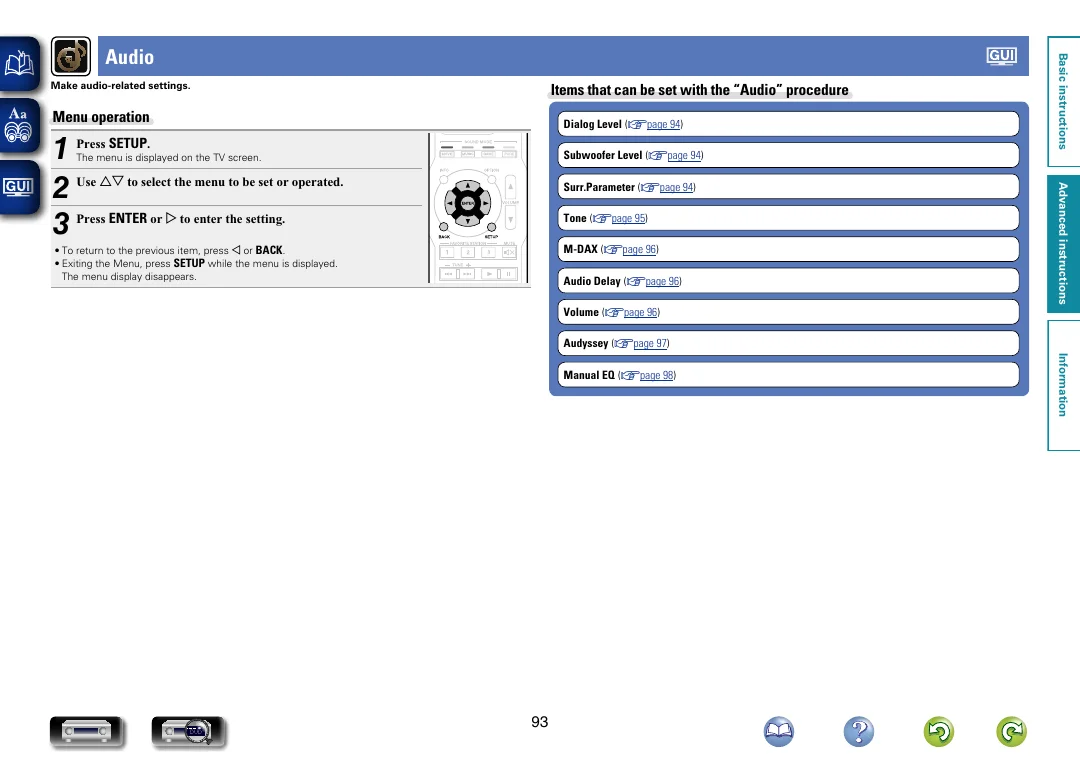
The menu is displayed on the TV screen.
Surr.Parameter (vpage 94)
Tone (vpage 95)
M-DAX (vpage 96)
• To return to the previous item, press o or BACK .
• Exiting the Menu, press SETUP while the menu is displayed.
The menu display disappears.
Audio Delay (vpage 96)
Volume (vpage 96)
Advanced instructions
1
2 Use ui to select the menu to be set or operated.
3 Press ENTER or p to enter the setting.
Press SETUP .
Basic instructions
Audio
Audyssey (vpage 97)
DVD
93
Information
Manual EQ (vpage 98)