NetComm VoIP WiFi Phone V24W User Guide
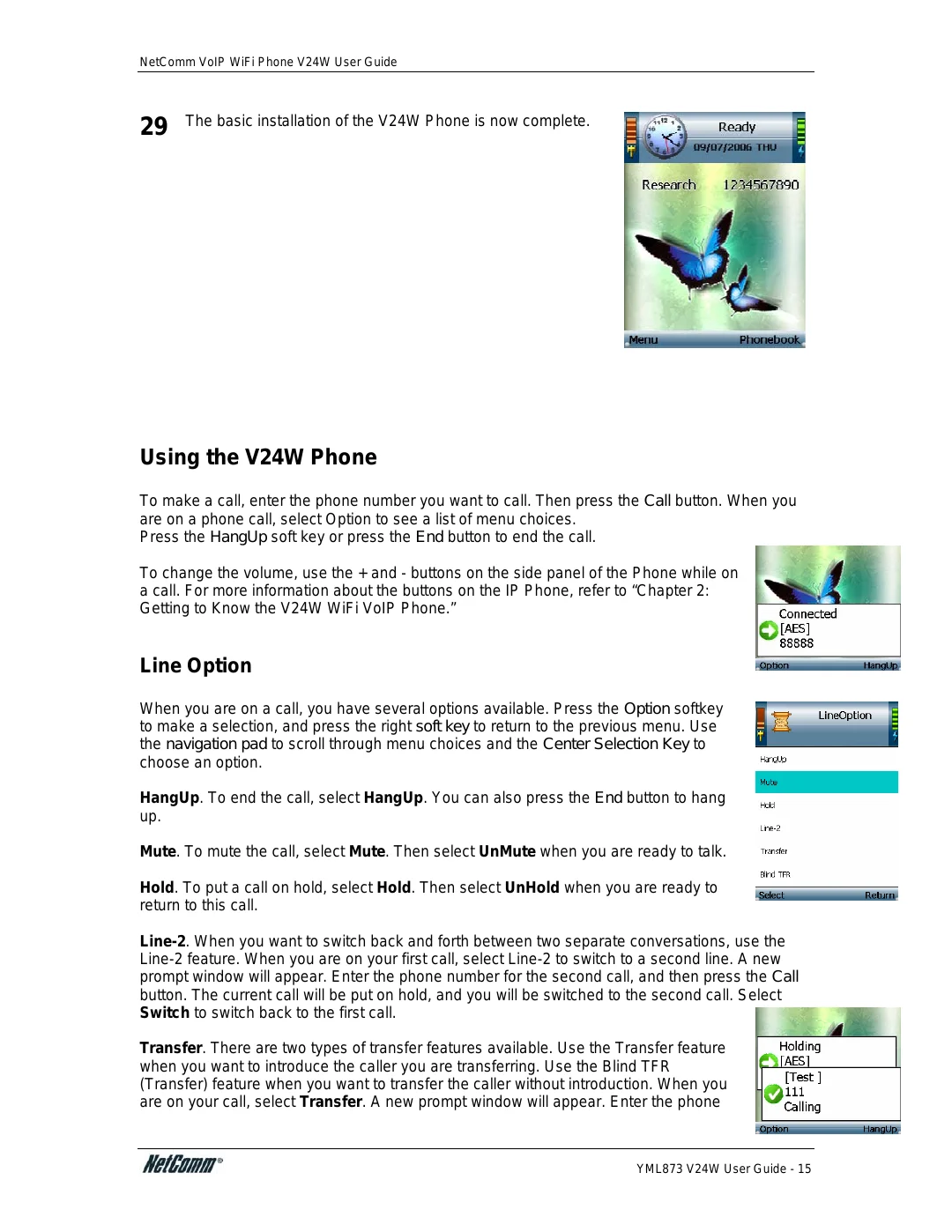
29 The basic installation of the V24W Phone is now complete.
Using the V24W Phone
To make a call, enter the phone number you want to call. Then press the Call button. When you are on a phone call, select Option to see a list of menu choices.
Press the HangUp soft key or press the End button to end the call.
To change the volume, use the + and - buttons on the side panel of the Phone while on a call. For more information about the buttons on the IP Phone, refer to “Chapter 2: Getting to Know the V24W WiFi VoIP Phone.”
Line Option
When you are on a call, you have several options available. Press the Option softkey to make a selection, and press the right soft key to return to the previous menu. Use the navigation pad to scroll through menu choices and the Center Selection Key to choose an option.
HangUp. To end the call, select HangUp. You can also press the End button to hang up.
Mute. To mute the call, select Mute. Then select UnMute when you are ready to talk.
Hold. To put a call on hold, select Hold. Then select UnHold when you are ready to return to this call.
Transfer. There are two types of transfer features available. Use the Transfer feature when you want to introduce the caller you are transferring. Use the Blind TFR (Transfer) feature when you want to transfer the caller without introduction. When you are on your call, select Transfer. A new prompt window will appear. Enter the phone
YML873 V24W User Guide - 15