NetComm VoIP WiFi Phone V24W User Guide
Main Menu
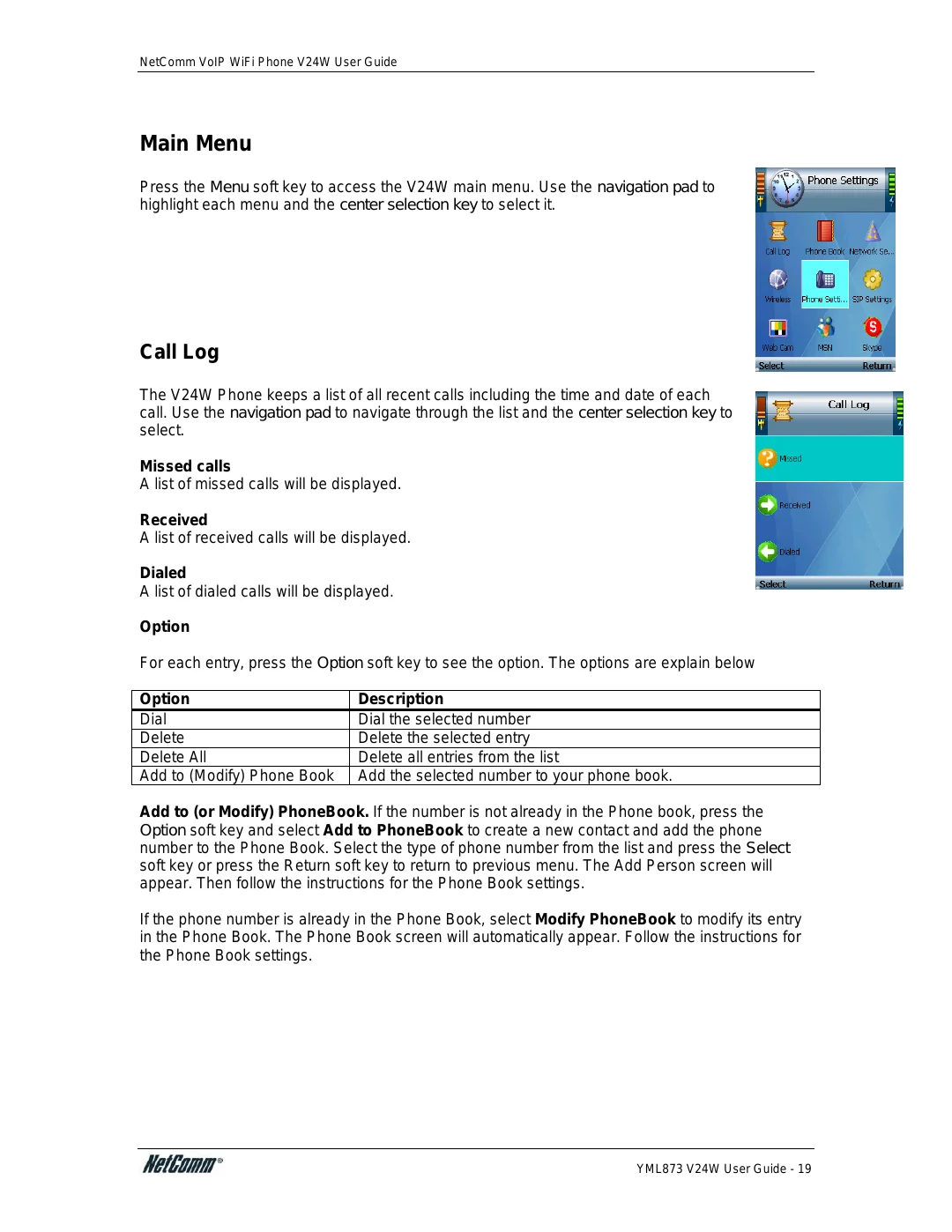
Press the Menu soft key to access the V24W main menu. Use the navigation pad to highlight each menu and the center selection key to select it.
Call Log
The V24W Phone keeps a list of all recent calls including the time and date of each call. Use the navigation pad to navigate through the list and the center selection key to select.
Missed calls
A list of missed calls will be displayed.
Received
A list of received calls will be displayed.
Dialed
A list of dialed calls will be displayed.
Option
For each entry, press the Option soft key to see the option. The options are explain below
Option | Description |
Dial | Dial the selected number |
Delete | Delete the selected entry |
Delete All | Delete all entries from the list |
Add to (Modify) Phone Book | Add the selected number to your phone book. |
Add to (or Modify) PhoneBook. If the number is not already in the Phone book, press the Option soft key and select Add to PhoneBook to create a new contact and add the phone number to the Phone Book. Select the type of phone number from the list and press the Select soft key or press the Return soft key to return to previous menu. The Add Person screen will appear. Then follow the instructions for the Phone Book settings.
If the phone number is already in the Phone Book, select Modify PhoneBook to modify its entry in the Phone Book. The Phone Book screen will automatically appear. Follow the instructions for the Phone Book settings.
YML873 V24W User Guide - 19