NetComm VoIP WiFi Phone V24W User Guide
Chapter 4: Configuring the V24W WiFi VoIP Phone
Home Screen
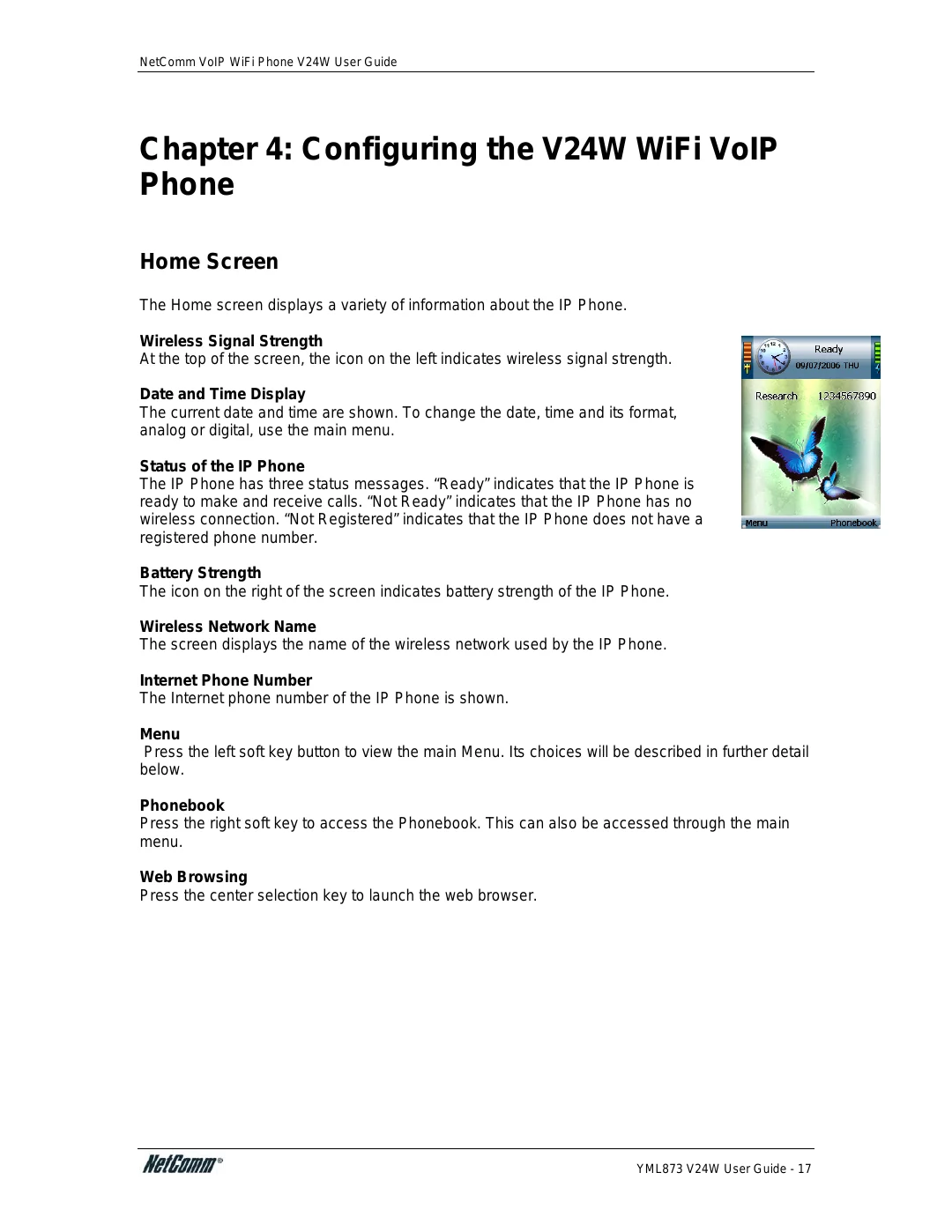
The Home screen displays a variety of information about the IP Phone.
Wireless Signal Strength
At the top of the screen, the icon on the left indicates wireless signal strength.
Date and Time Display
The current date and time are shown. To change the date, time and its format, analog or digital, use the main menu.
Status of the IP Phone
The IP Phone has three status messages. “Ready” indicates that the IP Phone is ready to make and receive calls. “Not Ready” indicates that the IP Phone has no wireless connection. “Not Registered” indicates that the IP Phone does not have a registered phone number.
Battery Strength
The icon on the right of the screen indicates battery strength of the IP Phone.
Wireless Network Name
The screen displays the name of the wireless network used by the IP Phone.
Internet Phone Number
The Internet phone number of the IP Phone is shown.
Menu
Press the left soft key button to view the main Menu. Its choices will be described in further detail below.
Phonebook
Press the right soft key to access the Phonebook. This can also be accessed through the main menu.
Web Browsing
Press the center selection key to launch the web browser.
YML873 V24W User Guide - 17