NetComm VoIP WiFi Phone V24W User Guide
Overview
For your convenience, you can configure your V24W WiFi VoIP Phone either via the phone interface or you can use the build in
How to Access the
First, you need the VoIP Phone’s IP address. Use your V24W Phone to check the IP address. From the main Menu on the IP Phone, select Information and press the center selection key. The IP address is listed here.
To access the
Address field, enter http:// and then the phone’s IP address (e.g. http://192.168.1.50) and press Enter.
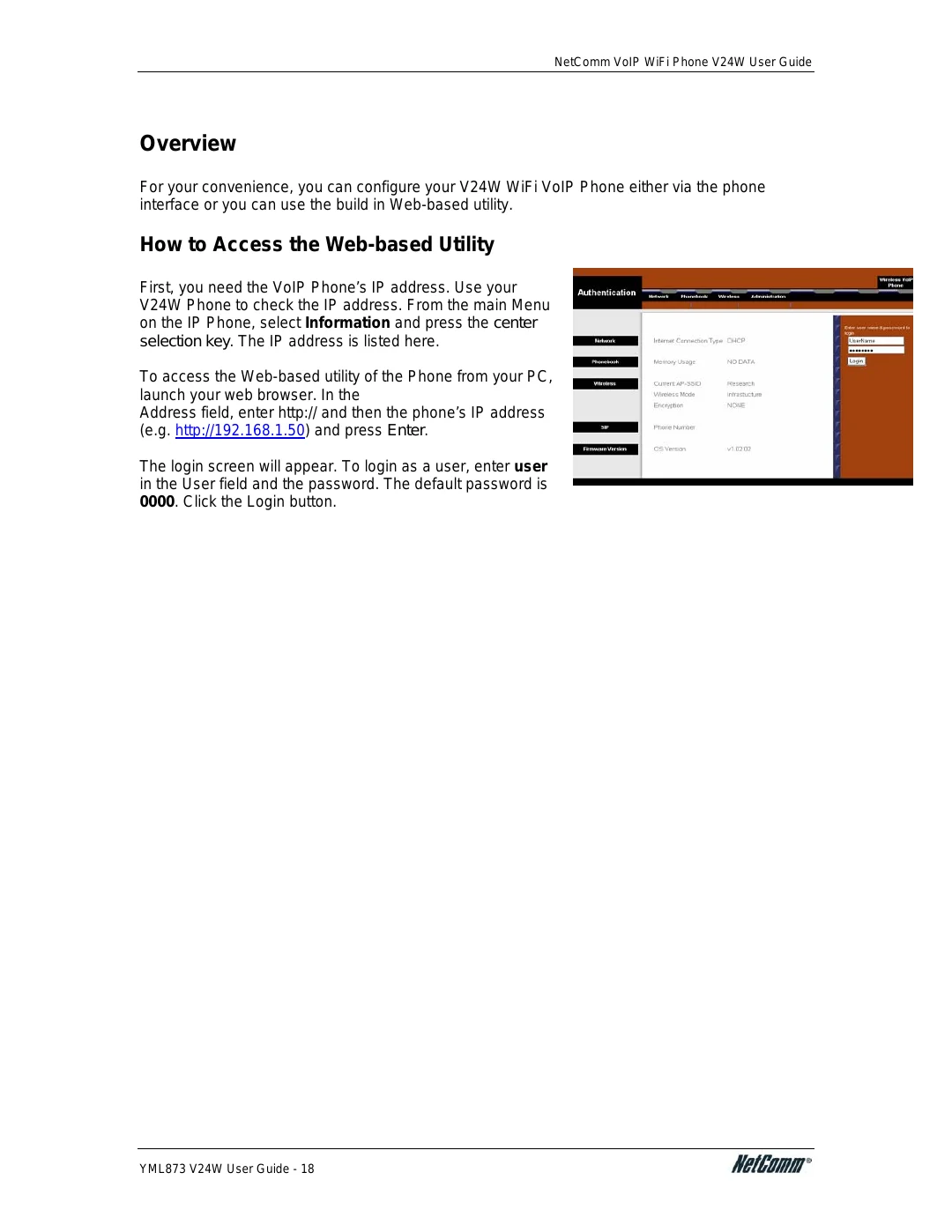
The login screen will appear. To login as a user, enter user in the User field and the password. The default password is 0000. Click the Login button.
YML873 V24W User Guide - 18