•GPRS
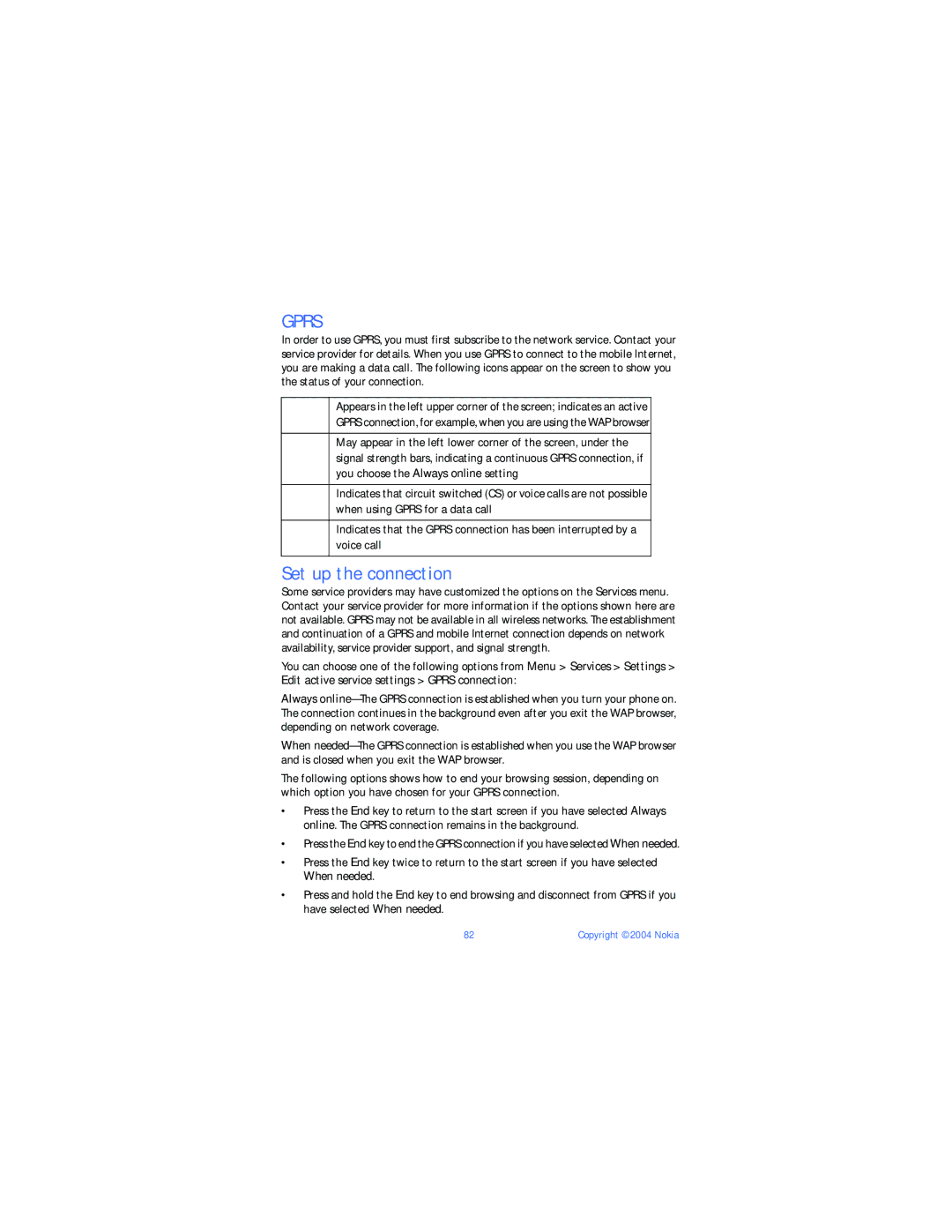
In order to use GPRS, you must first subscribe to the network service. Contact your service provider for details. When you use GPRS to connect to the mobile Internet, you are making a data call. The following icons appear on the screen to show you the status of your connection.
Appears in the left upper corner of the screen; indicates an active GPRS connection, for example, when you are using the WAP browser
May appear in the left lower corner of the screen, under the signal strength bars, indicating a continuous GPRS connection, if you choose the Always online setting
Indicates that circuit switched (CS) or voice calls are not possible when using GPRS for a data call
Indicates that the GPRS connection has been interrupted by a voice call
Set up the connection
Some service providers may have customized the options on the Services menu. Contact your service provider for more information if the options shown here are not available. GPRS may not be available in all wireless networks. The establishment and continuation of a GPRS and mobile Internet connection depends on network availability, service provider support, and signal strength.
You can choose one of the following options from Menu > Services > Settings > Edit active service settings > GPRS connection:
Always
When
The following options shows how to end your browsing session, depending on which option you have chosen for your GPRS connection.
•Press the End key to return to the start screen if you have selected Always online. The GPRS connection remains in the background.
•Press the End key to end the GPRS connection if you have selected When needed.
•Press the End key twice to return to the start screen if you have selected When needed.
•Press and hold the End key to end browsing and disconnect from GPRS if you have selected When needed.
82 | Copyright © 2004 Nokia |