User Guide Guide de l’utilisation
Remarque La version française du guide se trouve à la
Nokia 8800 Nokia 8801 User Guide
Legal Information Declaration of Conformity
Part no , Issue no
Export Controls
Contents
Only qualified personnel may install or repair this product
For your safety
Nokia 8801 phone RM-33
Network services
About your device
Your phone is not water-resistant. Keep it dry
Shared memory
Find your phone label
Updates Register your phone
Welcome
Get help
Copyright protection
Accessibility solutions
Configuration settings service
Newsletters
Slide the back cover to remove it from the phone
SIM card installation
To install the SIM card
Getting started
Contacts match
Battery lock
Charge the battery
Position
Hold the phone in one hand
See Configuration settings service on
Turn the phone on and off
Open the keypad
Normal operating position
Keys and parts
Your phone
Power saving screen saver
Standby mode
Alarm clock is set
Indicators and icons
Indicators
See Standby mode on page 15 for information on indicators
Security code
Access codes
Phone security
Keypad lock keyguard
Call restrictions password
PUK codes
Wallet code
Touch dialing
Call waiting network service
Call functions
Make a call
Options during a call
Your phone may have two types of menu views List and Grid
Access a menu function
Phone menus
Menu views
Messages
Text messages network service
Predictive text input
Settings
When you finish writing the word and it is correct, press
Text entry
Select Menu Messages Create message Text message
Write and send
Read and reply
Templates
Select Menu Messages Create message Multimedia msg
Multimedia messages network service
Read and reply
Folders
Memory full
Instant messaging network service
Register with an instant messaging service
Access
Sessions
Connect
Participate in a conversation
Set your availability
Accept or reject an invitation
Read an instant message
Public
IM contacts
Block or unblock messages
Groups
Select Menu Messages E-mail Create e-mail
Mail application
Download
This application does not support keypad tones
Delete messages
Voice messages network service
Info messages network service
Inbox and other folders
Text and SMS e-mail
Service commands
Message settings
Delete all messages
Mail
Settings affect the sending, receiving and viewing of e-mail
Other settings
Incoming mail settings
Message counter
Save numbers, items, or an image
Contacts
Search
Save names and phone numbers
Business cards
Copy a contact
Edit contact details
Delete contacts or details
My viewers Current viewers, Private list, or Blocked list
My presence network service
Connect to My presence service
Subscribed names
View
Settings
Groups
Add contacts
Voice dialing
Add and manage voice tags
Appears after the phone number with a voice tag in Contacts
Make a call using a voice tag
Info, service and my numbers
Positioning information
Counters and timers
Call log
Recent calls list
Settings
Profiles
Themes
Time and date
You can change the settings of the selected active profile
Tones
Display
Connectivity
My shortcuts
Connection
Packet data Egprs network service
To set up a Bluetooth connection, do the following
Select Menu Settings Connectivity Bluetooth
Modem settings
Data transfer and synchronization
Partner list
Data transfer with SIM card
Data transfer with a compatible device
Synchronize from a compatible PC
Synchronize from a server
Call
Select Menu Settings Call and one of following options
Send my caller ID network service Yes, or Set by network
Select Menu Settings Phone and one of the following options
Enhancement
Configuration
Security
Restore factory settings
Operator menu
Select Menu Gallery
Gallery
Media
Camera
Media player
To stop the playing, select
Settings
Music player
Play music tracks
Select Menu Media Radio
Radio
Save channels
Listen
Recorder
Record sound
Select Menu Media Recorder
Select Menu Media Equalizer
Equalizer
List of recordings
Open Recordings to see the list with recordings
Alert tone and message
Alarm clock
Organizer
Calendar
Meeting, Call, Birthday, Memo or Reminder
To-do list
Make a note
Add a to-do note
Select Menu Organizer Notes
Wallet
Options
Options
Personal notes
Access the menu
Settings to modify wallet settings. See Create a profile on
Save card details
Wallet profile name enter a name for the profile Select Done
Create a profile
Calculator
Purchases network service
Select Menu Organizer Calculator
Countdown timer
Basic calculations
Currency conversion
Stopwatch
Applications
Games
Collection
Download applications network service
Web
Service provider
Access service
Set up service
Phone keys
Activate the settings
Connect to a service
Browse
Appearance settings
Direct calling
Cookies
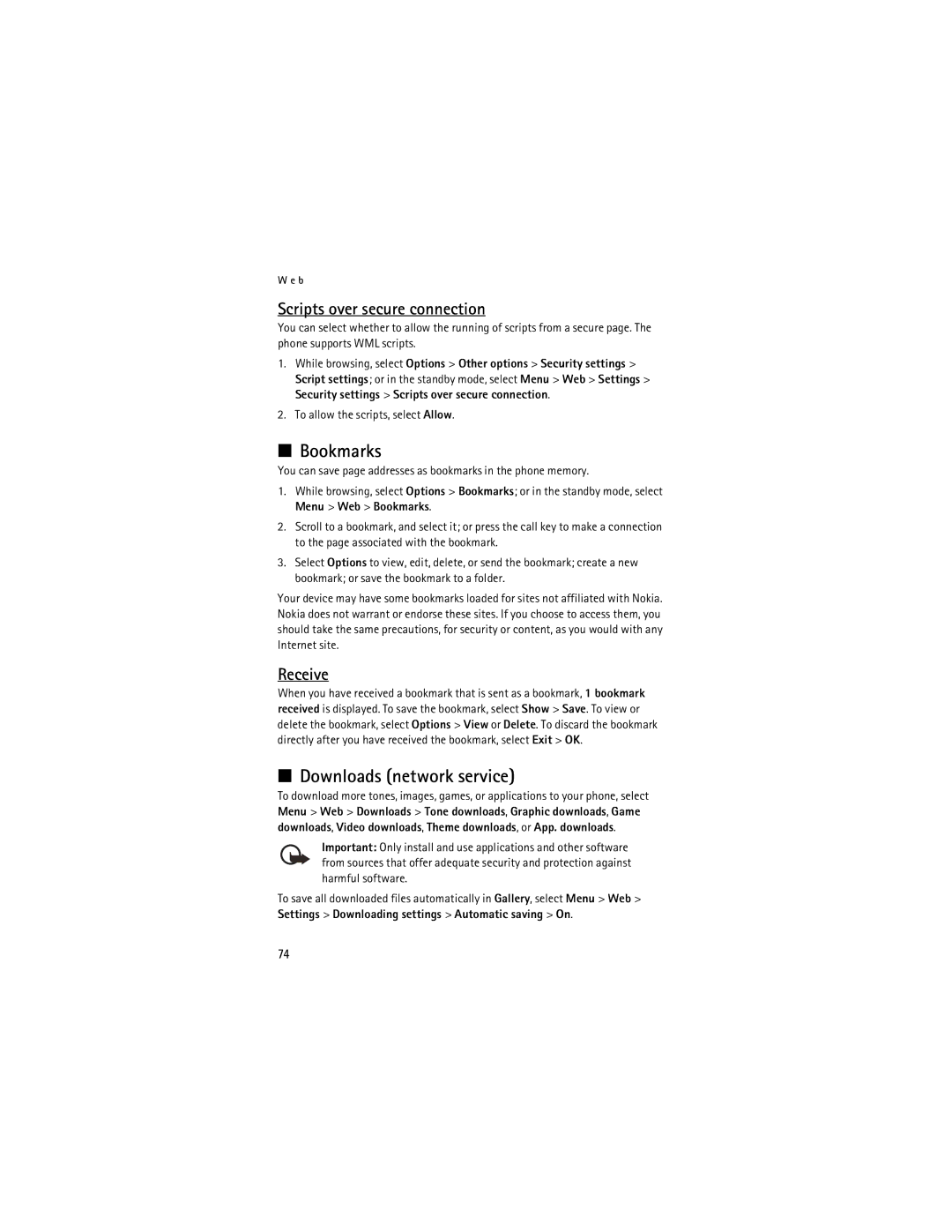
Receive
Downloads network service
Bookmarks
Scripts over secure connection
Browser security
Service inbox network service
Select Menu Web Settings Service inbox settings
Cache memory
Certificates
Security module
Digital signature
SIM services
Computer connectivity
Nokia PC Suite Packet data, HSCSD, and CSD
Data communication applications
Enhancements
Charging and discharging
Battery information
Nokia battery authentication guidelines
Reference information
What if your battery is not authentic?
Authenticate hologram
Pacemakers
Additional safety information
Operating environment
Medical devices
Airplanes
Vehicles
Potentially explosive environments
Hearing aids
Emergency calls
Certification Information SAR
To make an emergency call
Charging, talk and standby times
Charging time
Talk and standby times
Technical information
Care and maintenance
Message from the Ctia
Guide to Safe and Responsible Wireless Phone Use
Wireless Phone Safety Tips
Statements from other agencies
A t e m e n t s f r o m o t h e r a g e n c i e s
Message from the FDA
Do wireless phones pose a health hazard?
What is FDAs role concerning the safety of wireless phones?
What about children using wireless phones?
How does FCC Audit Cell Phone RF?
Updated July 29
Keyguard 17 automatic 50 security Media player 56 menu
Touch dialing Access codes 17 alarm clock 61 antenna
Network Services 6 Nokia PC Suite 79 notes
Index
User guide updates Voice commands Wallpaper
Page
Guide d’utilisation des téléphones 8800 et 8801 de Nokia
Pièce Nº 9238832, Version N
100
Contrôle DES Exportations
101
Table des matières
LA Sécurité Routière Avant Tout
Pour votre sécurité
Le téléphone 8800 de Nokia RM-13
Propos de votre appareil
104
Votre téléphone n’est pas imperméable. Gardez-le au sec
Services réseau
Mémoire partagée
105
Repérer l’étiquette du téléphone
Introduction
Les services et les paramètres de configuration
Protection des droits d’auteur
107
Activer les paramètres de configuration enregistrés?
Prise en charge du réseau
108
Puis, retirez la pile tel qu’illustré
Installation de la carte SIM
Installer la carte SIM
Préparer votre téléphone pour l’utilisation
Placez la pile de
Verrouiller le loquet de la pile
Charger la pile
110
111
Allumer ou éteindre le téléphone
Tenez le téléphone dans une main
Ouvrir le clavier
Position normale de fonctionnement
112
Touches et pièces
Votre téléphone
Mode veille
Écran de veille
114
115
Indicateurs et icônes
Indicateurs
Icônes
Code de sécurité
Sécurité du téléphone
Verrouillage clavier
Codes d’accès
117
Codes PUK
Mot de passe de restriction d’appel
Code portefeuille
Composition 1 touche composition abrégée
Fonctions d’appel
Faire un appel
Répondre à un appel ou le refuser
Appel en attente service réseau
Options en cours d’appel
119
Menus du téléphone
Régler les affichages de menus
Accéder à une fonction de menu
Messages texte service réseau
122
Entrée de texte
Paramètres
Entrée de texte prédictif
123
Créer et envoyer des messages texte
Lire un message et y répondre
Entrée de texte normale
Messages multimédias service réseau
Modèles
124
125
Créer et envoyer des messages multimédias
126
Message. indique les messages non envoyés
Mémoire pleine
Dossiers
127
Messagerie instantanée MI service réseau
Abonnement à un service de messagerie instantanée
128
La connexion
Accéder à votre boîte de réception de service
Se connecter
129
Accepter ou refuser une invitation
Lire un message instantané
130
Participer à une conversation
Afficher votre disponibilité
Contacts de MI
Bloquer ou débloquer des messages
Groupes privés
Application de courriel
Groupes
Groupes publics
Sélectionnez Envoyer Envoyer maintenant
Télécharger
133
Sélectionnez Menu Messages Courriel Créer courriel
134
Messagerie vocale service réseau
Boîte de réception et autres dossiers
Supprimer des messages
Régler les paramètres de messagerie
Messages d’information service réseau
Commandes de services
Supprimer tous les messages
Multimédia
Adresse de courriel
136
Paramètres du courrier entrant
Autres options
Compteur de messages
137
Entrez le nom et le numéro de téléphone
Rechercher un contact
Enregistrer des noms et des numéros
Sélectionnez Menu Contacts Noms Options Ajouter un contact
139
Copier un contact
Modifier les détails d’un contact
Supprimer un contact ou les détails correspondants
140
Ma présence service réseau
Prof. Par multimédia, Par message texte ou Par Bluetooth
Cartes professionnelles
141
Noms inscrits
Ajouter des contacts
Afficher
Désabonner un contact
Paramètres
Groupes
Composition 1 touche composition abrégée
Avant d’utiliser les marques vocales, notez que
Composition vocale
Ajouter et gérer des marques vocales
143
Info, service et mes numéros
Appeler à laide dune marque vocale
144
Renseignements relatifs au positionnement
Registre
Liste des appels récents
Compteurs et minuteurs
146
Paramètres
Profils
Thèmes
Tonalités
Affichage
148
Heure et date
Mes raccourcis
Connectivité
150
Technologie sans fil Bluetooth
Configurez votre connexion Bluetooth comme suit
Sélectionnez Menu Paramètres Connectivité Bluetooth
Mon téléphone
Paquets de données Egprs service réseau
Sécurité
151
152
Paramètres du modem
Transfert de données et synchronisation
Liste des partenaires
Transfert de données avec la carte SIM
Transfert de données avec un appareil compatible
Synchroniser depuis un ordinateur compatible
Synchronisation depuis un serveur
Régler les paramètres d’appel
Numéro de téléphone
154
155
Accessoires
156
157
Sécurité
158
Rétablir la configuration initiale du téléphone
Menu du fournisseur de services
Sélectionnez Menu Bibliothèque
Bibliothèque
161
Prendre une photo
13. Médias
Appareil photo/caméra
Lecteur multimédia
163
Régler le service de lecture en continu
Lecteur de musique
Lire des pistes de musique
164
Paramètres
Brièvement sur ou
Enregistrer des stations
Écouter
165
Liste des enregistrements
Enregistreur
Égaliseur
Enregistrer le son
Sonneries et messages de l’alarme
Organiseur
Réveil
Écrire une note
Alarme de la note
Agenda
Liste de tâches
Portefeuille
169
Sélectionnez Menu Organiseur Notes
170
Accéder au menu
Enregistrer des renseignements de carte
Créer un profil
171
Sélectionnez Terminé
172
173
Achats service réseau
Calculatrice
Calculs élémentaires
174
Minuteur
Chronomètre
Conversion de devises
175
Autres options d’applications
Jeux
Lancer une application
Téléchargements
177
Télécharger des applications service réseau
Contexte technologique
Fournisseur de services
Activer les paramètres
Accéder à vos services
Configurer le service
Se connecter à un service
180
Naviguer
Touches du téléphone
Appels directs
181
Paramètres d’apparence
Cookies fichiers témoins
Scripts sur connexion protégée
182
Téléchargements service réseau
Signets
Recevoir un signet
Boîte de réception de services service réseau
Mémoire cache
183
Reportez-vous également à la rubrique «Codes d’accès», à la
Sécurité de navigation
Module de sécurité
184
Certificats
Signature numérique
185
186
Services SIM
Applications de communication de données
Connectivité avec un ordinateur
Accessoires
Information de référence
Renseignements sur la pile
Charge et décharge de la pile
Identification des piles d’origine de Nokia
191
Hologramme d’authentification
192
Renseignements supplémentaires sur la sécurité
Environnement d’utilisation
Appareils médicaux
193
Véhicules
Stimulateurs cardiaques
Prothèses auditives
194
Appels d’urgence
Environnements à risques d’explosion
Avions
Renseignements sur la certification SAR
195
Appuyez sur la touche de conversation
Durée de chargement, en mode conversation et En mode veille
Temps de charge
196
197
Fiche technique
Entretien et réparation
Message de la Ctia
Déclarations d’autres organismes
200
Conseils de sécurité
201
202
Message de la FDA
203
204
205
Mise à jour 29 juillet
206
Garantie
Mémoire partagée Menu du fournisseur de services 159 menu
Appels durgence
Modifier une entrée 139 rechercher 138 supprimer
Mes numéros
De service
208
Numéros Dinformation