Setup menu
Change the unit’s settings if necessary. The settings remain intact even if you switch the unit to standby.
1 Press [FUNCTION MENU] and press [3, 4] to select “To Others” and press [OK].
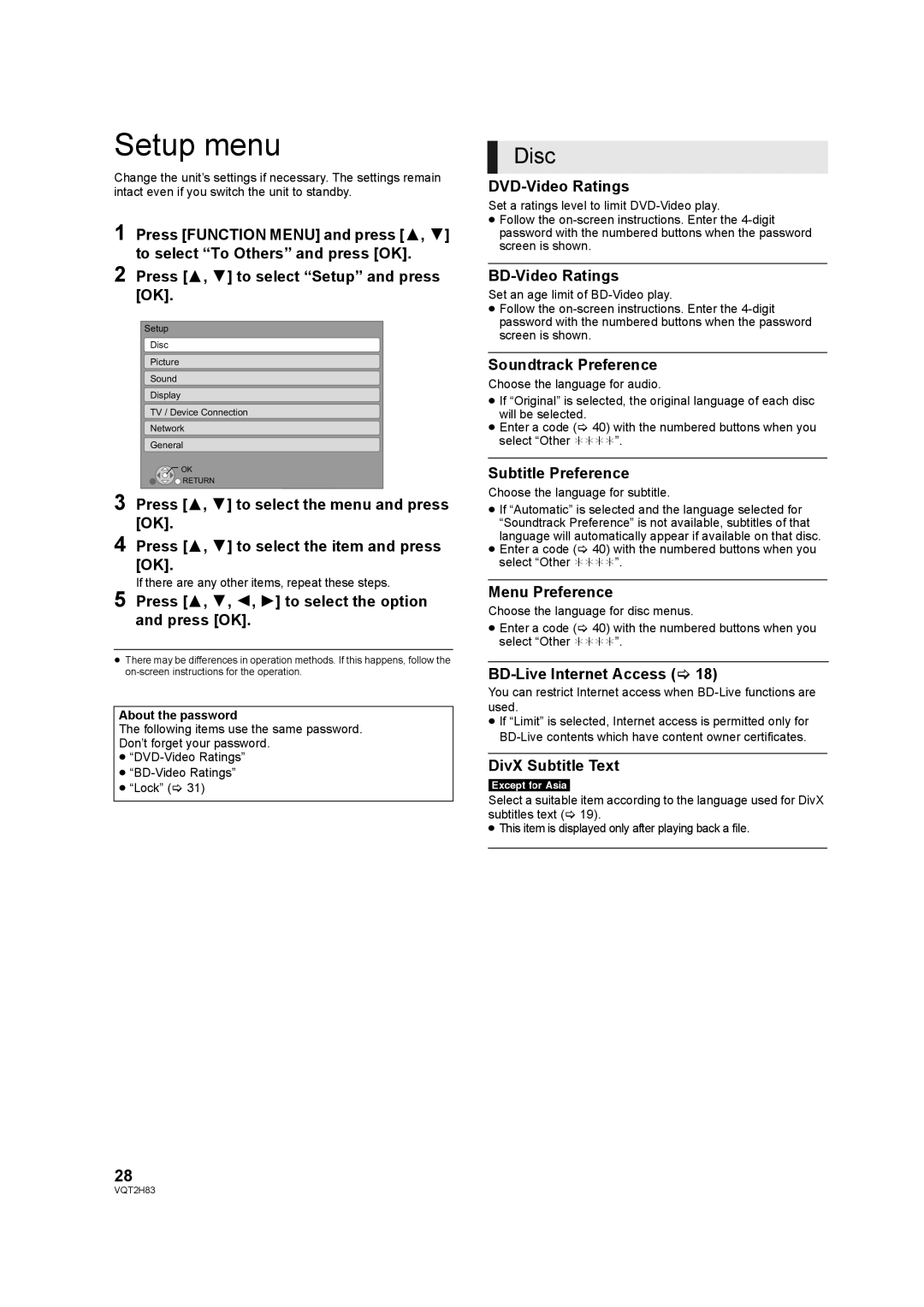
2 Press [3, 4] to select “Setup” and press [OK].
Setup
Disc
Picture
Sound
Display
TV / Device Connection
Network
General
 OK
OK
 RETURN
3 Press [3, 4] to select the menu and press [OK].
4 Press [3, 4] to select the item and press [OK].
If there are any other items, repeat these steps.
5 Press [3, 4, 2, 1] to select the option and press [OK].
≥There may be differences in operation methods. If this happens, follow the
About the password
The following items use the same password.
Don’t forget your password.
≥
≥
≥“Lock” (> 31)
28
Disc
DVD-Video Ratings
Set a ratings level to limit
≥Follow the
BD-Video Ratings
Set an age limit of
≥Follow the
Soundtrack Preference
Choose the language for audio.
≥If “Original” is selected, the original language of each disc will be selected.
≥Enter a code (> 40) with the numbered buttons when you select “Other ¢¢¢¢”.
Subtitle Preference
Choose the language for subtitle.
≥If “Automatic” is selected and the language selected for “Soundtrack Preference” is not available, subtitles of that language will automatically appear if available on that disc.
≥Enter a code (> 40) with the numbered buttons when you select “Other ¢¢¢¢”.
Menu Preference
Choose the language for disc menus.
≥Enter a code (> 40) with the numbered buttons when you select “Other ¢¢¢¢”.
BD-Live Internet Access (> 18)
You can restrict Internet access when
≥If “Limit” is selected, Internet access is permitted only for
DivX Subtitle Text
[Except\for\Asia[
Select a suitable item according to the language used for DivX subtitles text (> 19).
≥ This item is displayed only after playing back a file.
VQT2H83