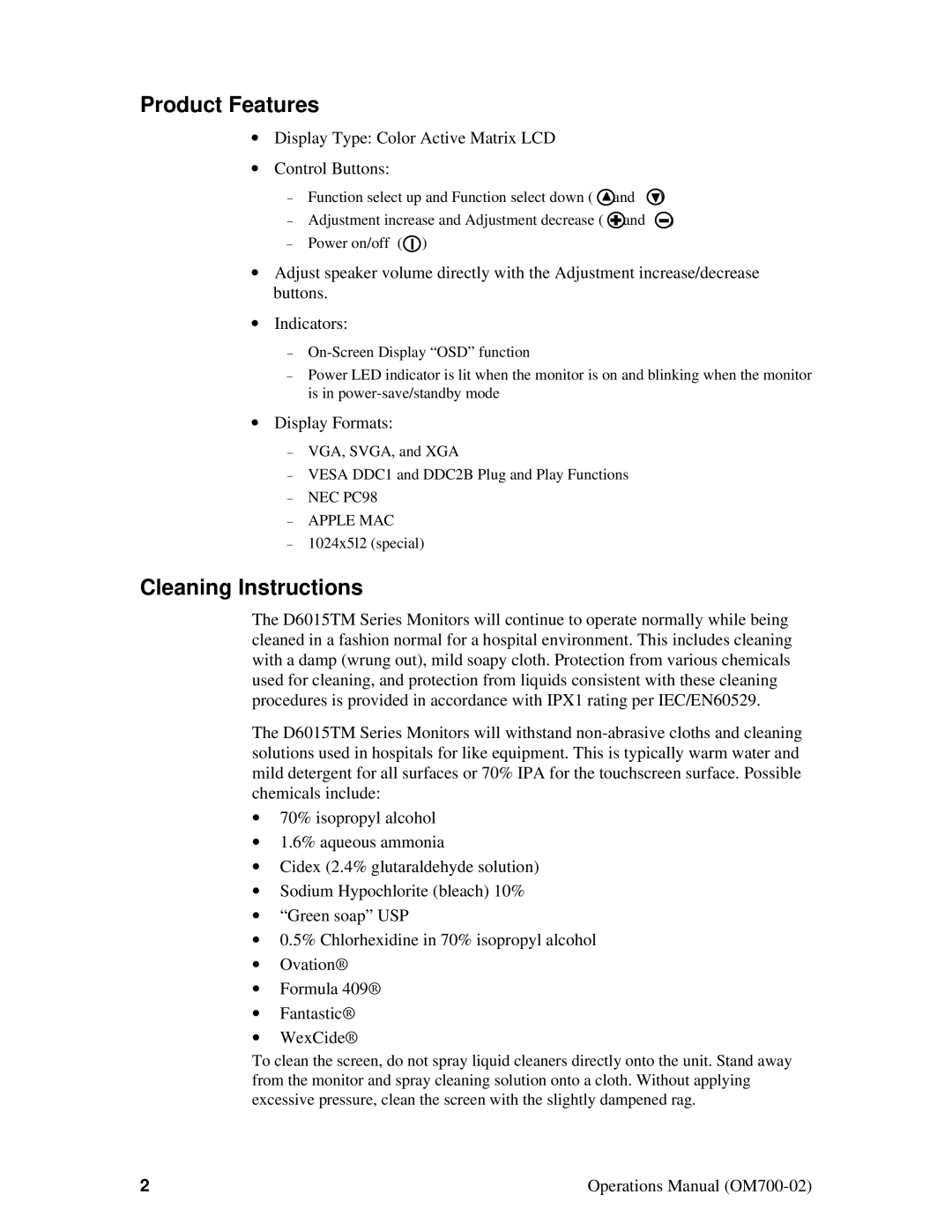
Product Features
∙Display Type: Color Active Matrix LCD
∙Control Buttons:
− | Function select up and Function select down ( | and | ) |
− | Adjustment increase and Adjustment decrease ( | and | ) |
−Power on/off ( )
)
∙Adjust speaker volume directly with the Adjustment increase/decrease buttons.
∙Indicators:
−
−Power LED indicator is lit when the monitor is on and blinking when the monitor is in
∙Display Formats:
−VGA, SVGA, and XGA
−VESA DDC1 and DDC2B Plug and Play Functions
−NEC PC98
−APPLE MAC
−1024x5l2 (special)
Cleaning Instructions
The D6015TM Series Monitors will continue to operate normally while being cleaned in a fashion normal for a hospital environment. This includes cleaning with a damp (wrung out), mild soapy cloth. Protection from various chemicals used for cleaning, and protection from liquids consistent with these cleaning procedures is provided in accordance with IPX1 rating per IEC/EN60529.
The D6015TM Series Monitors will withstand
∙70% isopropyl alcohol
∙1.6% aqueous ammonia
∙Cidex (2.4% glutaraldehyde solution)
∙Sodium Hypochlorite (bleach) 10%
∙“Green soap” USP
∙0.5% Chlorhexidine in 70% isopropyl alcohol
∙Ovation®
∙Formula 409®
∙Fantastic®
∙WexCide®
To clean the screen, do not spray liquid cleaners directly onto the unit. Stand away from the monitor and spray cleaning solution onto a cloth. Without applying excessive pressure, clean the screen with the slightly dampened rag.
2 | Operations Manual |