DLP® Projector – User’s Manual
Item |
| Description | Default |
|
|
|
|
Fan Speed | Press the cursor | button to toggle between normal and high fan | Normal |
| speed |
|
|
Set Fan Speed to High in altitudes over 1500 meters (5000 feet).
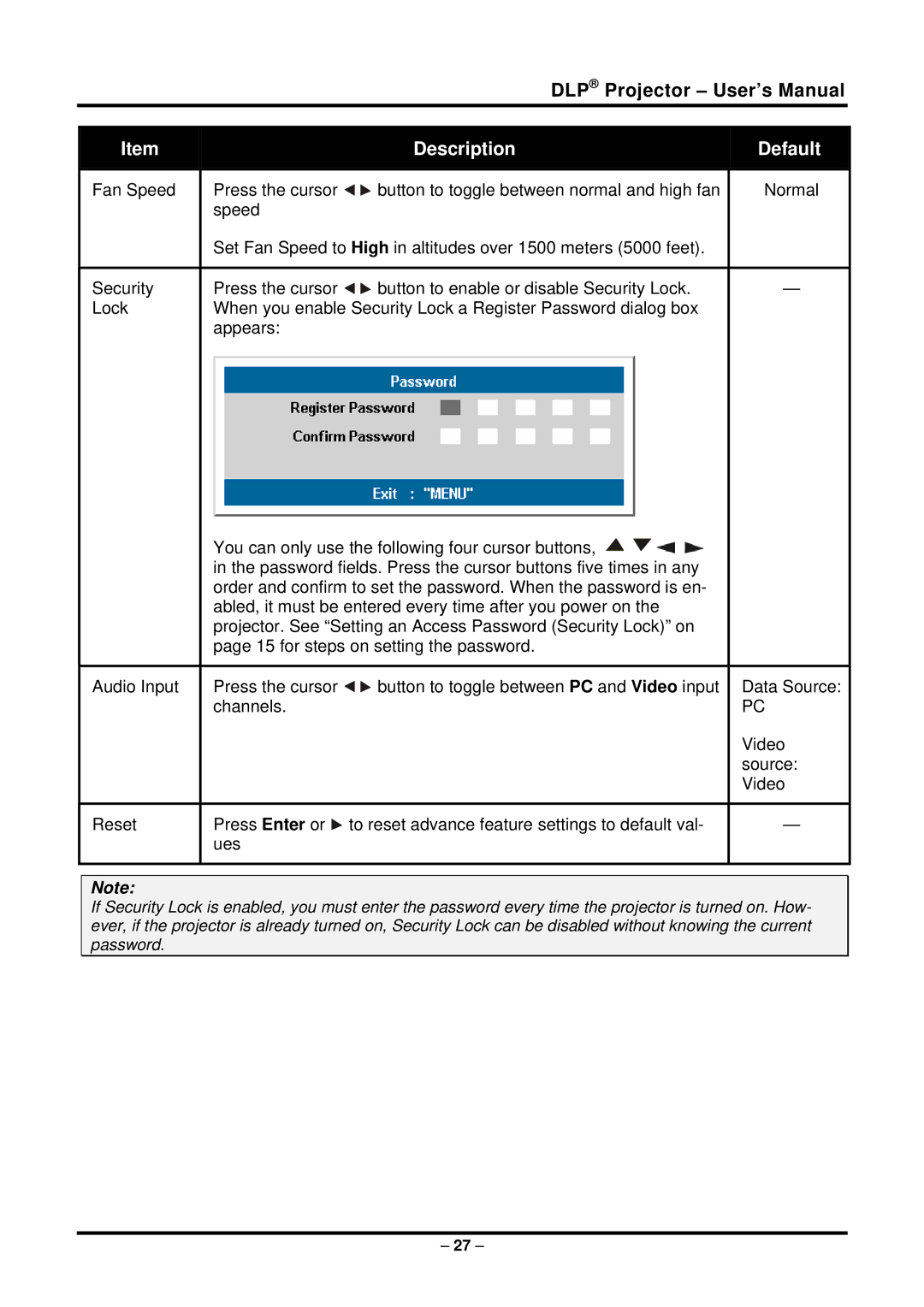
Security | Press the cursor | button to enable or disable Security Lock. | — |
Lock | When you enable Security Lock a Register Password dialog box |
| |
| appears: |
|
|
You can only use the following four cursor buttons, 


 in the password fields. Press the cursor buttons five times in any order and confirm to set the password. When the password is en- abled, it must be entered every time after you power on the projector. See “Setting an Access Password (Security Lock)” on page 15 for steps on setting the password.
Audio Input | Press the cursor | button to toggle between PC and Video input Data Source: |
| channels. | PC |
Video source: Video
Reset | Press Enter or to reset advance feature settings to default val- | — |
| ues |
|
Note:
If Security Lock is enabled, you must enter the password every time the projector is turned on. How- ever, if the projector is already turned on, Security Lock can be disabled without knowing the current password.
– 27 –