DLP® Projector – User’s Manual
Config Menu
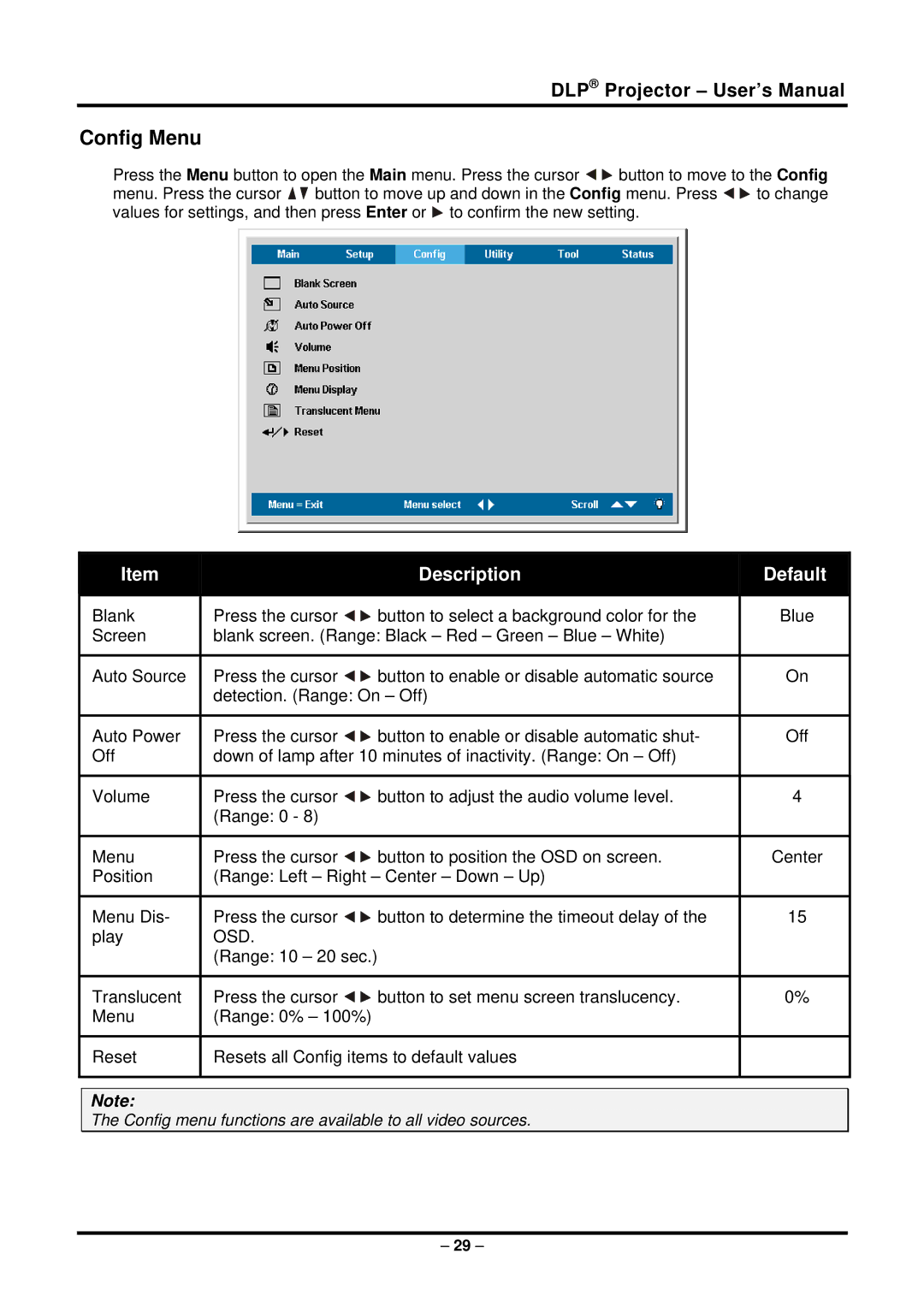
Press the Menu button to open the Main menu. Press the cursor 
 button to move to the Config
menu. Press the cursor 
 button to move up and down in the Config menu. Press
 to change values for settings, and then press Enter or
  to confirm the new setting.
Item |
| Description | Default |
|
|
|
|
Blank | Press the cursor | button to select a background color for the | Blue |
Screen | blank screen. (Range: Black – Red – Green – Blue – White) |
| |
|
|
|
|
Auto Source | Press the cursor | button to enable or disable automatic source | On |
| detection. (Range: On – Off) |
| |
|
|
|
|
Auto Power | Press the cursor | button to enable or disable automatic shut- | Off |
Off | down of lamp after 10 minutes of inactivity. (Range: On – Off) |
| |
|
|
|
|
Volume | Press the cursor | button to adjust the audio volume level. | 4 |
| (Range: 0 - 8) |
|
|
|
|
|
|
Menu | Press the cursor | button to position the OSD on screen. | Center |
Position | (Range: Left – Right – Center – Down – Up) |
| |
|
|
|
|
Menu Dis- | Press the cursor | button to determine the timeout delay of the | 15 |
play | OSD. |
|
|
| (Range: 10 – 20 sec.) |
|
|
|
|
|
|
Translucent | Press the cursor | button to set menu screen translucency. | 0% |
Menu | (Range: 0% – 100%) |
|
|
|
|
| |
Reset | Resets all Config items to default values |
| |
|
|
|
|
Note:
The Config menu functions are available to all video sources.
– 29 –