Monitoring and Configuring the Printer
120
4
Understanding the Displayed Information
This section explains how to read status information returned by the network in-
terface board.
Print Job Information
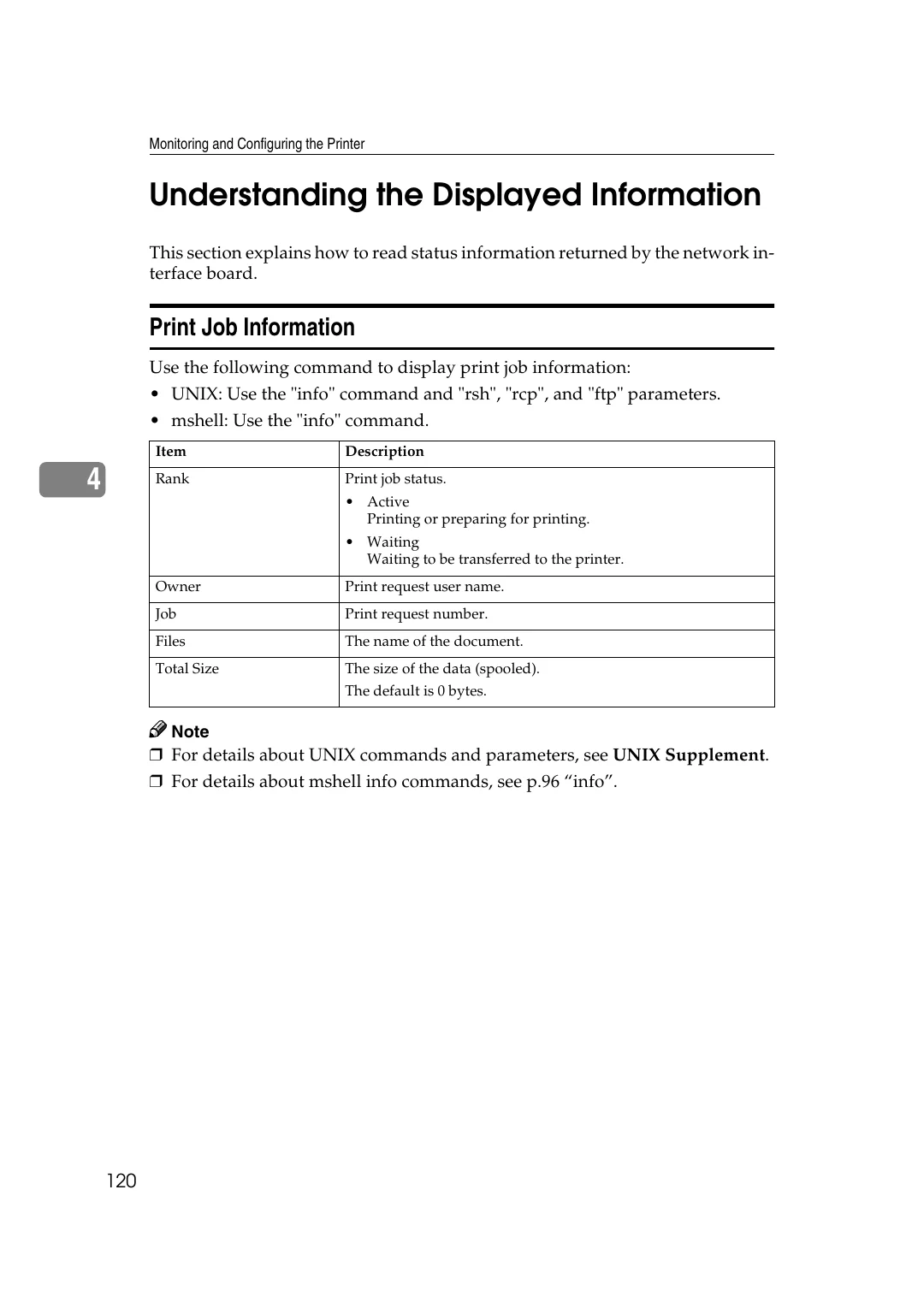
Use the following command to display print job information:
• UNIX: Use the "info" command and "rsh", "rcp", and "ftp" parameters.
• mshell: Use the "info" command.
Note
❒
For details about UNIX commands and parameters, see
UNIX Supplement
.
❒
For details about mshell info commands, see p.96 “info”.
Item
Description
Rank
Print job status.
• Active
Printing or preparing for printing.
• Waiting
Waiting to be transferred to the printer.
Owner
Print request user name.
Job
Print request number.
Files
The name of the document.
Total Size
The size of the data (spooled).
The default is 0 bytes.