00732M SCL901 SEA
ENGLISH
Troubleshooting
Checking
✤If you run into any problem using the camcorder, use the following table to troubleshoot the problem.
✤If these instructions do not allow you to solve the problem, take a note of:
■The model and serial number marked on the bottom of the camcorder.
■Your warranty, if applicable.
✤Then contact your nearest Samsung authorized service center.
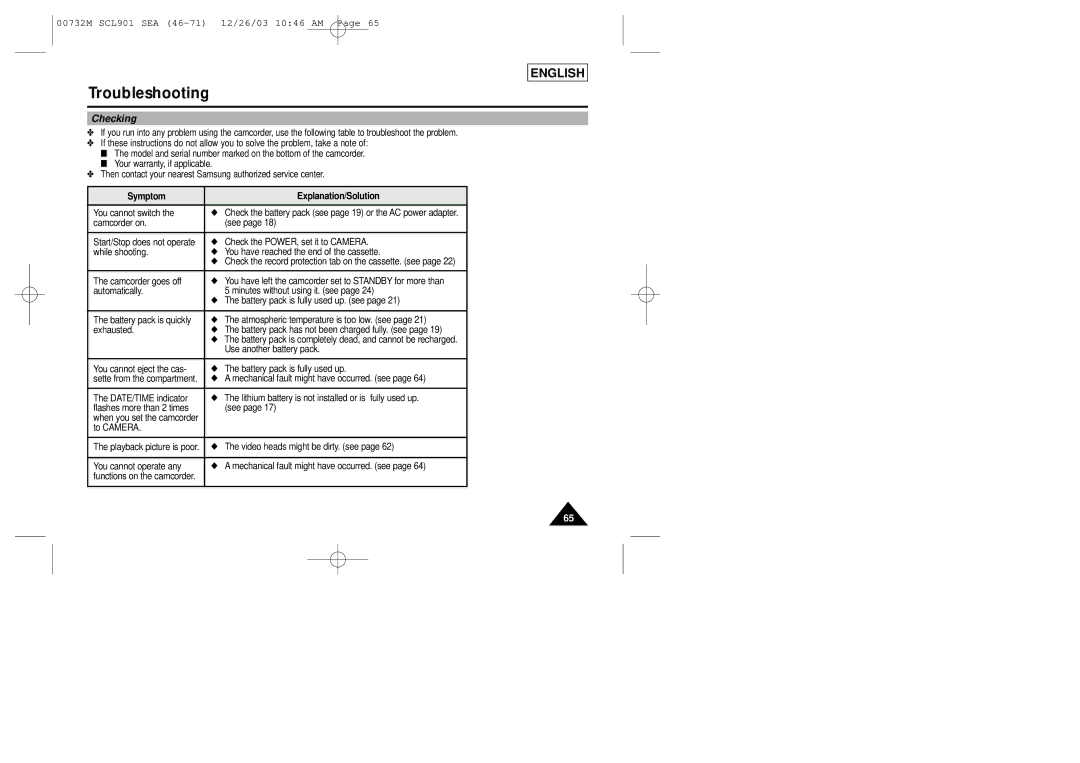
Symptom | Explanation/Solution |
You cannot switch the | ◆ Check the battery pack (see page 19) or the AC power adapter. |
camcorder on. | (see page 18) |
|
|
Start/Stop does not operate | ◆ Check the POWER, set it to CAMERA. |
while shooting. | ◆ You have reached the end of the cassette. |
| ◆ Check the record protection tab on the cassette. (see page 22) |
|
|
The camcorder goes off | ◆ You have left the camcorder set to STANDBY for more than |
automatically. | 5 minutes without using it. (see page 24) |
| ◆ The battery pack is fully used up. (see page 21) |
|
|
The battery pack is quickly | ◆ The atmospheric temperature is too low. (see page 21) |
exhausted. | ◆ The battery pack has not been charged fully. (see page 19) |
| ◆ The battery pack is completely dead, and cannot be recharged. |
| Use another battery pack. |
|
|
You cannot eject the cas- | ◆ The battery pack is fully used up. |
sette from the compartment. | ◆ A mechanical fault might have occurred. (see page 64) |
|
|
The DATE/TIME indicator | ◆ The lithium battery is not installed or is fully used up. |
flashes more than 2 times | (see page 17) |
when you set the camcorder |
|
to CAMERA. |
|
|
|
The playback picture is poor. | ◆ The video heads might be dirty. (see page 62) |
|
|
You cannot operate any | ◆ A mechanical fault might have occurred. (see page 64) |
functions on the camcorder. |
|
|
|
65