00732M SCL901 SEA
ENGLISH
Troubleshooting
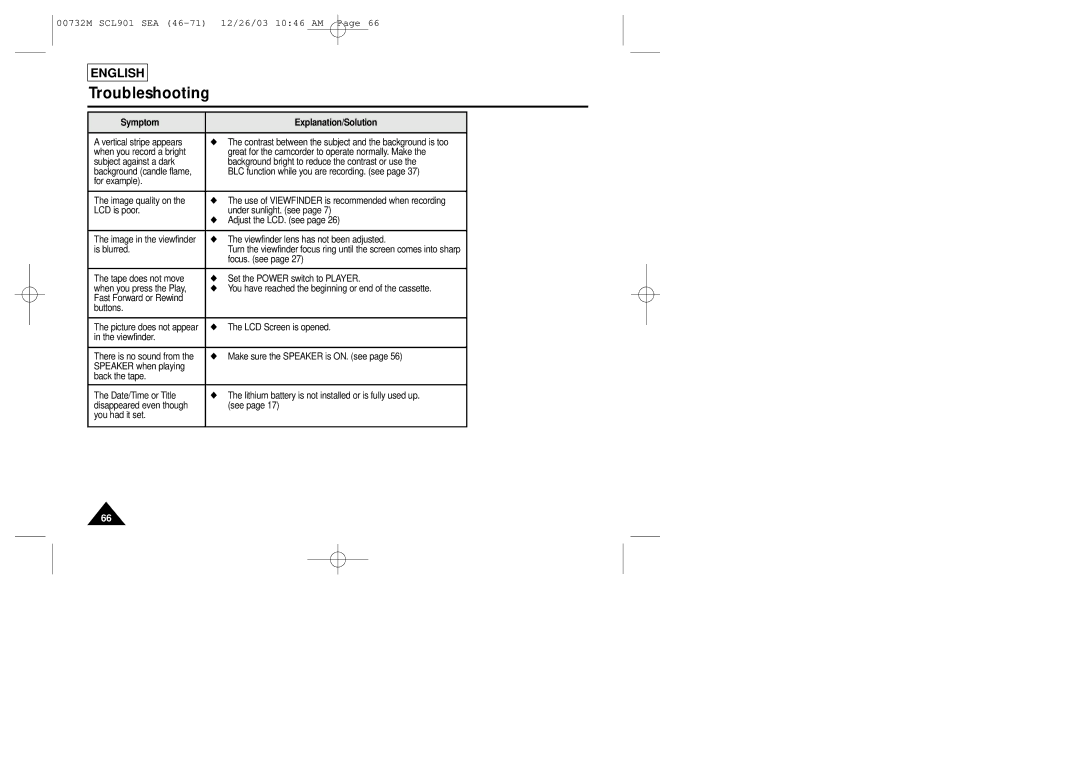
Symptom | Explanation/Solution |
|
|
A vertical stripe appears | ◆ The contrast between the subject and the background is too |
when you record a bright | great for the camcorder to operate normally. Make the |
subject against a dark | background bright to reduce the contrast or use the |
background (candle flame, | BLC function while you are recording. (see page 37) |
for example). |
|
|
|
The image quality on the | ◆ The use of VIEWFINDER is recommended when recording |
LCD is poor. | under sunlight. (see page 7) |
| ◆ Adjust the LCD. (see page 26) |
|
|
The image in the viewfinder | ◆ The viewfinder lens has not been adjusted. |
is blurred. | Turn the viewfinder focus ring until the screen comes into sharp |
| focus. (see page 27) |
|
|
The tape does not move | ◆ Set the POWER switch to PLAYER. |
when you press the Play, | ◆ You have reached the beginning or end of the cassette. |
Fast Forward or Rewind |
|
buttons. |
|
|
|
The picture does not appear | ◆ The LCD Screen is opened. |
in the viewfinder. |
|
|
|
There is no sound from the | ◆ Make sure the SPEAKER is ON. (see page 56) |
SPEAKER when playing |
|
back the tape. |
|
|
|
The Date/Time or Title | ◆ The lithium battery is not installed or is fully used up. |
disappeared even though | (see page 17) |
you had it set. |
|
|
|
66