SVD 800 HD


INDEX


1-

WARNINGS

.........................................................................................

Page 3


.............................................................


1.1

Safety and Regulations

4


2-

GENERAL INFORMATION

.................................................................

4


2.1

Projector identification

4


2.2

Power cabling

5


2.3

Servicing


...................................................................................

5


................................................................................


2.4

Spare parts

5


...............................................................


2.5

Cleaning the projector

5


2.6

Cathode-ray tube phosphor burning

6


2.7

Packing the projector

6


2.8

Room lighting

6


2.9

Back panel

................................................................................

6


3- USER REMOTE CONTROL RC 3100

8


3.1

Batteries

....................................................................................

9


3.2

RC 3100 User Remote Control

9


3.3

Projector Power On

9


3.4

Input selection

...........................................................................

9


....................................................................


3.5

Picture adjustment

9


............................................................


3.6

Screen format selection

10


3.7

VCR button (Sync filter)

10


3.8

Information (INFO)

....................................................................

10


3.9

Muting video button

10


3.10

Normalised button

10


3.11

UPC button

................................................................................

10


3.12

Freeze button

10


3.13

Video Menu

...............................................................................

11


3.14

UPC converter

11


3.15

Input Settings

12


3.16

Blanking


....................................................................................

12


3.17

EHT NOISE RED

12


3.18

WHITE MENU

13


3.19

OPTIONS

..................................................................................

13


.............................................................................


3.20

Working time

14


3.21

OSD OPTIONS

14


3.22

LOGO

........................................................................................

15


.......................................................................


3.23

Installation menu

15


...........................................


3.24

How to enter the SERVICE MODE

15


4-

INSTALLATION

...................................................................................

16


4.1

Installation procedure

16


4.2

Removing the cover

..................................................................

16


............................................................


4.2.1

Removing the top cover

16


4.2.2

Removing the front panel

17


4.3.1

Installation choice

......................................................................

17


4.3.2

Desk-top front projection

17


4.3.3

Desktop rear projection

18


4.3.4

Ceiling front projection

..............................................................

18


...............................................................


4.3.5

Ceiling rear projection

20


4.4

Projection angle measurement

20


4.5

Spacers

.....................................................................................

20


4.5.1

Spacer changing

20


4.5.2

Spacer table

..............................................................................

21


....................................................................


4.6

Projector centering

23


............................................


4.7

Optical and electrical adjustments

23


ENGLISH

1

Page 2
Image 2
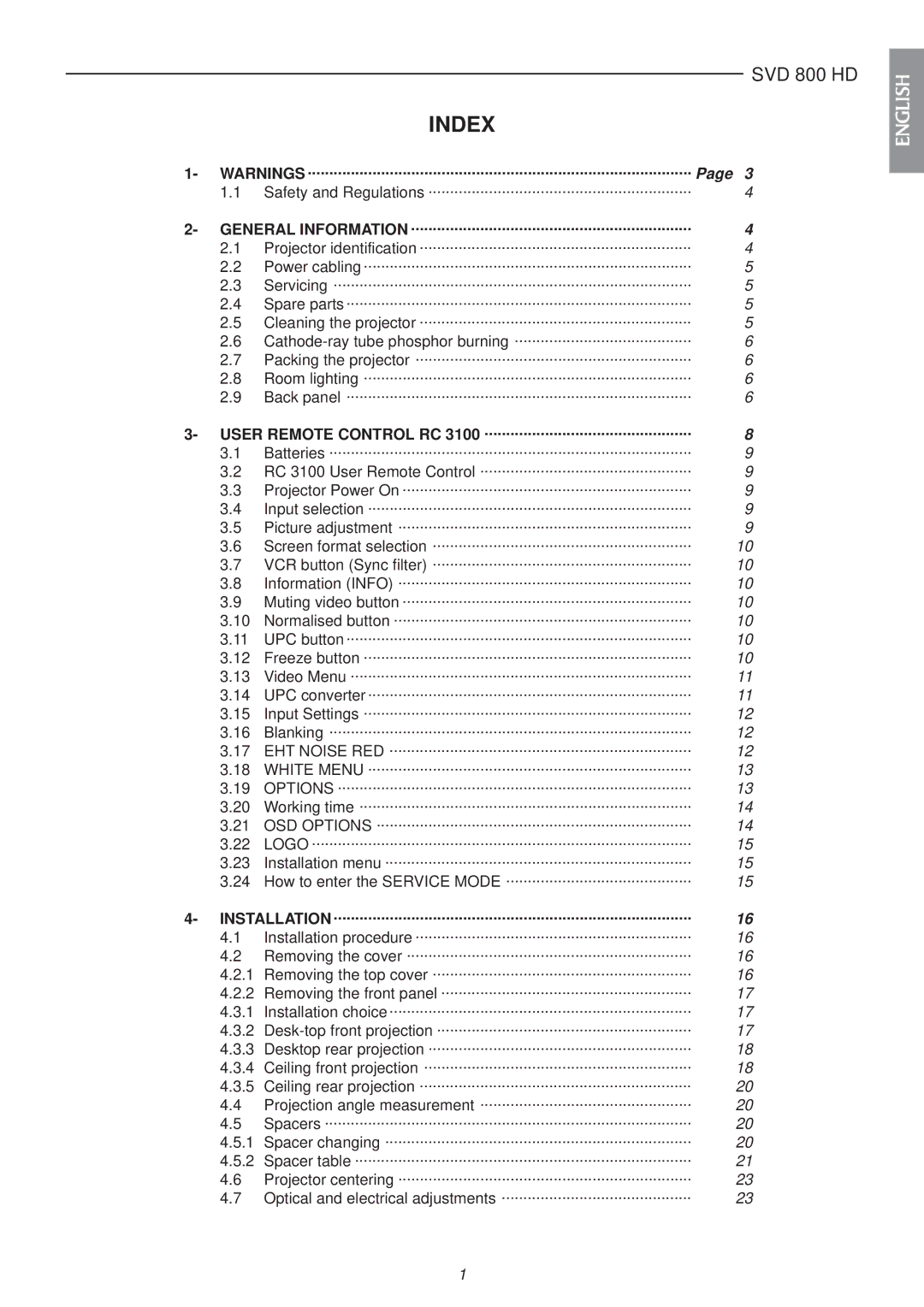
Sim2 Multimedia SVD 800 HD installation manual Index, General Information, User Remote Control RC, Installation

SVD 800 HD specifications

The Sim2 Multimedia SVD 800 HD is a state-of-the-art digital video projector that stands out in the competitive landscape of home entertainment technology. Equipped with cutting-edge features, this projector offers an unparalleled viewing experience that caters to both cinephiles and casual movie watchers alike.

One of the most notable characteristics of the SVD 800 HD is its advanced DLP (Digital Light Processing) technology. This technology ensures high-quality image reproduction, delivering vibrant colors, deep blacks, and sharp details. The SVD 800 HD boasts a native resolution of 1920 x 1080 pixels, which allows for true Full HD playback. This resolution is crucial for today's high-definition content, making it an ideal choice for Blu-ray movies, gaming, and streaming services.

Another key feature of the SVD 800 HD is its remarkable brightness level, producing up to 800 ANSI lumens. This means it can perform well in both dark home theaters and brighter living room environments. Additionally, the projector supports a wide color gamut, ensuring that colors appear rich and lifelike, enhancing the overall visual experience.

A significant technological advantage of the SVD 800 HD is its enhanced contrast ratio, which is pivotal for achieving more depth in images. The high contrast elevates shadow details and highlights, providing a more immersive viewing experience. The incorporation of advanced image processing technologies further optimizes video quality and minimizes artifacts, ensuring smooth playback of fast-moving scenes.

Connectivity is another area where the SVD 800 HD excels. The projector is equipped with multiple HDMI ports, allowing easy connection to various devices, including Blu-ray players, gaming consoles, and streaming devices. This flexibility makes it a versatile choice for any home theater setup.

In terms of design, the SVD 800 HD is sleek and modern, fitting seamlessly into a variety of home aesthetics. The compact size of the projector allows for easy installation and portability. Thermal management technologies ensure that the projector operates quietly, minimizing distractions during important scenes or gaming sessions.

In summary, the Sim2 Multimedia SVD 800 HD is a powerful and sophisticated digital projector that combines high-quality imaging, versatile connectivity, and user-friendly design. Whether you are watching the latest blockbuster or diving into an immersive gaming session, the features and technologies of the SVD 800 HD are sure to enhance your entertainment experience significantly.