29
Models 150, 152, 162, 168
Troubleshooting Guide
Section 8
Troubleshooting Guide
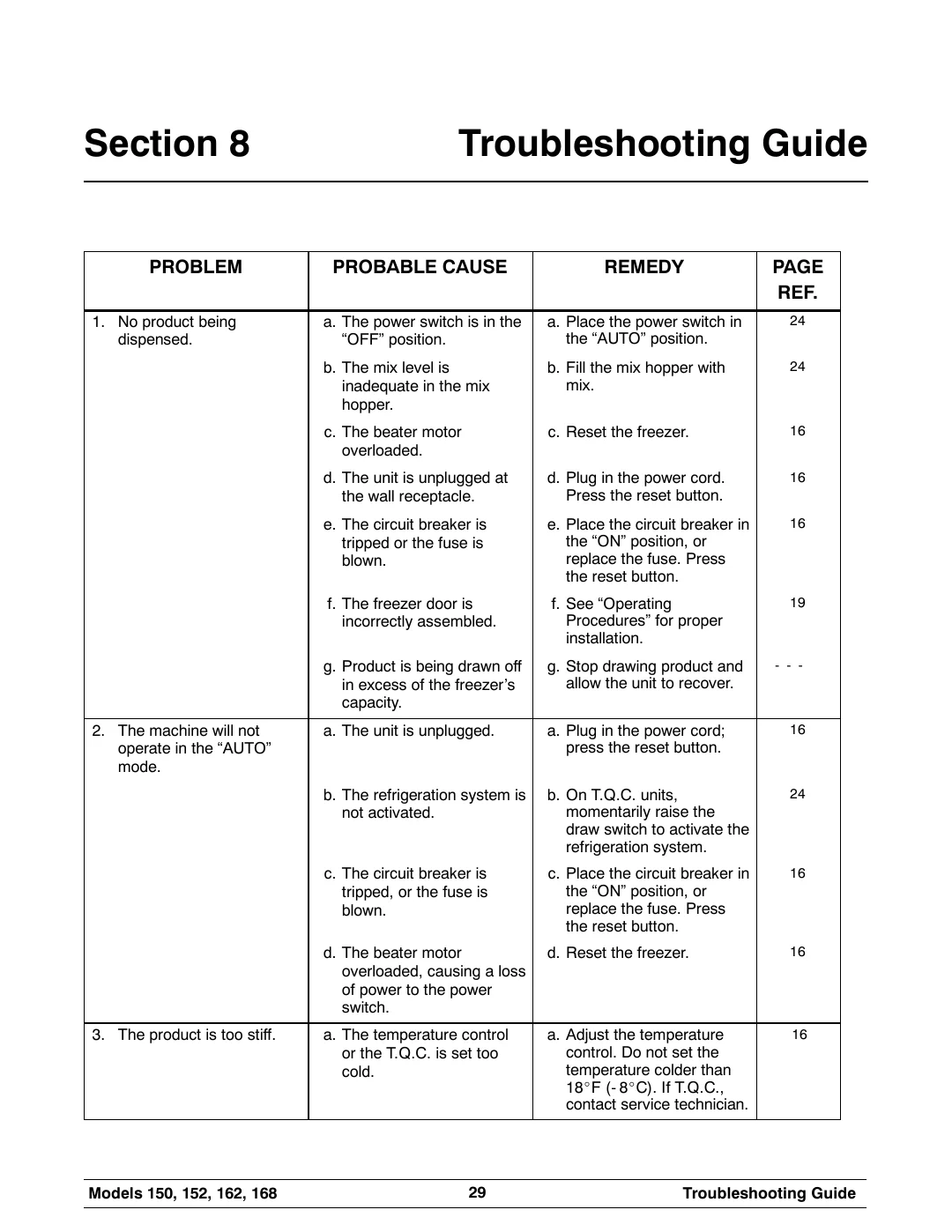
PROBLEM
PROBABLE CAUSE
REMEDY
PAGE
REF.
1. No product being
dispensed.
a. The power switch is in the
“OFF” position.
a. Place the power switch in
the “AUTO” position.
24
b. The mix level is
inadequate in the mix
hopper.
b. Fill the mix hopper with
mix.
24
c. The beater motor
overloaded.
c. Reset the freezer.
16
d. The unit is unplugged at
the wall receptacle.
d. Plug in the power cord.
Press the reset button.
16
e. The circuit breaker is
tripped or the fuse is
blown.
e. Place the circuit breaker in
the “ON” position, or
replace the fuse. Press
the reset button.
16
f. The freezer door is
incorrectly assembled.
f. See “Operating
Procedures” for proper
installation.
19
g. Product is being drawn off
in excess of the freezer’s
capacity.
g. Stop drawing product and
allow the unit to recover.
- - -
2. The machine will not
operate in the “AUTO”
mode.
a. The unit is unplugged.
a. Plug in the power cord;
press the reset button.
16
b. The refrigeration system is
not activated.
b. On T.Q.C. units,
momentarily raise the
draw switch to activate the
refrigeration system.
24
c. The circuit breaker is
tripped, or the fuse is
blown.
c. Place the circuit breaker in
the “ON” position, or
replace the fuse. Press
the reset button.
16
d. The beater motor
overloaded, causing a loss
of power to the power
switch.
d. Reset the freezer.
16
3. The product is too stiff.
a. The temperature control
or the T.Q.C. is set too
cold.
a. Adjust the temperature
control. Do not set the
temperature colder than
18
_
F (- 8
_
C). If T.Q.C.,
contact service technician.
16