Precautions
Handling
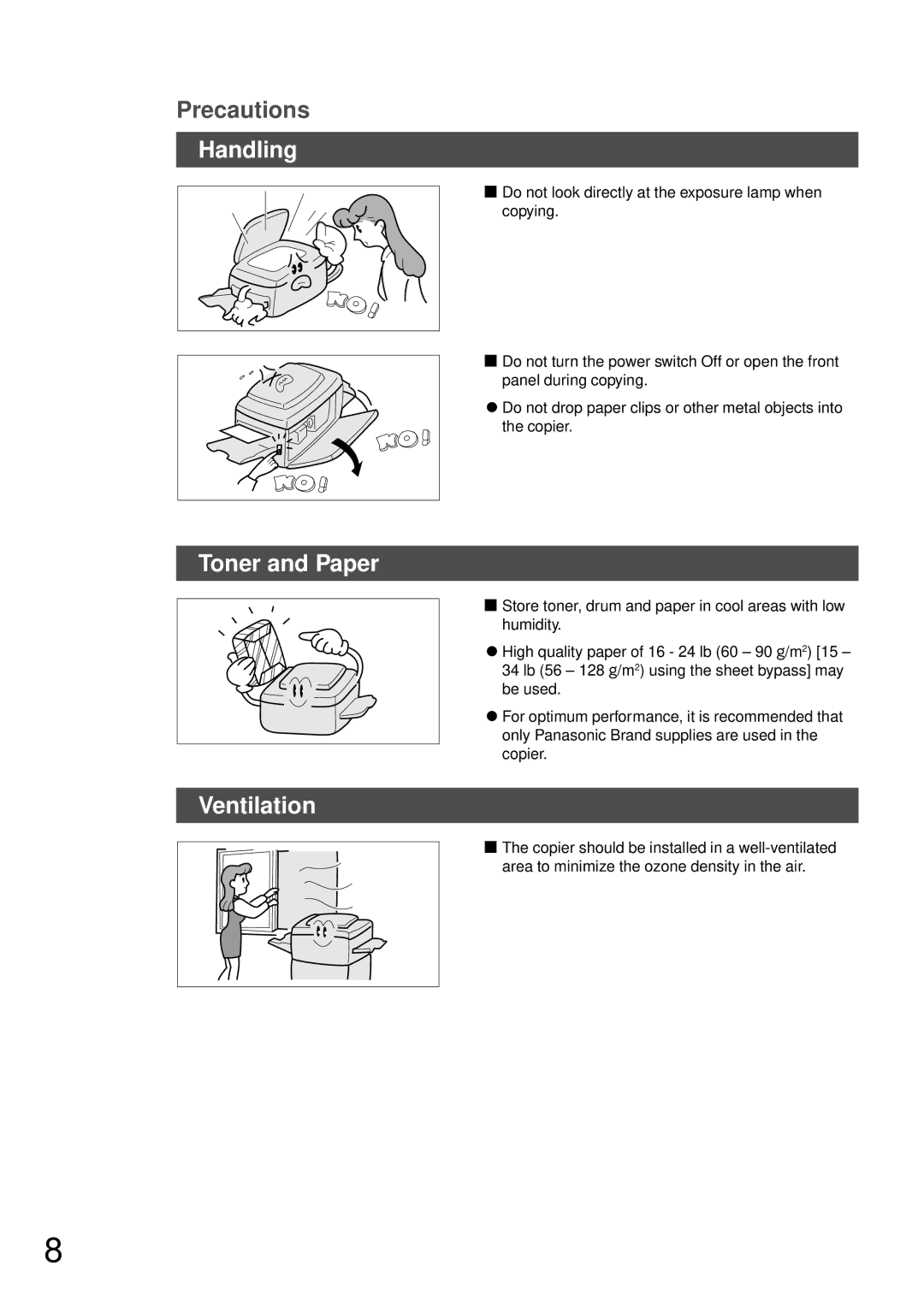
■Do not look directly at the exposure lamp when copying.
■Do not turn the power switch Off or open the front panel during copying.
CDo not drop paper clips or other metal objects into
the copier.
Toner and Paper
Ventilation
■Store toner, drum and paper in cool areas with low humidity.
CHigh quality paper of 16 - 24 lb (60 – 90 g/m2) [15 – 34 lb (56 – 128 g/m2) using the sheet bypass] may be used.
CFor optimum performance, it is recommended that only Panasonic Brand supplies are used in the copier.
■The copier should be installed in a
8