VIVOTEK
Recording
Advanced Mode
This section explains how to configure the recording settings for the Network Camera.
Recording Settings
Insert your SD card and click here to test
NOTE
►Before setting up this page, please set up the Network Storage on the Server Settings page first.
►Please remember to format your SD card when using for the first time. Please refer to page 94 for detailed information�
Network Storage Setting
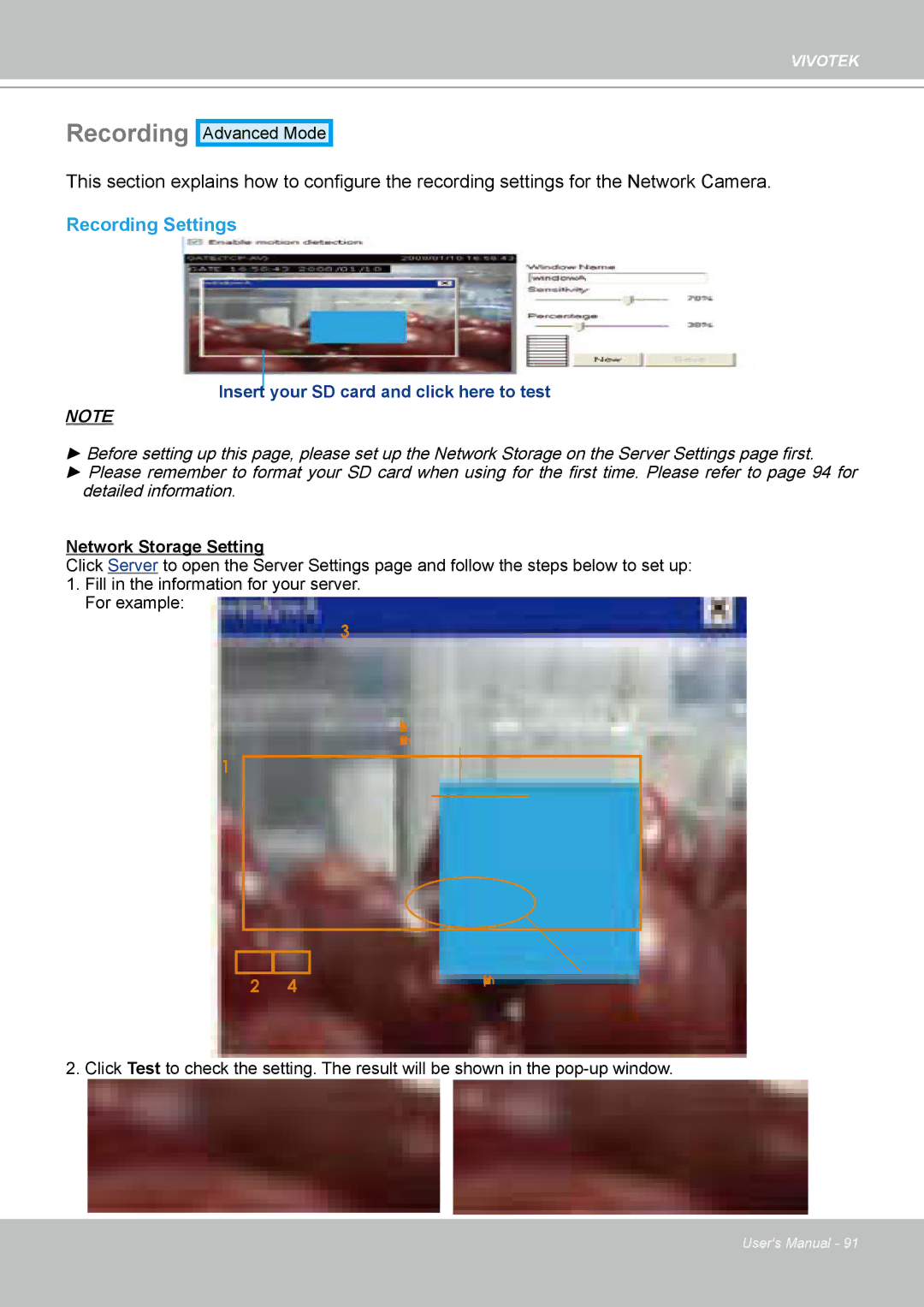
Click Server to open the Server Settings page and follow the steps below to set up: 1� Fill in the information for your server�
For example:
3
Network storage path
(\\server name or IP address\folder name)
1
|
| User name and password for your server | |
2 | 4 | ||
|
2� Click Test to check the setting� The result will be shown in the
User's Manual - 91