VIVOTEK
Viewing Window Advanced Mode
Click Viewing Window to open the Viewing Window Settings page�
This Network Camera supports multiple streams with frame size ranging from 176 x 144 to 1600 x 1200.
The definition of multiple streams:
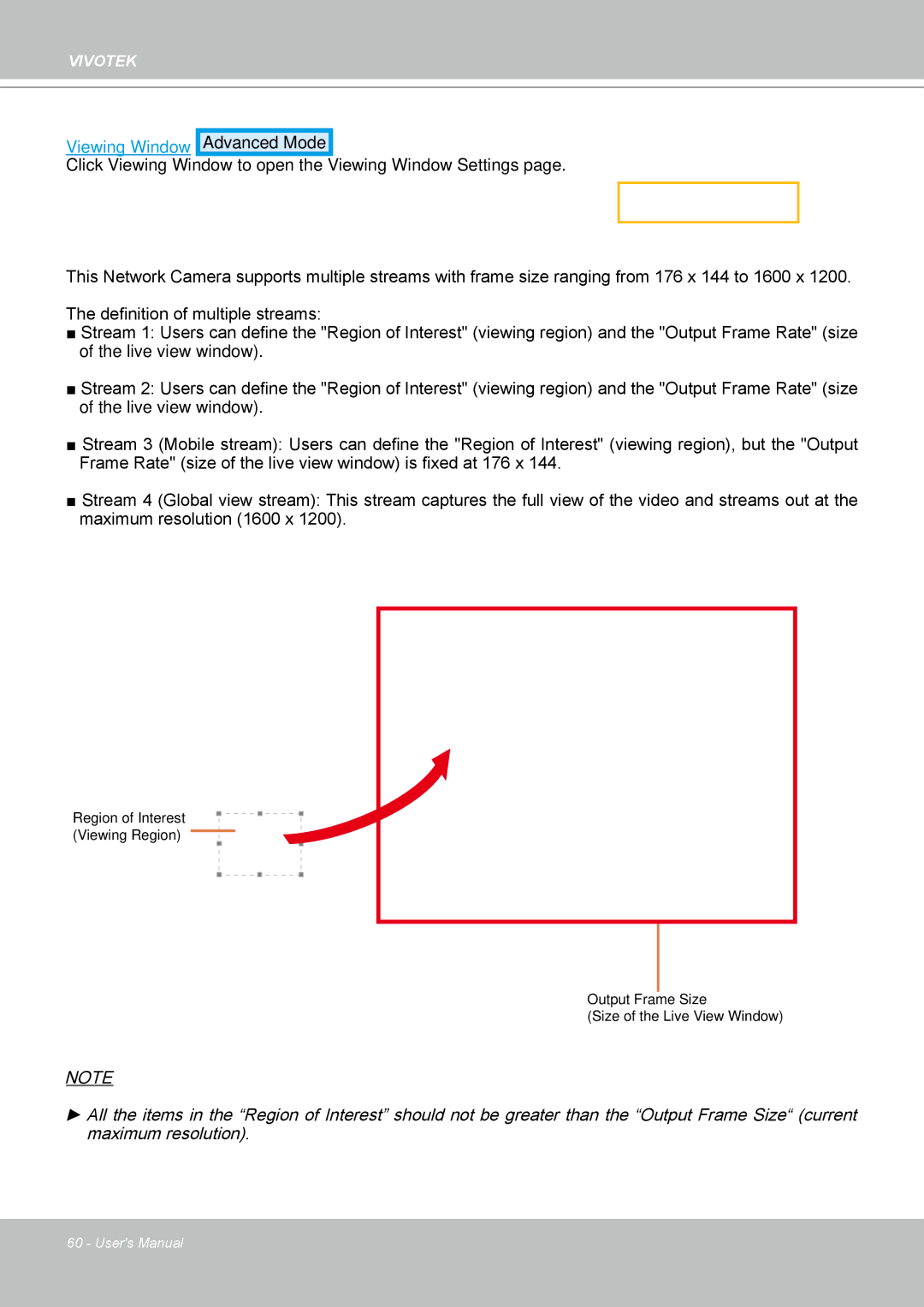
■Stream 1: Users can define the "Region of Interest" (viewing region) and the "Output Frame Rate" (size of the live view window)�
■Stream 2: Users can define the "Region of Interest" (viewing region) and the "Output Frame Rate" (size of the live view window)�
■Stream 3 (Mobile stream): Users can define the "Region of Interest" (viewing region), but the "Output Frame Rate" (size of the live view window) is fixed at 176 x 144.
■Stream 4 (Global view stream): This stream captures the full view of the video and streams out at the maximum resolution (1600 x 1200).
Region of Interest
(Viewing Region)
Output Frame Size
(Size of the Live View Window)
NOTE
►All the items in the “Region of Interest” should not be greater than the “Output Frame Size“ (current maximum resolution).
60 - User's Manual