CID-CALLER ID
Reviewing Numbers
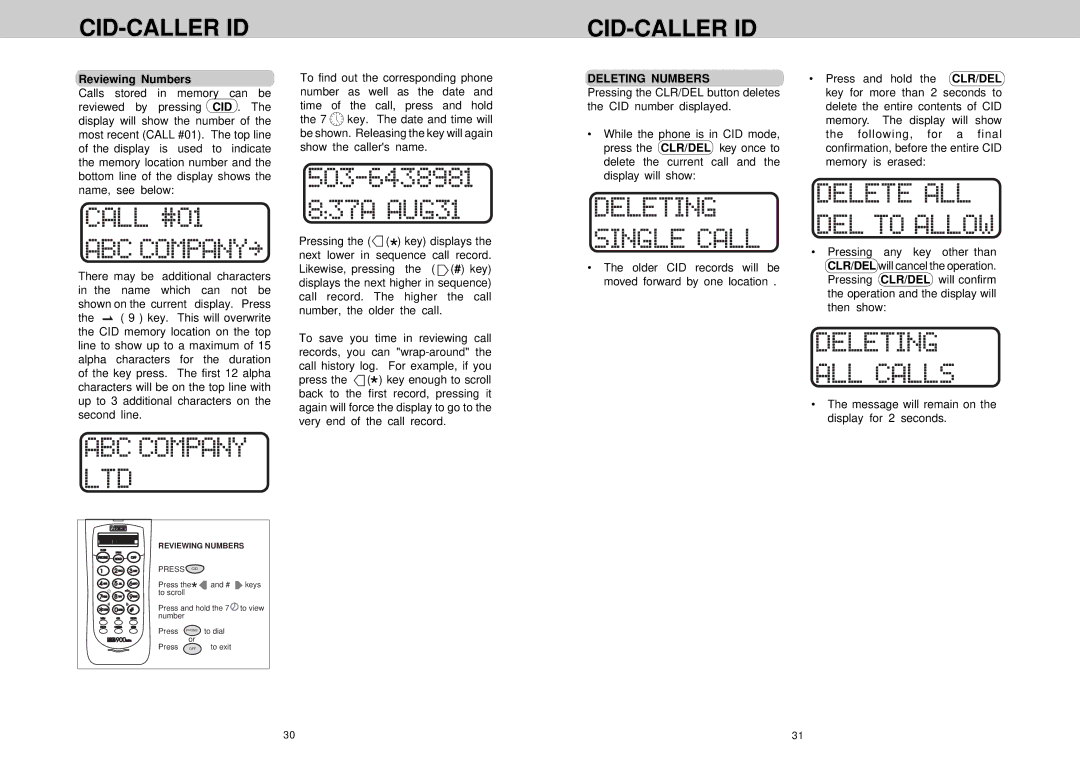
Calls stored in memory can be reviewed by pressing CID . The display will show the number of the most recent (CALL #01). The top line of the display is used to indicate the memory location number and the bottom line of the display shows the name, see below:
To find out the corresponding phone number as well as the date and time of the call, press and hold the 7  key. The date and time will be shown. Releasing the key will again show the caller's name.
CID-CALLER ID
DELETING NUMBERS | • Press and hold the CLR/DEL |
Pressing the CLR/DEL button deletes | key for more than 2 seconds to |
the CID number displayed. | delete the entire contents of CID |
| memory. The display will show |
• While the phone is in CID mode, | the following, for a final |
press the CLR/DEL key once to | confirmation, before the entire CID |
delete the current call and the | memory is erased: |
display will show: |
|
There may be additional characters in the name which can not be shown on the current display. Press
the  ( 9 ) key. This will overwrite the CID memory location on the top line to show up to a maximum of 15 alpha characters for the duration of the key press. The first 12 alpha characters will be on the top line with up to 3 additional characters on the second line.
Pressing the ( (*) key) displays the next lower in sequence call record. Likewise, pressing the (
  (#) key) displays the next higher in sequence) call record. The higher the call number, the older the call.
To save you time in reviewing call records, you can  (*) key enough to scroll back to the first record, pressing it again will force the display to go to the very end of the call record.
• | Pressing any key other than |
• The older CID records will be | CLR/DEL will cancel the operation. |
moved forward by one location . | Pressing CLR/DEL will confirm |
| the operation and the display will |
| then show: |
• The message will remain on the display for 2 seconds.
REVIEWING NUMBERS
PRESS |
| CID |
|
Press the |
| and # keys | |
to scroll | * |
| |
Press and hold the 7 to view number
Press PHONE to dial
or
Press OFF | to exit |
30 | 31 |