Notebook PC Audio Video Option
The Menu page
The Menu page is where you select a function to use in Mobile Theater. It also displays the current date and time as well as your login name.
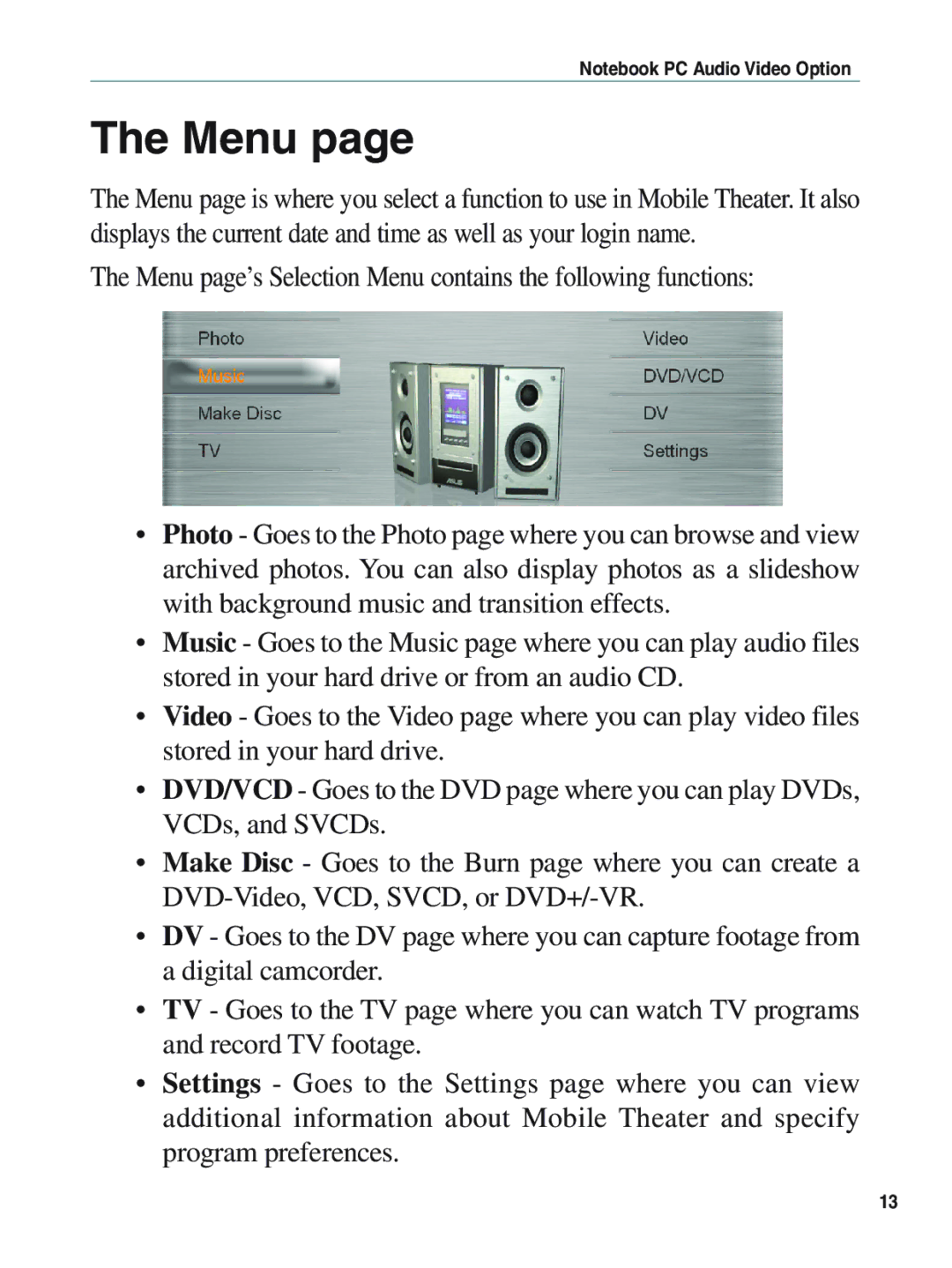
The Menu page’s Selection Menu contains the following functions:
•Photo - Goes to the Photo page where you can browse and view archived photos. You can also display photos as a slideshow with background music and transition effects.
•Music - Goes to the Music page where you can play audio files stored in your hard drive or from an audio CD.
•Video - Goes to the Video page where you can play video files stored in your hard drive.
•DVD/VCD - Goes to the DVD page where you can play DVDs, VCDs, and SVCDs.
•Make Disc - Goes to the Burn page where you can create a
•DV - Goes to the DV page where you can capture footage from a digital camcorder.
•TV - Goes to the TV page where you can watch TV programs and record TV footage.
•Settings - Goes to the Settings page where you can view additional information about Mobile Theater and specify program preferences.
13