Chapter 3: Local Port Operation | 43 |
|
|
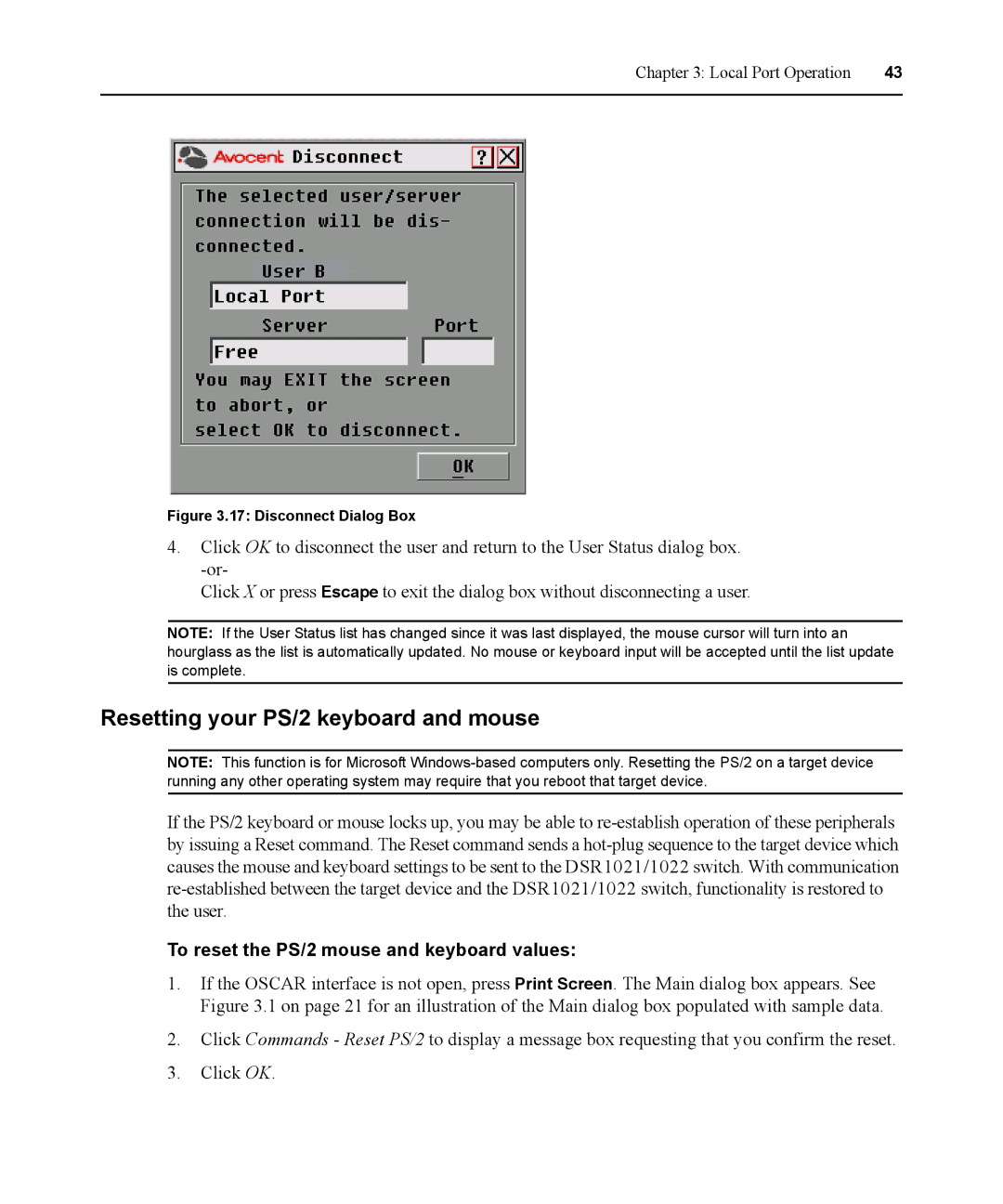
Figure 3.17: Disconnect Dialog Box
4.Click OK to disconnect the user and return to the User Status dialog box.
Click X or press Escape to exit the dialog box without disconnecting a user.
NOTE: If the User Status list has changed since it was last displayed, the mouse cursor will turn into an hourglass as the list is automatically updated. No mouse or keyboard input will be accepted until the list update is complete.
Resetting your PS/2 keyboard and mouse
NOTE: This function is for Microsoft
If the PS/2 keyboard or mouse locks up, you may be able to
To reset the PS/2 mouse and keyboard values:
1.If the OSCAR interface is not open, press Print Screen. The Main dialog box appears. See Figure 3.1 on page 21 for an illustration of the Main dialog box populated with sample data.
2.Click Commands - Reset PS/2 to display a message box requesting that you confirm the reset.
3.Click OK.