Removal and Replacement Procedures
5.13Display Assembly
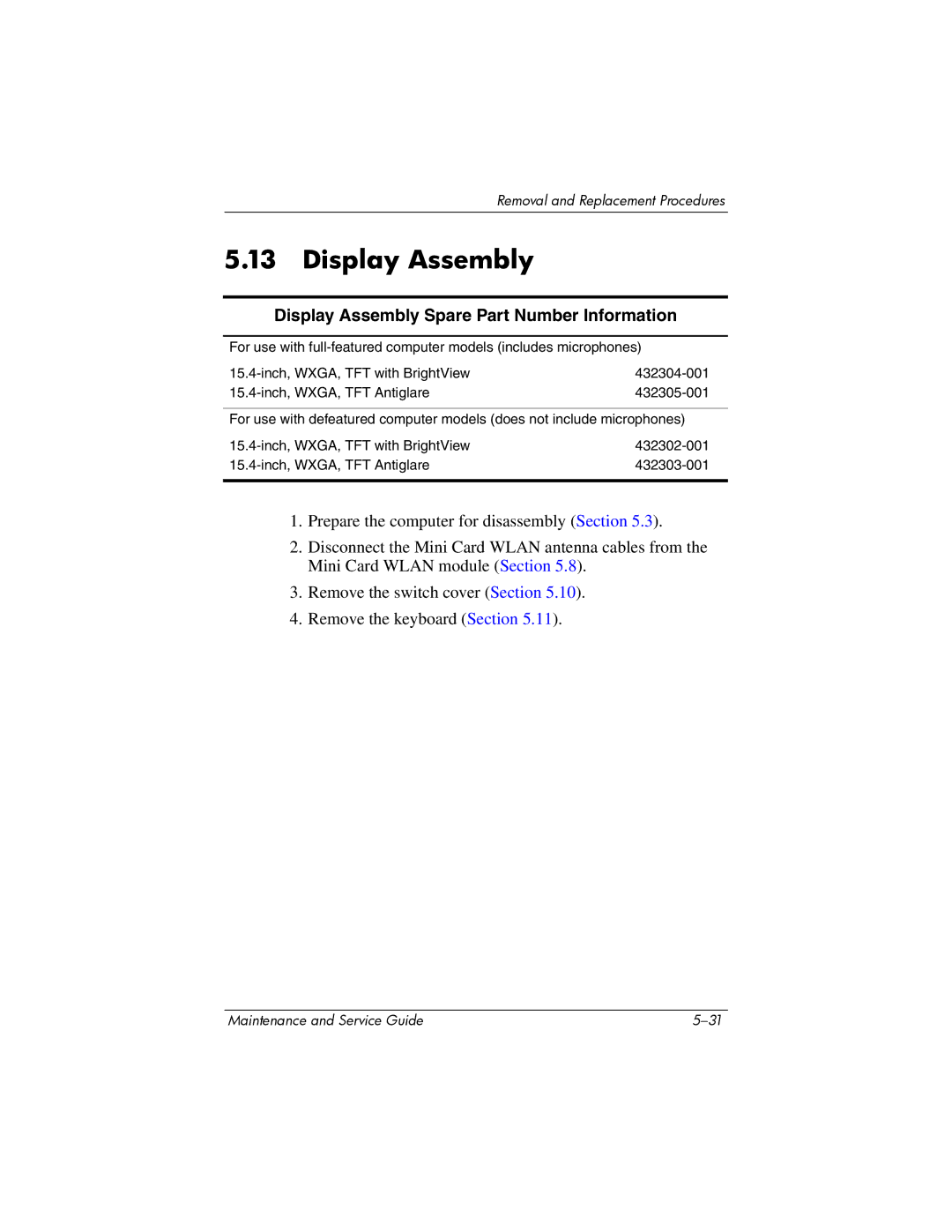
Display Assembly Spare Part Number Information
For use with
For use with defeatured computer models (does not include microphones)
|
|
1.Prepare the computer for disassembly (Section 5.3).
2.Disconnect the Mini Card WLAN antenna cables from the Mini Card WLAN module (Section 5.8).
3.Remove the switch cover (Section 5.10).
4.Remove the keyboard (Section 5.11).
Maintenance and Service Guide |