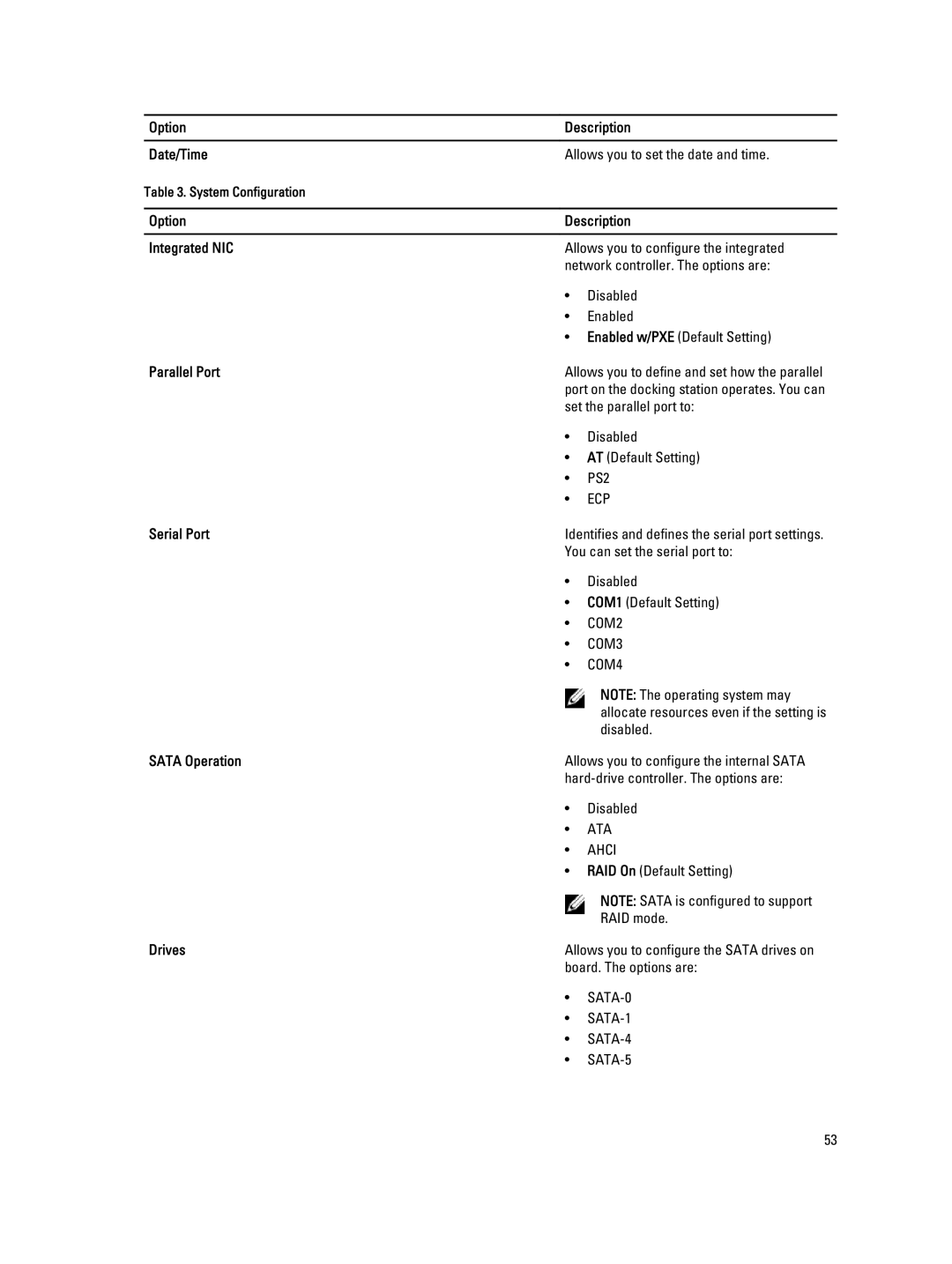
Option | Description | |
|
| |
Date/Time | Allows you to set the date and time. | |
Table 3. System Configuration |
|
|
|
| |
Option | Description | |
|
| |
Integrated NIC | Allows you to configure the integrated | |
| network controller. The options are: | |
| • | Disabled |
| • | Enabled |
| • Enabled w/PXE (Default Setting) | |
Parallel Port | Allows you to define and set how the parallel | |
| port on the docking station operates. You can | |
| set the parallel port to: | |
| • | Disabled |
| • | AT (Default Setting) |
| • | PS2 |
| • | ECP |
Serial Port | Identifies and defines the serial port settings. | |
| You can set the serial port to: | |
| • | Disabled |
| • | COM1 (Default Setting) |
| • | COM2 |
| • | COM3 |
| • | COM4 |
|
| NOTE: The operating system may |
|
| allocate resources even if the setting is |
|
| disabled. |
SATA Operation | Allows you to configure the internal SATA | |
| ||
| • | Disabled |
| • | ATA |
| • | AHCI |
| • RAID On (Default Setting) | |
|
| NOTE: SATA is configured to support |
|
| RAID mode. |
Drives | Allows you to configure the SATA drives on | |
| board. The options are: | |
| • | |
| • | |
| • | |
| • | |
53