Reference


Troubleshooting Tables


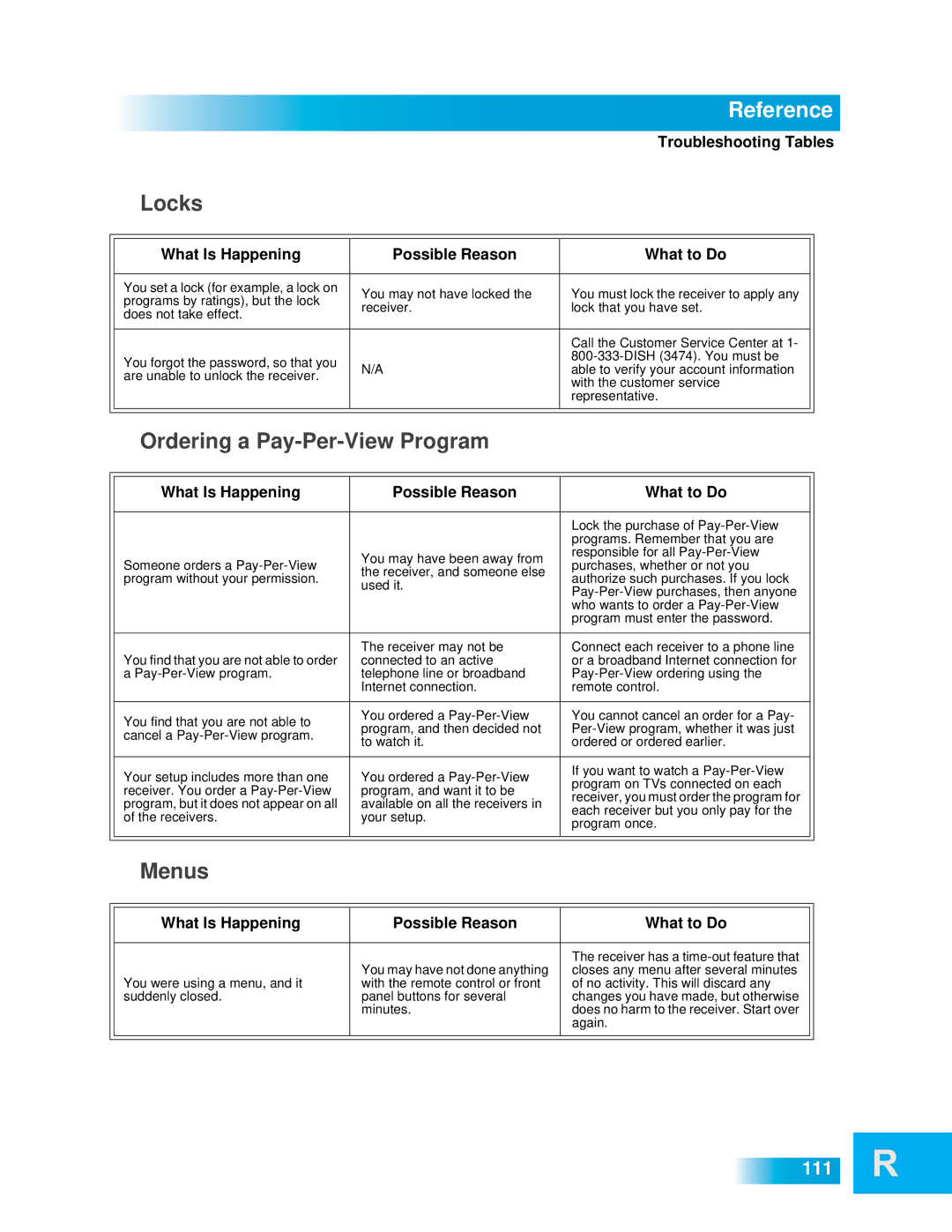
Locks


What Is Happening

Possible Reason

What to Do


You set a lock (for example, a lock on

You may not have locked the

You must lock the receiver to apply any


programs by ratings), but the lock


receiver.

lock that you have set.


does not take effect.


Call the Customer Service Center at 1-


You forgot the password, so that you


800-333-DISH (3474). You must be


N/A

able to verify your account information


are unable to unlock the receiver.


with the customer service


representative.


Ordering a Pay-Per-View Program


What Is Happening

Possible Reason

What to Do


Lock the purchase of Pay-Per-View


programs. Remember that you are


You may have been away from

responsible for all Pay-Per-View


Someone orders a Pay-Per-View

purchases, whether or not you


the receiver, and someone else


program without your permission.

authorize such purchases. If you lock


used it.


Pay-Per-View purchases, then anyone


who wants to order a Pay-Per-View


program must enter the password.


You find that you are not able to order

The receiver may not be

Connect each receiver to a phone line


connected to an active

or a broadband Internet connection for


a Pay-Per-View program.

telephone line or broadband

Pay-Per-View ordering using the


Internet connection.

remote control.


You find that you are not able to

You ordered a Pay-Per-View

You cannot cancel an order for a Pay-


program, and then decided not

Per-View program, whether it was just


cancel a Pay-Per-View program.


to watch it.

ordered or ordered earlier.


Your setup includes more than one

You ordered a Pay-Per-View

If you want to watch a Pay-Per-View


program on TVs connected on each


receiver. You order a Pay-Per-View

program, and want it to be


receiver, you must order the program for


program, but it does not appear on all

available on all the receivers in


each receiver but you only pay for the


of the receivers.

your setup.


program once.


Menus


What Is Happening

Possible Reason

What to Do


You may have not done anything

The receiver has a time-out feature that


You were using a menu, and it

closes any menu after several minutes


with the remote control or front

of no activity. This will discard any


suddenly closed.

panel buttons for several

changes you have made, but otherwise


minutes.

does no harm to the receiver. Start over


again.


111

Page 116
Image 116
Dish Network 612 important safety instructions Locks, Menus

612 specifications

Dish Network 612 is a satellite television receiver that offers a blend of functionality and versatility tailored for a seamless viewing experience. As part of Dish Network's innovative lineup, the 612 model is equipped with various features designed to enhance user satisfaction and convenience.

One of the primary characteristics of the Dish Network 612 is its dual-tuner capability. This allows viewers to record two different shows simultaneously while watching a third program. The unit supports the Auto Hop feature, which enables users to skip commercials automatically in specific recorded programs, providing an uninterrupted viewing experience. This feature caters to the growing demand for time efficiency, making it easier for users to enjoy their favorite shows without being bogged down by ad interruptions.

The receiver supports both standard and high-definition programming, making it versatile for users with varying preferences for video quality. It offers access to thousands of shows and movies, including on-demand content, which ensures that subscribers have a vast library to choose from. With the inclusion of HD programming, users can enjoy crystal-clear visuals, allowing for an immersive entertainment experience.

In terms of user interface, the Dish Network 612 provides an intuitive setup that simplifies navigation. Users are presented with a user-friendly graphic interface that makes it easy to access channels, recorded content, and on-demand programming. The remote control is designed for simplicity, featuring clearly labeled buttons and an ergonomic design for comfortable usage.

Another noteworthy feature of the Dish Network 612 is its compatibility with the Dish Anywhere app. This technology allows users to watch their favorite shows on mobile devices and tablets, even when they are not at home. Whether traveling or commuting, subscribers can enjoy their chosen programming wherever they are, further enhancing the flexibility of content consumption.

Connectivity options are a key characteristic of the Dish Network 612. The receiver includes multiple HDMI outputs and USB ports, allowing integration with various audio-visual devices such as sound systems and gaming consoles. This means users can set up a comprehensive home entertainment system without hassle.

In summary, the Dish Network 612 offers an array of features and technologies that enhance the viewing experience. With its dual-tuner capability, HD programming, user-friendly interface, and mobile compatibility, it addresses the needs of modern viewers who seek both convenience and quality in their home entertainment systems.