Table of Contents
Table of Contents
Record Future Programs
115
Page
Proper Care of Your Equipment
Safety
Introduction
Welcome
Chapter
Welcome
Guide Overview
How to Use this Guide
Introduction
Guide Conventions
Page
Watching TV Now
Finding a Program to Watch
Recording and Playing Back a Program
Pausing Live TV
DishHOME
Additional Services
Pay-Per-View
Dish On Demand
Why Connect to a Phone Line or Broadband
Solar Interference
Moving ON-SCREEN Logo
Tips
Questions
Tips
Satellite Receiver
Satellite Receiver Overview
Satellite Receiver Overview
Page
Remote Control
Remote Control Buttons-SAT Mode
Satellite Receiver
Remote Control Buttons-TV Mode
FWD
Remote Control Buttons-VCR Mode
Highlighting Menu Options
Using the ON-SCREEN Menus
Using the On-screen Menus
Open and Close Menus
Canceling a Procedure
Using Text Fields
List of Choices in the Menus
Using the On-screen Keyboard
Using the Remote Control Number Pad
While in the Text Field
Tips
Watching TV
Changing Channels
Using the Up and Down Arrows
Changing Channels
Entering a Channel Number
Watching TV
Using the Program Guide
Using the Browse Banner
Using Themes
Using Keywords
Using Themes and Search
Using Search History
PAY-PER-VIEW
Pay Per Programs
Select Movies & More
Ordering a Pay-Per-View Program
To Order a Program Through Movies & More
Pay-Per-View
Considerations
Pay Per Programs
Considerations
Reviewing Orders
How can I order a Pay-Per-View event for all my receivers?
Favorites Lists
What are Favorites Lists?
What are Favorites LISTS?
Naming Favorites Lists
Favorites Lists
Why are channels missing from the Program Guide?
Locks
What are Locks?
What are LOCKS?
Select Channel Locks
Locks
Creating or Changing Channel Locks
Select Ratings Locks
Select Lock PPV or Unlock PPV
Locking or Unlocking Pay-Per-View Channels
Locking or Unlocking the Front Panel
Set up your password before using the receiver locks
Creating or Changing a Password
Locking and Unlocking Your Receiver
Tips
Interactive TV
Customer Service
DishHOME Interactive TV
Dishhome Interactive TV
Digital Video Recording
What is DVR?
What is DVR?
Reversing, Fast Forwarding, and Skipping
Digital Video Recording
Select Start, Start Over, or Resume
Recording a Live Program
Deleting Recorded Programs
Select ERD Setup
Tips
Record Future Programs
Timer Priorities
Timers and Recordings
Timer Types
Timer Frequency
Record Future Programs
Timer Options
Using the Timers List
Using the Timers List
Using the Daily Schedule
Reasons Why Timers are Skipped
When a Timer Starts a Recording
When the Receiver is Off
Creating an Automatic Timer
Special Considerations When Using Timers
Select Edit Time
Creating a Manual Timer
Select Manual Timer
Select Create Timer
Creating a DishPASS Timer
Select Edit List
Deleting a Timer Select Exact Match with the Title or Info
Tips
Remote Control Setup
Improving Receiver Control
Changing the Remote Control Address
Checking the Remote Control Address
Improving Receiver Control
Remote Control Setup
Confirming Remote Control Operation
Changing the Remote Control from UHF Pro to IR
Changing the UHF Frequency Using the A/B Switch
Adjusting the Remote Antenna
Installing a UHF Attenuator
Operating Other Devices
Remote Control Modes
Limited Mode
Combination Devices
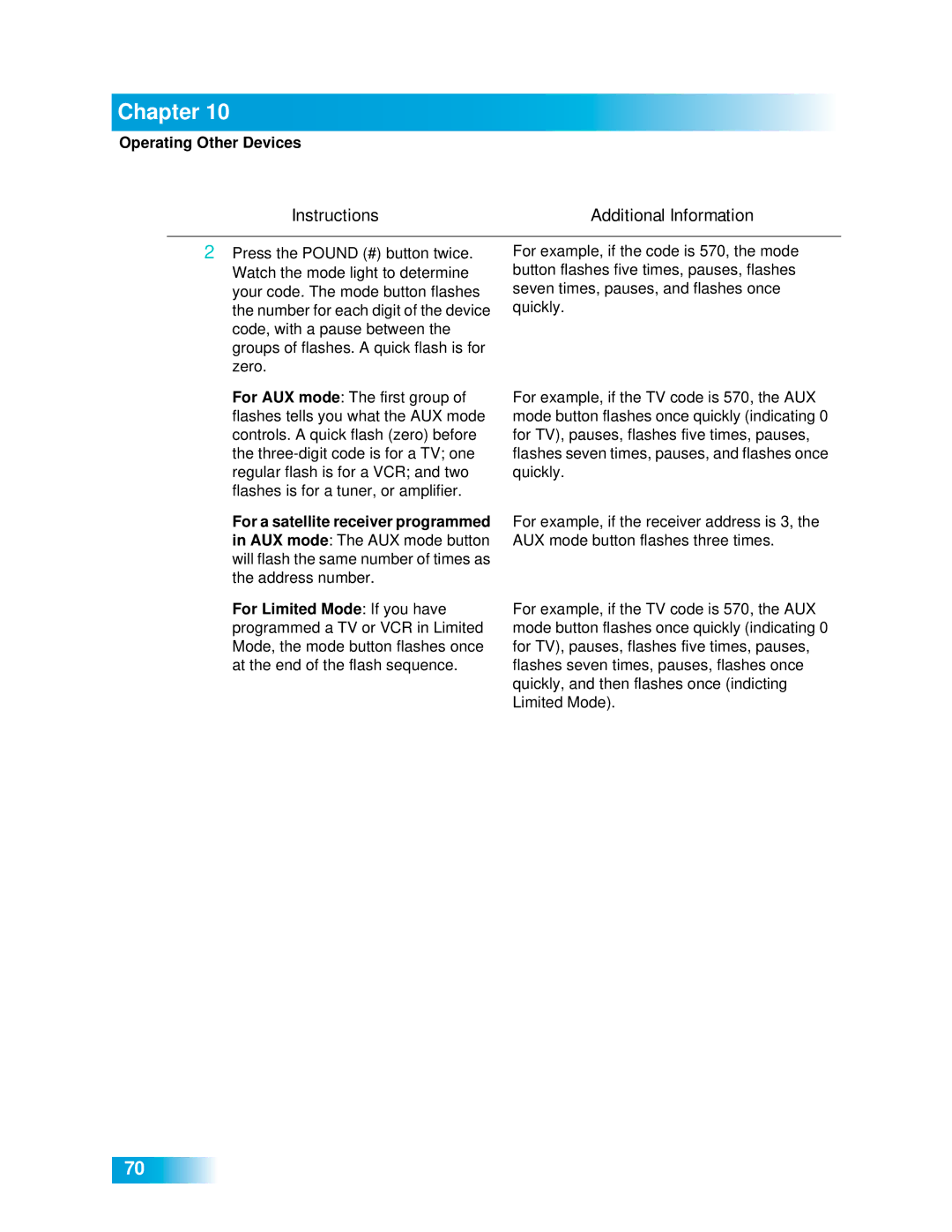
Instructions Additional Information
Setting Up Using Device Code Tables
Setting Up Using Device Codes Scan
Checking the Device Codes
Chapter
Switching Between TV and Tuner/Amplifier Volume Control
To Use a Tuner or Amplifier’s Volume Control
Controlling a Tuner or Amplifier
Page
Recover Button
Using the Recover Button
Power
Sending Discrete Power On and Off
Customizing Receiver
Using Multimedia
Using Multimedia
Photos
Caller ID Screens
Setting Up Caller ID Display
Using Caller ID
Customizing Receiver
Customizing the Guide and Channel Lists
Using Caller ID History
Channel Display Preferences
Changing the Guide Display
Select Chan Display
Changing Languages
Using Closed Captioning
Done
Using Dolby Digital Surround Sound
Resetting to Factory Defaults
Select Preferences, and then Inactivity Standby
Inactivity Standby
Connections
Connecting to the TV
Connecting to the TV
High-Definition Connection Hdmi Cable
Connections
High-Definition Connection Ypbpr Component Cables
No Picture on the TV
Setting Up to Display in HD
TV SET OUT
Standard-Definition Connections
Connecting to Your Dish Antenna
Phone Line Connection
Connecting the Phone Line
Phone System Setup
Connecting a Broadband Internet Connection
Scanning for Over-the-Air Channels
Scanning for OVER-THE-AIR Channels
About Over-the-Air TV Broadcasts
Peaking Your Over-the-Air Antenna
Additional Resources for Over-the-Air TV Broadcasts
Resetting Your Receiver
Diagnostics
Using Troubleshooting Tools
Select System Setup Select Installation
Point Dish and Check Switch
Reference
Troubleshooting Tables Remote Control Device Codes
Troubleshooting Tables
Troubleshooting Tables
Reference
Message Numbers
026
015
018
022
078
What Is Happening Possible Reason What to Do
061
074
Remote Control
Watching a Program
Program Guide or the Browse Banner
106
Favorites Lists
Timers
108
Hearing a Program
Caller ID
Telephone for Voice/Data/FAX
110
Menus
Locks
TV Codes
Remote Control Device Codes
VCR Codes
Tuner/Amplifier Codes
DVD Player Codes
TV/VCR Combo Codes
DVD/VCR Combo Codes
TV/DVD Combo Codes
Appendix
Appendix
Limited Warranty
Post Receipt Exchange Program
Accessory Warranty
Dish Network’s Exchange Programs
Advance Exchange Program
LITTLETON, CO
Residential Customer Agreement
119
120
121
122
Staying Legal
Telephone Communication
Compliance Information Statement
FCC Compliance
125
Connecting to an Over-the-Air Antenna
Index
Index
129
For Your Safety
TV Input/Channel Settings