Issue: 1.0
The system Information displays model name/Running Version/Protocol/Communication Type/Camera ID No./System. It is read only for reference. Use the following steps to display the System Information screen:
Camera ID changes with respect to ID switching setting.
- Enter into {Main MENU}
- Select {System} using the joystick [ ].
- Move the joystick right [ ] for selecting▶ {Info} in the sub menu of {System}. - Press [Far] button or use▶joystick [ ] to return to previous menu (Back).
▶
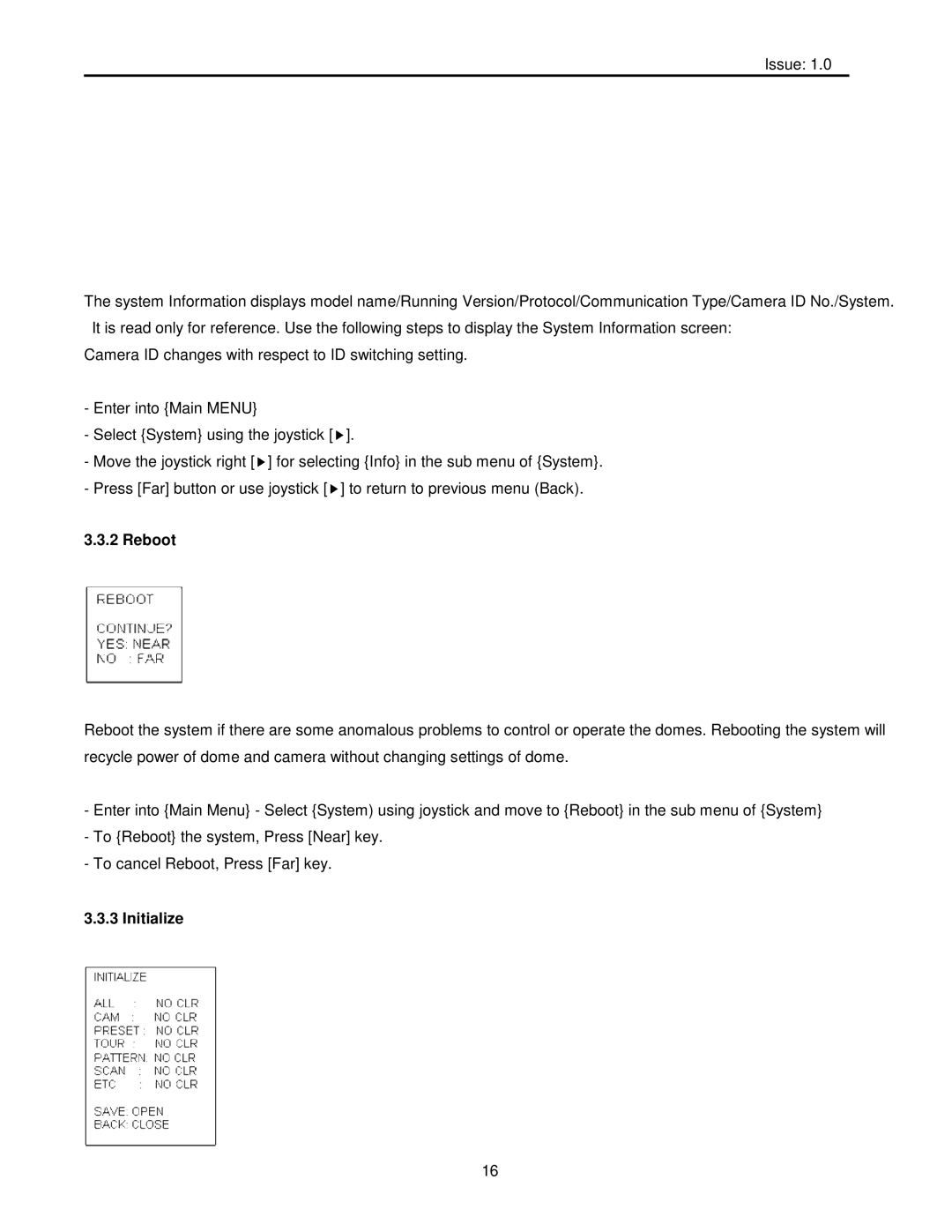
Reboot the system if there are some anomalous problems to control or operate the domes. Rebooting the system will recycle power of dome and camera without changing settings of dome.
-Enter into {Main Menu} - Select {System) using joystick and move to {Reboot} in the sub menu of {System}
-To {Reboot} the system, Press [Near] key.
-To cancel Reboot, Press [Far] key.
3.3.3 Initialize
16