Product Description
1.3 Power Management
The notebook comes with power management features that extend battery operating time and conserve power. The notebook supports the following power management features:
■Standby
■Hibernation
■Setting customization by the user
■Hotkeys for setting the level of performance
■Battery calibration
■Lid switch standby/resume
■Power/standby button
■Advanced Configuration and Power Management (ACPM) compliance
1.4External Components
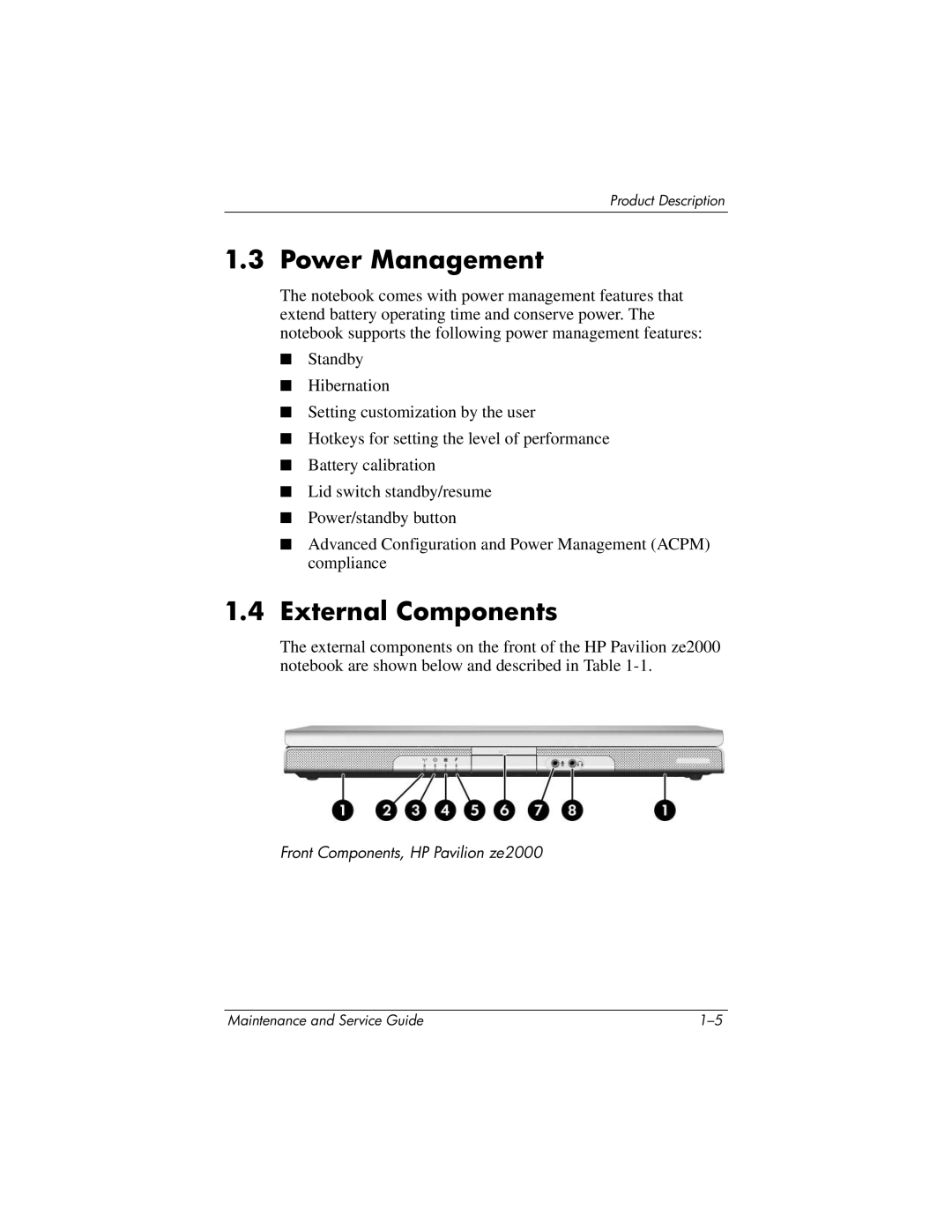
The external components on the front of the HP Pavilion ze2000 notebook are shown below and described in Table
Front Components, HP Pavilion ze2000
Maintenance and Service Guide |