MENU SETTING
■3D PROCESSING
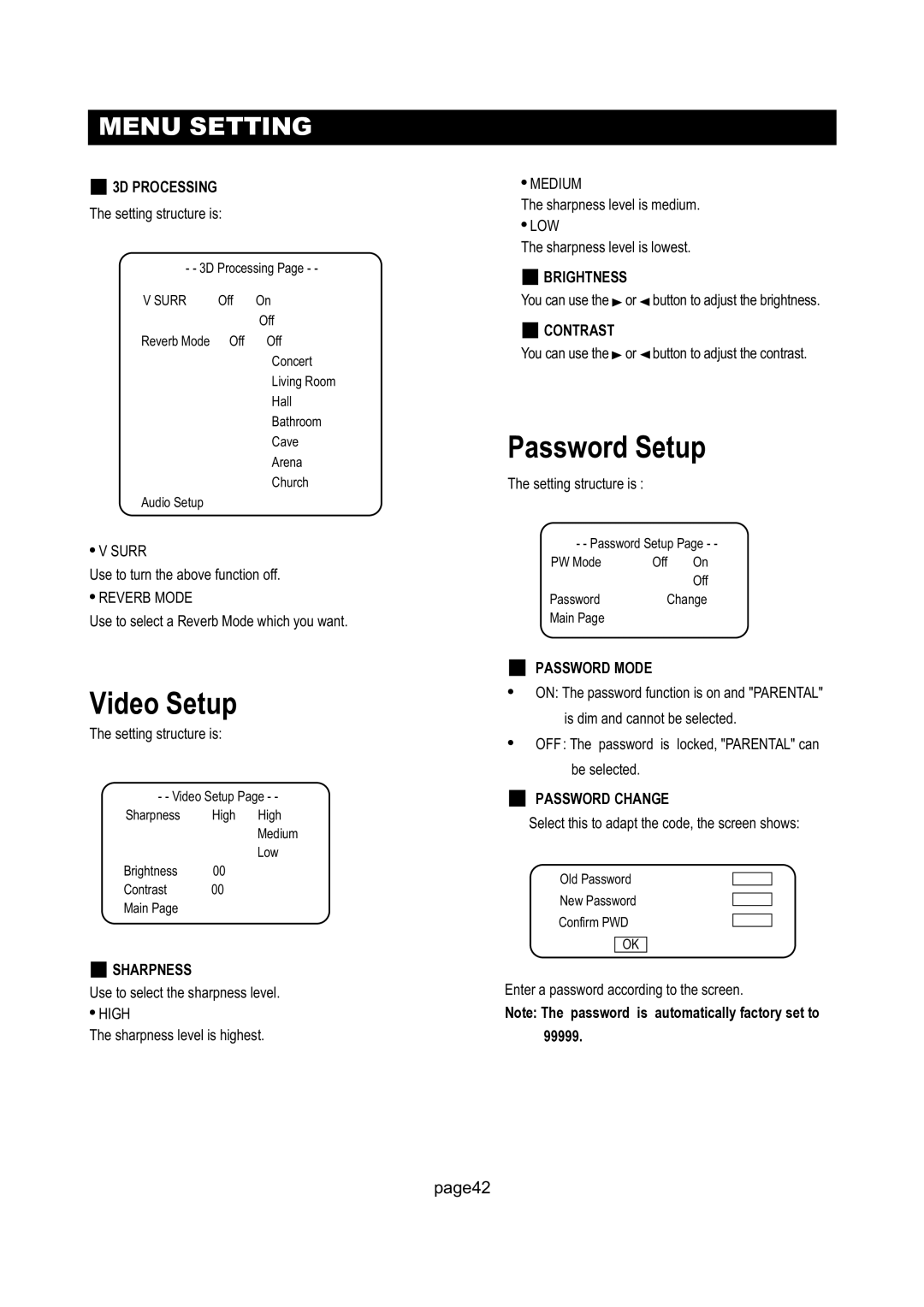
The setting structure is:
- - 3D Processing Page - -
V SURR | Off | On |
|
| Off |
Reverb Mode | Off | Off |
|
| Concert |
|
| Living Room |
|
| Hall |
|
| Bathroom |
|
| Cave |
|
| Arena |
|
| Church |
Audio Setup |
|
|
●V SURR
Use to turn the above function off.
●REVERB MODE
Use to select a Reverb Mode which you want.
Video Setup
The setting structure is:
- - Video Setup Page - -
Sharpness High High
Medium
Low
Brightness 00
Contrast 00
Main Page
■SHARPNESS
Use to select the sharpness level.
●HIGH
The sharpness level is highest.
●MEDIUM
The sharpness level is medium.
●LOW
The sharpness level is lowest.
■BRIGHTNESS
You can use the  or
or  button to adjust the brightness.
■CONTRAST
You can use the or
or  button to adjust the contrast.
Password Setup
The setting structure is :
- - Password Setup Page - -
PW Mode | Off | On |
|
| Off |
Password | Change | |
Main Page |
|
|
■PASSWORD MODE
●ON: The password function is on and "PARENTAL" is dim and cannot be selected.
●OFF: The password is locked, "PARENTAL" can be selected.
■PASSWORD CHANGE
Select this to adapt the code, the screen shows:
Old Password
New Password
Confirm PWD
OK
Enter a password according to the screen.
Note: The password is automatically factory set to 99999.
page42