English
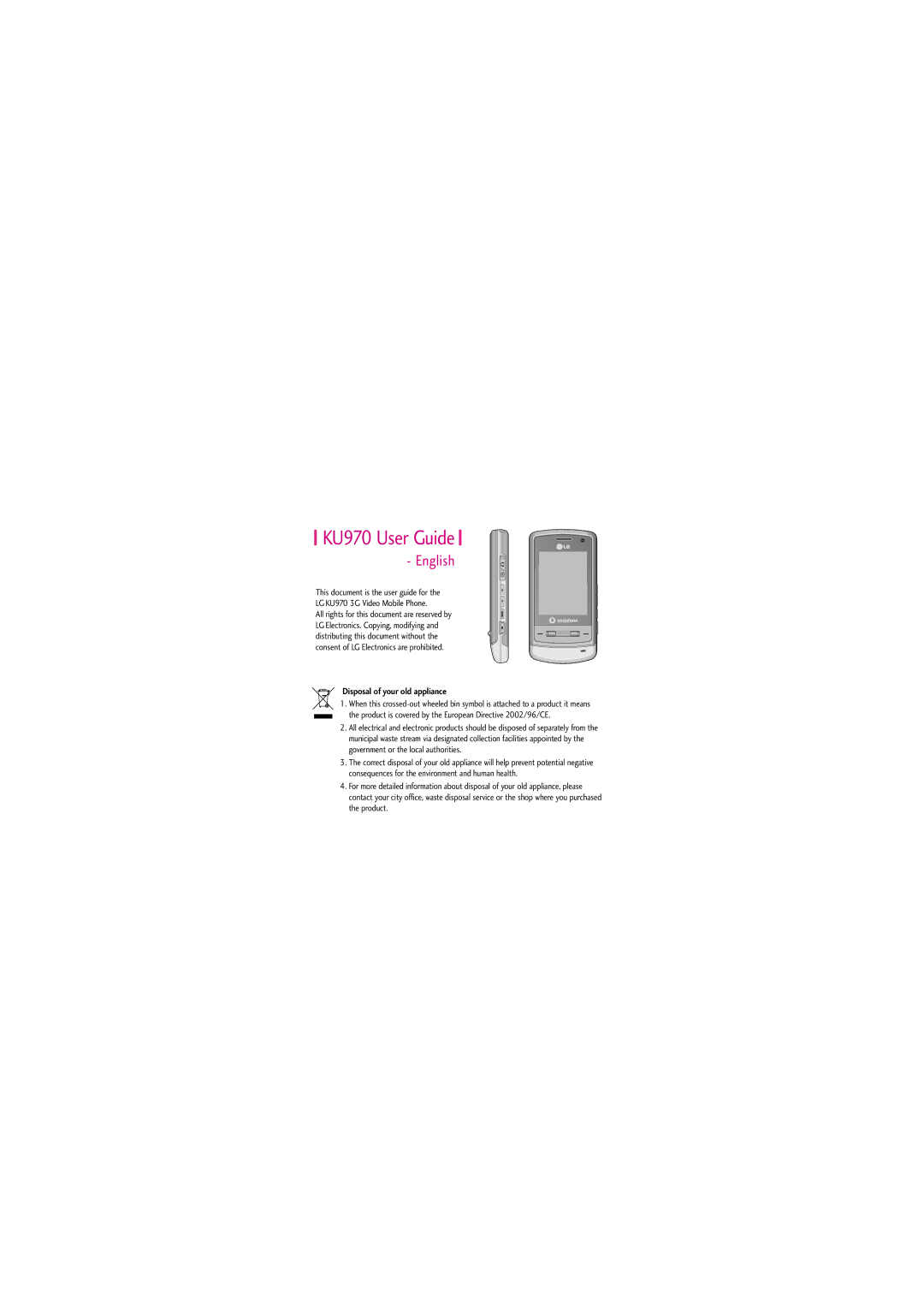
KU970 User Guide
Disposal of your old appliance
Table of Contents
Vodafone live
Contacts
Entertainment
My Files
Table of Contents
Introduction
Introduction
Given in this manual
For Your Safety
Please read these simple guidelines. Not
Or illegal. Further detailed information is
Certification information SAR
Guidelines for Safe and Efficient Use
Guidelines for Safe and Efficient Use
Product care and maintenance
Electronic devices
Please remove the data cable before powering on the handset
Do not subject this unit to excessive smoke or dust
Do not expose the phone to liquid or moisture
Avoid damage to your hearing
Road safety
Blasting area
Do not transport or store flammable gas
Wireless devices can cause interference in aircraft
Battery information and care
Aircraft
Children
Driver Safety Tips
Guidelines for Safe and Efficient Use
To dial voice mail centre
KU970 Features
Left soft key/ Right soft key
Left side view
KU970 Features
Rear view
Installing the Usim card
Battery
Installing the battery
Getting Started
To remove the battery
Charging the Battery
Only use the charger included in the box
Using the phone for the first time
Disconnecting the charger
Moving bars on the battery icon will
Getting Started
Turning the handset on/off
Access codes
PIN code 4 to 8 digits
After a few seconds you will be registered on the network
Display information
Digits
No Usim idle screen
Screen structure
Numbering screen
Idle screen
Handset lock screen
Soft key
Unlock function
Barring password
Conditions. This condition can be edited
From your network operators customer
Making a call from the call logs
Making a voice call
Making a video call
Call, press
General Functions
Adjusting the volume
Making a voice/video call from Contacts
Answering a call
Signal strength
Shortcut to activate vibrate mode
Entering text
ABC mode
T9 mode
Changing the text input mode
Using the T9 Mode
Example
Using the ABC Mode
Complete each word with a space by Pressing
Down to erase entire words
Using the symbol mode
Using the 123 Number mode
Characters in the order display
Key
Overview of Menu Functions
Shown only if supported by the service provider
Move to the desired item and press to enter the sub-menu
Usim Tool Kit Menu
For the Alarms menu feature, please refer to
Now playing
Music Menu
All tracks
Playlists
Camera Menu
Displays the current camera settings
Camera
Picture You can turn the camera light On/off with
Camera
Video recorder
Displays the current video recorder Settings
Camera
Press to start recording. And press To stop recording
During a video call
Video call Menu
Receiving a video call
Enter the number you want to dial You can key in the number
Video call
All calls
Calls Menu
Dialled calls
Received calls
Message
Create new
Option menus in Message field
Postcard
Cancel Select this to cancel editing
Send Select this to send the created message
Press the right soft key Send to send the created postcard
Messaging
How to set up an Email account
Mail
Move the cursor to the Subject field and key in the subject
Inbox
By using
Message and then press to view the message
View Opens the selected message
Outbox
Drafts
Mail
Sent messages
Options
Create new message You can write a new message
View attachment Shows the attached file
Create new message Creates a new message
Templates
Messaging settings
Media Album
Text templates
Alphabet/ Unicode
Messaging
Title Profile name
Centre setting
Mmsc URL Enter the multimedia
Message centre URL
Activate Activates the selected account for outgoing mail
Following items need to be configured
Creating a new email account
Select Add new from the Email account menu options
Save to server
Editing an email account
Service message
Info. service
You can configure the service message receipt option
Cell broadcast You can set the reception status
Add new
Contacts Menu
Contacts list
Groups
Own number
Settings
Homepage
Vodafone live! Menu
Enter URL
Bookmarks
Profiles
Saved pages
Security
Character encoding
Vodafone live
You can access Mobile TV by selecting this menu
Java settings
Mobile TV
Games & Applications
Pictures
My Files Menu
File
Videos
Sounds
Create new folder You can create a new folder
Memory status Displays the memory status
My Files
Move to
Bluetooth data
Next file Plays the next video file
Memory info View file information
Other files
Alarm will go off even when the phone is switched off
Alarms
Organiser & Tools Menu
Calendar
Move to
Organiser & Tools
Date scrolling
Reference by Days
Tasks
You can delete all elapsed schedules using this function
Previous entries
All entries
Calculator
Memo
Add new memo
Right soft key Done
World time
Converter
Voice recorder
Saved in the Voice recordings folder in My
To exit. The recorded file is automatically
Files
Select the desired menu scrolling Press
Alert by
Volume
Voice ringtone
Video ringtone
Date & Time
Settings
Language
Auto key lock
Handset lock
PIN code change procedure
Change codes
To return to the previous step
Decide whether to activate the power save mode or not
Power save
Enter the new PIN code once again,
Handset information Menu #.1.8
Memory status
Display settings
Following timers are available
Call settings
Call durations
For detailed information, please refer to
Video calls & Voice calls
Call barring
All outgoing
Incoming when abroad
Barring password
Outgoing international
Outgoing international calls except home country
Fixed dial numbers
Data volume
Call costs
When To a number is selected
All voice calls When busy No answer Not reachable
Diverts
Voice calls
All video calls
Video calls
Press . While awaiting the result
Selected
When Recent divert number list is selected
It operates the same as All voice calls menu
Voicemail
Call waiting
Video call
Select still image Select the still image to be displayed
Common settings
Bluetooth
Contact settings Menu #.6
BT answer mode
Bluetooth connection
Getting started
Bluetooth 2. Settings
Paired device
Deleting devices
Pairing devices
Select a device to delete from the Paired devices screen
Bluetooth data storage folder
Receiving data using Bluetooth
Device Connecting a headset
Connecting a handsfree kit
Synchronisation
Procedures described in the Pairing Devices section
Network
Network selection
Network mode
Access points
Preferred lists
Selection
Profiles
Browser settings
Security
Character encoding
Dial-up network
Streaming
Cache
Standard Battery Data cable/CD
Accessories
Travel Adapter
Stereo headset
Ambient Temperatures
Technical data
General
Product name KU970
Handset Information
Index
100
Index