Nokia N95 8GB User Guide
Declaration of Conformity
Page
Contents
Nokia Video Centre
Positioning GPS
Make calls 116 Messaging 103
Tools folder 140
Index 174
For your safety
For your safety
About your device
BACK-UP Copies
Network services
Safety
Enhancements, batteries, and chargers
Your
For your safety
Get connected
Get connected
Useful information
Help
Get started
Useful information
Software updates
Settings
Access codes
Useful
Prolong battery life
Free memory
Useful information
Switch
Transfer content
Your device
Welcome
Synchronise, retrieve, or send content
Display indicators
Options Shortcut settings. You can, for
Device
Options Help
Volume and loudspeaker control
Lock the keypad
Offline profile
Games
Multimedia menu
Fast downloading
Web browser
Browse the web
Web browser
Browser toolbar
Shortcuts while browsing
Navigate pages
Web feeds and blogs
Content search
Download and purchase items
Bookmarks
Empty the cache
End the connection
Connection security
Web settings
Web
Security warnings Hide or show security notifications
Web feed settings
Wireless LAN
Connections
About Wlan
Wlan connections
Wlan internet access points
Wlan wizard
Connections
Connection manager
Operating modes
Active data connections
Available Wlan networks
Bluetooth connectivity
About Bluetooth connectivity
Settings
Send data using Bluetooth connectivity
Select Bluetooth Off or My phones visibility
Security tips
Hidden
Receive data using Bluetooth connectivity
Pair devices
Remote SIM mode
Infrared
Nokia Wireless Keyboard
PC connections
Modem
Nokia Video Centre
Find and view videos
Centre
Nokia Video
Internet videos
Play downloaded videos
Transfer videos from your PC
Nokia Video Centre
Settings
Music player
Folder
Play a song or a podcast episode
Select Music or Podcasts
Music menu
Playlists
Music folder
Podcasts
Home network with music player
Play a song or a podcast remotely
Copy songs or podcasts wirelessly
Transfer music to your device
Nokia Music Store
Options Refresh Music library
Music
Manual synchronisation
Nokia Music Store settings
Visual Radio
Listen to the radio
View visual content
Manual tuning
Saved stations
Connection settings
Music Podcasting Options Settings
Download settings
Nokia Podcasting
Music
Search
Directories
Podcasting Directories
Downloads
Play and manage podcasts
Options
Podcasts
Music folder
Stream content over the air
RealPlayer settings
Media folder
RealPlayer
Adobe Flash Player
Nokia Lifeblog
About Nokia Lifeblog
Select Applications Media
Installation on your PC
Connect your device and PC
Copy items
Browse time line and favourites
Post to web
Post items to the web from your device
Select Options Post to Web
Activation keys
Import items
Post items to the web from your PC
Select File Post to the Web
Recorder
Media
Still image camera indicators
Camera
About the camera
Image capture
Active toolbar
Toolbar, p
Take pictures
After taking a picture
Flash
Camera
Scenes
Take pictures in a sequence
You in the picture-self-timer
Select Self timer Off
Tips on taking good photographs
Seconds
Video capture indicators
Video recording
Record videos
After recording a video
Camera settings
Still image camera settings
Extended digital zoom main camera only
Video settings
Lighting
Exposure compensation images
Camera
Gallery
View and organise files
Images and video clips
Gallery
Organise images and videos
Albums
Print basket
Delay between slides to adjust the tempo
Edit images
Slide show
Image editor
TV-out mode
Edit videos
Crop image
Reduce red-eye
Presentations
Print images
Image print
Share images and videos online
Home network
Print online
About home network
Settings for home network
Important security information
Select Tools Connectivity Home
Set sharing on and define content
Configure settings
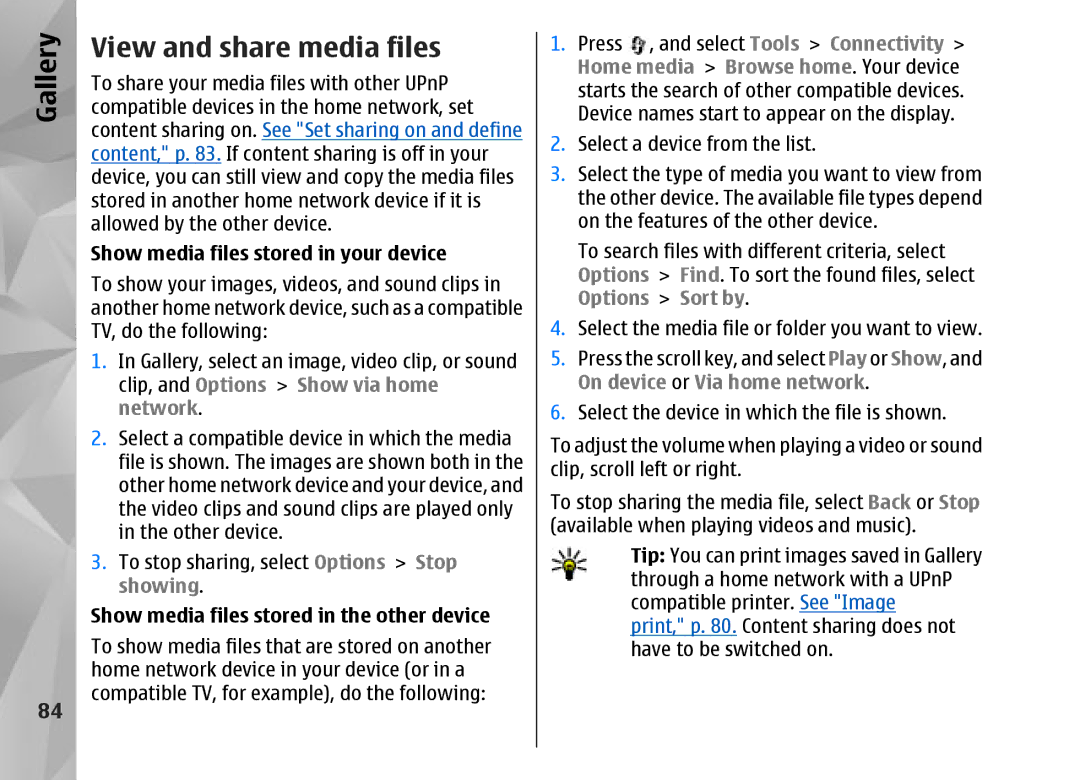
View and share media files
Show media files stored in your device
Show media files stored in the other device
Copy media files
Positioning GPS
About GPS
Positioning GPS
About satellite signals
GPS receiver
Satellite status
Position requests
Maps
About Maps
Browse maps
Satellite information
Place Landmarks
Download maps
Nokia Map Loader
Extra services for Maps
Find a place
Plan a route
Navigation
Landmarks
GPS data
Manually
Route guidance
Retrieve position information
Trip meter
Positioning GPS
Personalise your device
Themes
Profiles-set tones
Personalise your
Tones
Personalise your device
Modify the standby mode Modify the main menu
Applications Clock Options Settings Clock type
Select Options Move, Move to folder, or New
Alarm clock
Time management
Clock
Time management
Calendar
Create a calendar entry
Calendar views
101
Manage calendar entries
102
Messaging
Messaging main view
Messaging
103
Write text
Traditional text input
Predictive text input
104
Tips on predictive text input
Change the writing language
Edit text and lists
105
Write and send messages
106
Select New message Text message to send
Messaging inbox
Receive messages
107
Define the e-mail settings
Mailbox
Multimedia messages
Retrieve
Open the mailbox
Retrieve e-mail messages
109
Messaging settings
View messages on a SIM card
Delete e-mail messages
Disconnect from the mailbox
Text message settings
Multimedia message settings
111
Mail settings
Settings E-mail
If you select Multimedia retrieval Always
Deny report sending Select whether you
User settings
Retrieval settings
113
Web service message settings
Cell broadcast settings
Select from the following
Mail to retrieve Define which parts
Other settings
115
Make calls
Voice calls
Options during a call
Make calls
Voice and video mailboxes
Answer or decline a call
Make a conference call
117
Settings Phone Call Speed dialling
Speed dial a phone number
Call waiting
118
Voice dialling
Make a video call
119
Make a call with a voice tag
Options during a video call
Calls
Make
120
Answer or decline a video call
Video sharing
Requirements
121
Person-to-person connection settings
Umts connection settings
Share live video or video clips
122
Internet calls
Accept an invitation
123
Connect to the internet call service
Connection SIP settings Options New
Create an internet call profile
124
Service settings
Make internet calls
125
Select Tools Connectivity Internet
Log
Recent calls
Call duration
Packet data
Monitor all communication events
127
Contacts phonebook
Manage names and numbers
Save and edit names
Numbers
Default numbers and addresses
Add ringing tones for contacts
Copy contacts
Contacts phonebook
SIM directory and other SIM services
Manage contact groups
130
Select Options New group
131
Office folder
Quickoffice
Quickword
Quicksheet
Converter
Quickmanager
Office folder
133
Zip manager
Barcode reader
134
Set base currency and exchange rates
135
Applications folder
Calculator
Application manager
136
Install applications and software
Applications folder
137
Remove applications and software
139
Tools folder
File manager
Mass memory tool
Tools folder
Voice commands
141
Playback
Changed, select Remove voice adapts
Device manager
Tools
Settings
General settings
Personalisation settings
Settings
Enhancement settings
TV-out settings
Language
Enhancement
Security settings
145
Change the trust settings
146
Security Certificate management
View certificate details-check authenticity
Restore original settings
Positioning settings
147
Phone settings
Call settings
Call divert
Call barring
149
Voice call barring
Connection settings
Network settings
Data connections and access points
Select Tools Settings Phone
Access points
Connection Access points
Connection Access points Options Or New access point
151
Security settings for WEP
152
Proxy server address Enter the address of the proxy server
Packet data settings
Select Options Advanced settings and from the following
153
Proxy server address Enter the address for the proxy server
Wireless LAN settings
SIP settings
Internet call settings
Configurations
Application settings
155
Troubleshooting
Troubleshooting
156
How do I switch wireless LAN Wlan off on my Nokia device?
157
What can I do if my home network connection stops working?
When Scan for networks is set to Never,
Settings Multimedia message
158
Availability Never
Battery
Nokia original enhancements
Enhancements
159
Battery information
Battery information
Charging and discharging
160
Authenticate hologram
What if your battery is not Authentic?
161
162
Care and maintenance
Care
163
Care and maintenance
164
Additional safety information
Small children
Operating environment
Medical devices
Vehicles
Hearing aids
Additional safety information
Emergency calls
167
Certification Information SAR
168
Warranty period
169
How to get warranty service
What is not covered?
170
Other important notices
171
Limitation of Nokias liability
Statutory obligations
172
173
Index
Index
174
175
176
177
178
179
Nokia Care Online
Please visit your own country site for more details