Configuring options
Adjusting the volume
To adjust the volume, press the Services key and select Volume adjustment... from the Telephone Option menu. Choose one of the
following:
•Ringer
•Handset
•
•Buzzer
To adjust the volume:
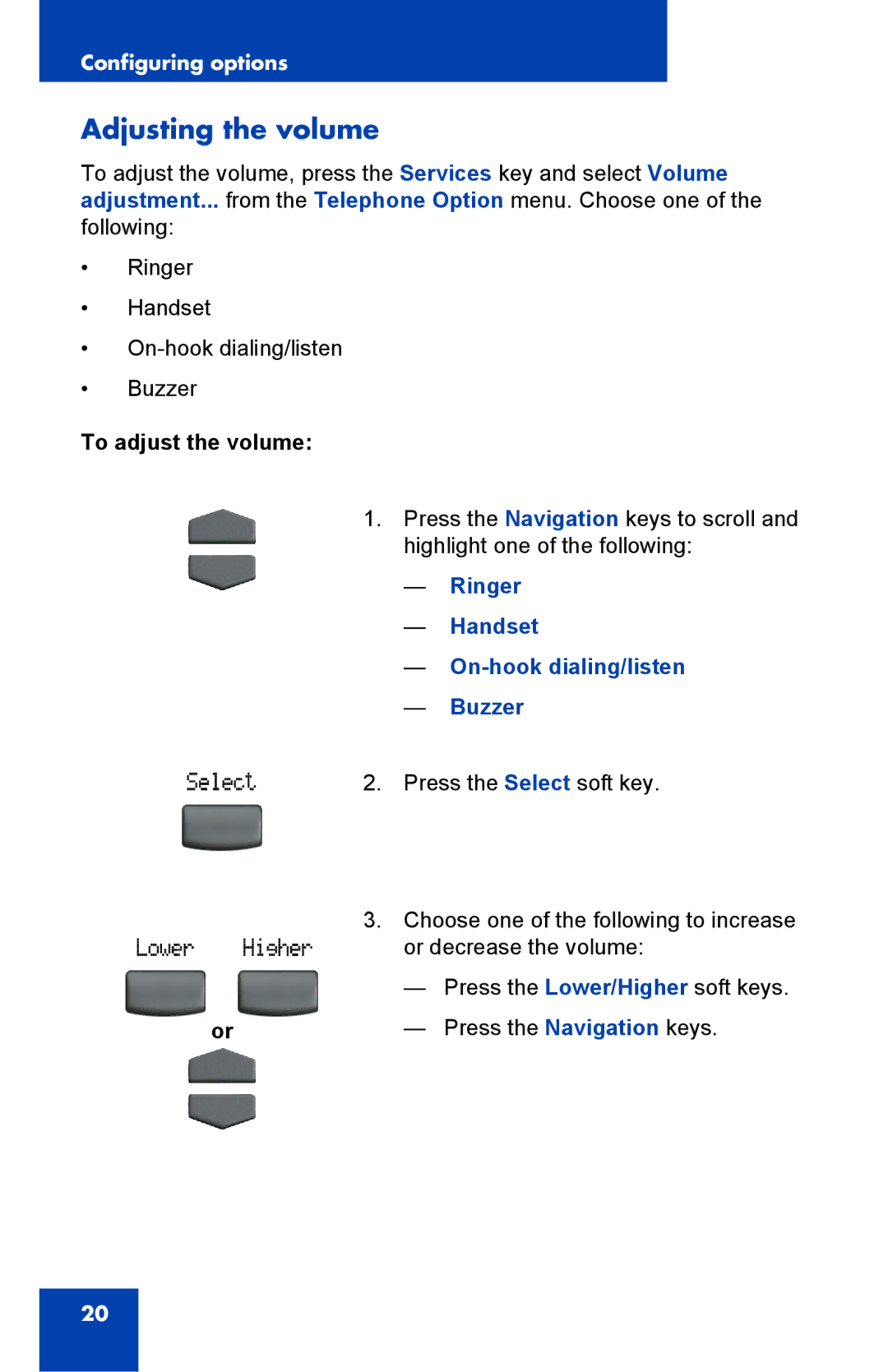
1. | Press the Navigation keys to scroll and |
| highlight one of the following: |
| — Ringer |
| — Handset |
| — |
| — Buzzer |
2. | Press the Select soft key. |
3. | Choose one of the following to increase |
| or decrease the volume: |
| — Press the Lower/Higher soft keys. |
or | — Press the Navigation keys. |
20