PATHFINDER
Trademarks
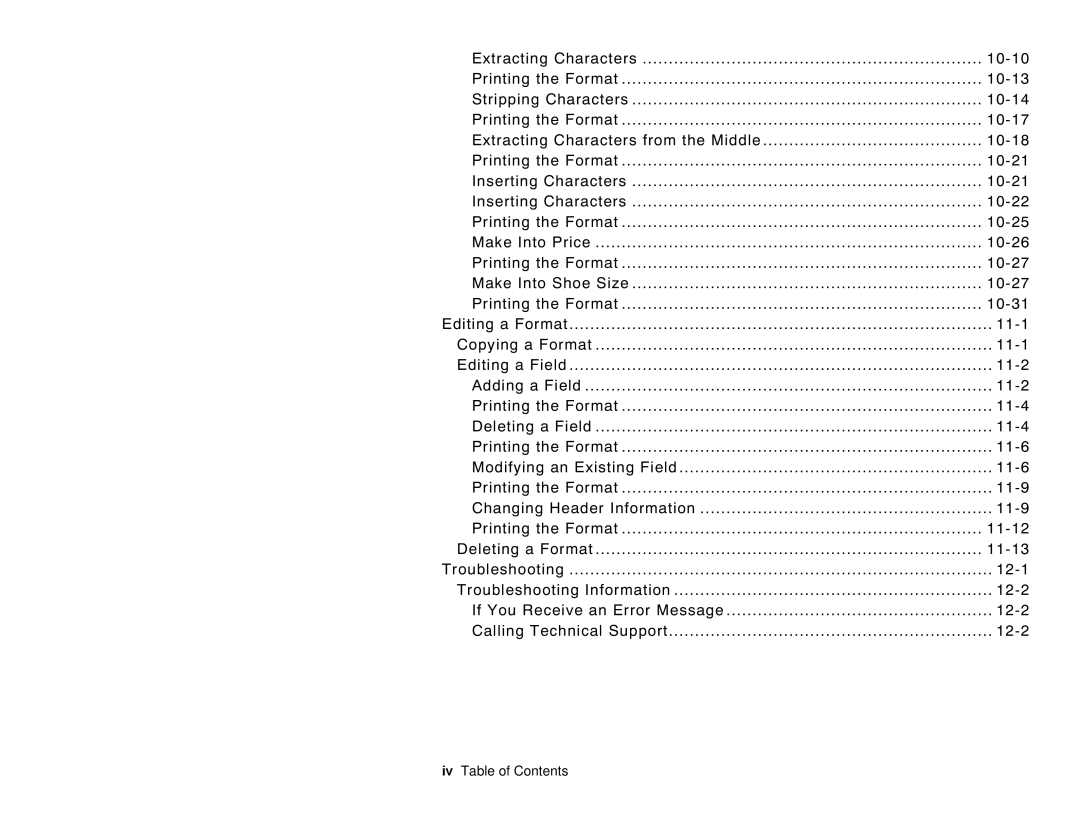
Table of Contents
B L E O F C O N T E N T S
Ii Table of Contents
Defining Special Fields
About Combo Bar Code Fields
Defining Line Fields About Line Fields
Entering a Sample Price Field
Iv Table of Contents
Table of Contents
Vi Table of Contents
A t u r e s
Introduction
R m s t o K n o w
B e l S i z e s
Printer allows you to print the following label sizes
Appendix a
W t h i s M a n u a l i s O r g a n i z e d
Chapter
Appendix B
T T I N G S T a R T E D
I n g t h e K e y p a d a n d t h e D i s p l a y
2Getting Started
Using the Function Keys
Characters
Key Combination Description
A d i n g t h e D i s p l a y
Icons listed below tell you what data entry mode you are
I n g t h e M o s t C o m m o n K e y s
Keys listed below are the most commonly used
Press To design your formats
T e r i n g a S a m p l e F o r m a t
Turn on the printer. You will see the Main Menu
Press To create a new format
Select CG Trium 8 pt 1001. Press
Type 1 as the minimum number of characters Field. Press
Type Enter Size
6Getting Started
Getting Started
Press To exit the Design Menu
I n t i n g t h e S a m p l e F o r m a t
After designing your format, print it to see how it looks
8Getting Started
I n g t h e O p e r a t o r D a t a E n t r y F o r m
Print Sample Prompt Response Special Instructions
Sample Operator Data Entry Form
10Getting Started
Operator Data Entry Form
12Getting Started
Press Configuration Main Menu
Until you return to
Main Menu
Toggle Backlight
2Configuring the Printer
N e r a l O p t i o n s
Select an option
Set Print Method
Set Date
Set Time
Set I2 of 5 Scan Lengths
Reset/Clear Formats
4Configuring the Printer
Select Currency
Set Supply Type
Setting Description
R m a t H e a d e r O p t i o n s
Suppress Warnings
R m a t T e x t O p t i o n s
Use Default Gap
6Configuring the Printer
Generate Fmt Name
Use Default Color
Set Default Color
Use Default Character Rotation
Use Default Alignment
Use Default UPC Appearance
Set Default UPC Appearance
Default Y
S i g n O v e r v i e w
T e r m i n i n g F o r m a t D a t a
Designing a Format
Widths
T e r m i n i n g t h e P r i n t a r e a
A w i n g R o u g h S k e t c h e s
2Designing a Format
Supply Layout Inches
I n g S u p p l y L a y o u t G r i d s
N s i d e r i n g F i e l d T y p e s
For each field type, keep the following in mind
Field Type Field Class Description Examples
Column
Using 2.0-inch long by 2.0-inch wide supplies
Font and Font Size Rotation Row
Field. Bar codes require a quiet zone non-printing zone on
A r t i n g t h e D e s i g n P r o c e s s
6Designing a Format
A c i n g F i e l d s o n a F o r m a t
8Designing a Format
Format Number
O u t T e x t F i e l d s
Format Name
Supply Length
Type of Data
Supply Width
Field Type
0123456789#$%&,./@DFKLMPS\kprö¢£¥
Gap
Height Magnification Width Font Color
Justification
Field Rotation
Data Edits
T e r i n g a S a m p l e T e x t F i e l d
6Defining Text Fields
Defining Text Fields
8Defining Text Fields
I n t i n g t h e S a m p l e T e x t F o r m a t
Starting Position
I n g a C o m b o T e x t F i e l d
Field Number
Number of Digits
Press To add a field
Select Fld 4 Ufld 3 Smpl. Press
Deleting a Field
Press To edit an existing format
11-4Editing a Format
SHOE-SIZE SHOE-PRICE Autopart Price
Modifying an Existing Field
Our SHOE-SIZEformat, we will modify the text field
11-6Editing a Format
Select Fld 1 Ufld 1 Smpl
Select CG TrCon 10p 1008. Press
11-8Editing a Format
Changing Header Information
Select SHOE-SIZE.Press To edit the header information
Select Change Menu Name. Press
11-10Editing a Format
Inches
Field Row Column
11-12Editing a Format
L e t i n g a F o r m a t
We will delete our SHOE-TAGformat
Press To delete an existing format
11-14Editing a Format
Troubleshooting
Problem Solution
12-2Troubleshooting
Troubleshooting I n f o r m a t i o n
If You Receive an Error Message
Calling Technical Support
T a Error s
Format Errors 1
Error Code Description
Page
Batch Errors 100
Option Errors 200
Online Configuration Errors 250
Check Digit Errors 300
General Packet Errors 400
T a F o r m a t t i n g F a i l u r e s
C h i n e Fault s
Page
12-12Troubleshooting
E m P r i c i n g
Field Class Simple Field Prompt
Prompts Text Field Combo Field
Enter Item
Use the following information to create the price field
Prompts Price Field
Prompts Bar Code Field
Max. Length Min. Length Field Prompt
Prompts Text Field Field Class
Data Type
Row Column Font
Min. Length Field Prompt
Prompts Price Field Field Class
Max. Length
Row Column
Prompts Constant Text Field Fixed Data
265 245
Column Font
None 8Sample Formats
225 205
None Sample Formats A-9
Column Density Bar Height Field Rotation
EAN-13
150
10Sample Formats
Before or After Row
Top of Supply Sample Formats A-11
E m I d e n t i f i c a t i o n
120 100
None 12Sample Formats
None Sample Formats A-13
Prompts Date/Time Field Field Class
Template
Before or After Row Column Font
CG Trium 10p CG Trium 6.5
None Sample Formats A-15
11.7 cpi 3 dots
Code
Row Column Density
Bar Height Field Rotation
Use the following information to create the combo field
Prompts Combo Field Field Class
Sample Formats A-17
Use the following information to create the date/time field
18Sample Formats
C e i v i n g / I n v e n t o r y
Following sample
215
20Sample Formats
260
Cpi 12.5 2 dots
Sample Formats A-21
Use the following information to create the combo text field
22Sample Formats
200
Sample Formats A-23
24Sample Formats
Using Fonts B-1
0123456789#$%&,./@DFKLMPS\kprö¢£¥
Height Magnification
Letter Gothic 100 48.28 2Using Fonts
N o s p a c e d F o n t M a g n i f i c a t i o n
Width Mag Letter Gothic 6 pt Letter Gothic 9 pt
CG Triumvirate Bold 6.5 pt. Font #1000
O p o r t i o n a l F o n t M a g n i f i c a t i o n
CG Triumvirate Bold 8 pt
Width Mag Minimum Average Maximum
Font #1002
100 10.42 72.92 4Using Fonts
Font #1001
CG Triumvirate Bold 8 pt
Font #1003
CG Triumvirate Bold 18 pt. Font #1004
100 23.44 164.05 6Using Fonts
CG Triumvirate Bold 22 pt. Font #1005
1x 1/100 15.63 27.08 7x 1/100 65.63 109.38 189.58
CG Triumvirate Bold Cond 6.5 pt
Font #1006
Font #1007
CG Triumvirate Bold Cond 8 pt
CG Triumvirate Bold Cond 10 pt
Font #1008
Font #1009
CG Triumvirate Bold Cond 12 pt
CG Triumvirate Bold Cond 18 pt
100 20.31 142.19 Using Fonts B-9
Font #1010
100 10.94 21.88 54.69 76.56 153.12
100 24.48 171.35 10Using Fonts
CG Triumvirate Bold Cond 22 pt. Font #1011
1x 1/100 13.02 26.56 7x 1/100 65.63 91.15 185.94