Using other menus (NTSC_1)
Using Other Menus (NTSC System)
Using Your Remote Control • Using Other Menu: PAL System - Europe • PAL System - Asia
Install: Language • Tuner • Auto Programme • Manual • Channel Edit • Name
Picture: Adjusting the Picture
Sound: Adjusting the Sound
Features: The Timer • The AutoLockTM • The Closed Captioning Control
Using Other Menus (with remote control)
Language
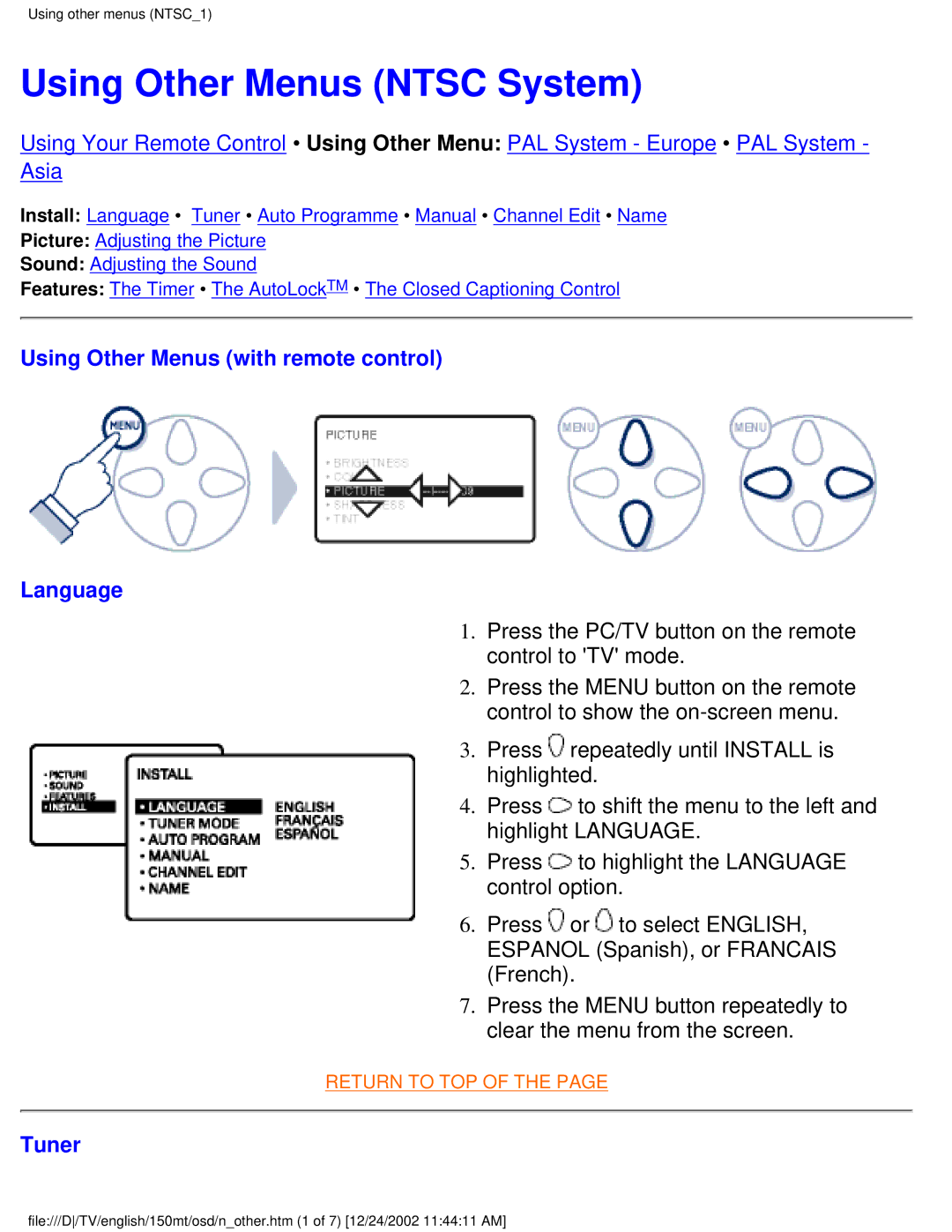
1. Press the PC/TV button on the remote control to 'TV' mode.
2. Press the MENU button on the remote control to show the
3. Press  repeatedly until INSTALL is highlighted.
4. Press  to shift the menu to the left and highlight LANGUAGE.
5. Press  to highlight the LANGUAGE control option.
6. Press  or
or  to select ENGLISH, ESPANOL (Spanish), or FRANCAIS (French).
7. Press the MENU button repeatedly to clear the menu from the screen.
RETURN TO TOP OF THE PAGE
Tuner
file:///D/TV/english/150mt/osd/n_other.htm (1 of 7) [12/24/2002 11:44:11 AM]