eDisplay panel
• Display current status.
fVolume touch control
• Adjust volume.
gDisc compartment
h


•Connect headphone.
i
•USB socket.
jMP3 LINK
• Jack for an external audio device.
k /
/

•Skip to the previous/next track.
•Skip to the previous/next title or chapter.
•Select a preset radio station.
l
•Open or close the disc compartment.
mRemote control sensor
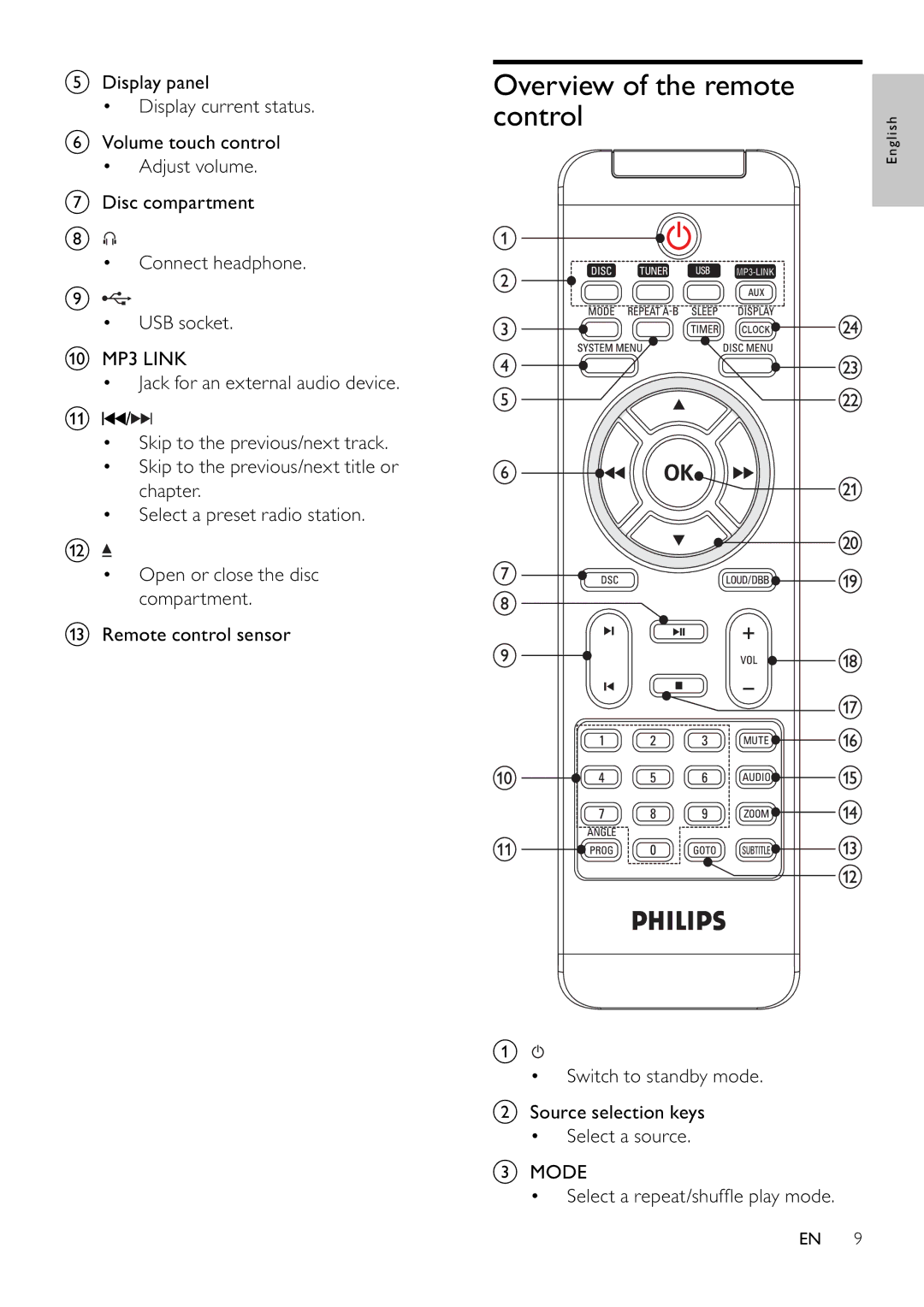
Overview of the remote control
a
• Switch to standby mode.
bSource selection keys
• Select a source.
cMODE
• Select a repeat/shuffl e play mode.
English
EN 9