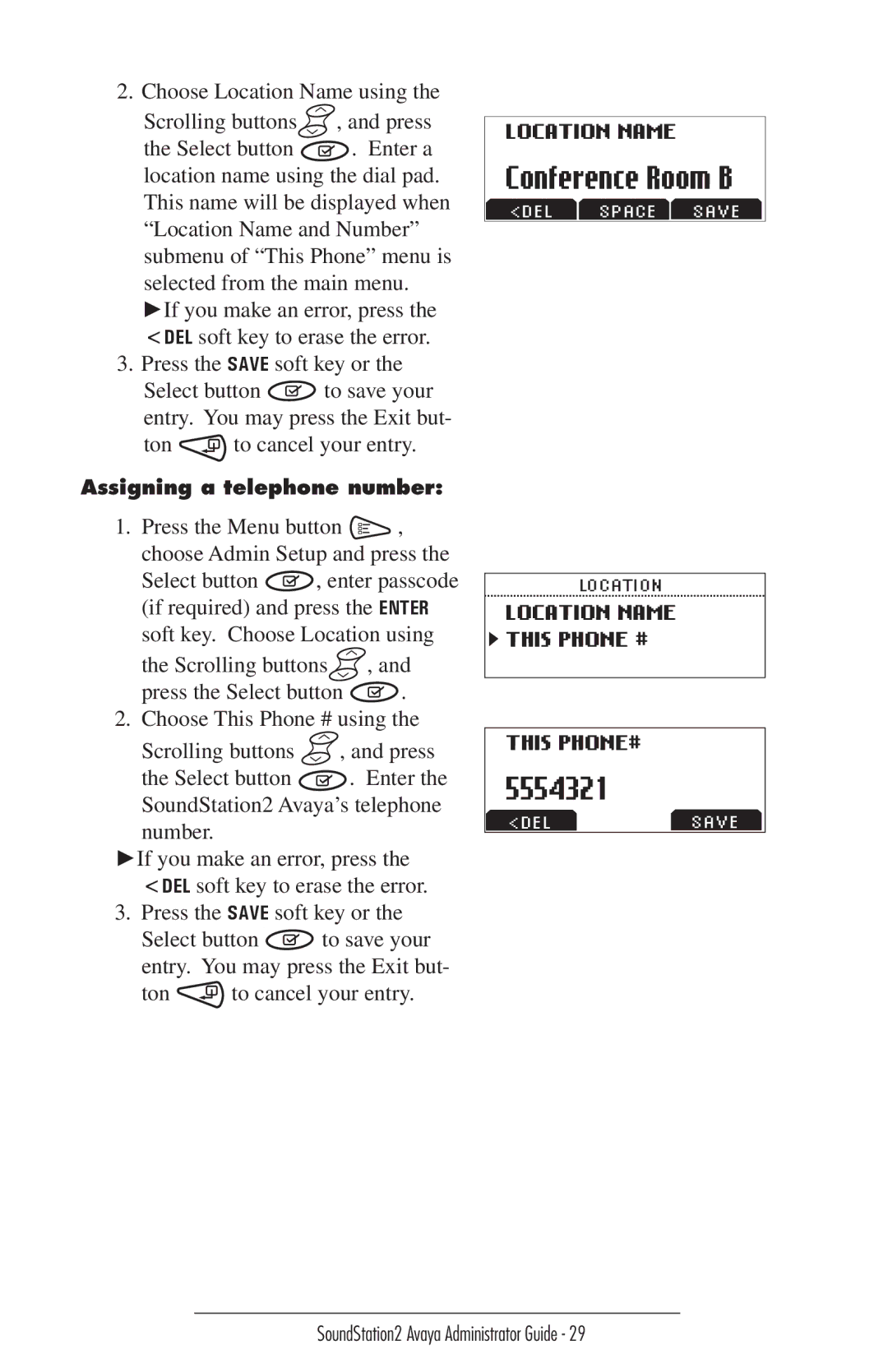
2.Choose Location Name using the
Scrolling buttons  , and press
the Select button . Enter a location name using the dial pad. This name will be displayed when “Location Name and Number” submenu of “This Phone” menu is
selected from the main menu. ►If you make an error, press the <DEL soft key to erase the error.
3.Press the SAVE soft key or the
Select button  to save your entry. You may press the Exit but-
ton | to cancel your entry. |
Assigning a telephone number:
1.Press the Menu button  , choose Admin Setup and press the
Select button 
 , enter passcode (if required) and press the ENTER soft key. Choose Location using
the Scrolling buttons  , and
, and
press the Select button 
 .
.
2.Choose This Phone # using the
Scrolling buttons  , and press
the Select button  . Enter the SoundStation2 Avaya’s telephone number.
►If you make an error, press the <DEL soft key to erase the error.
3. Press the SAVE soft key or the
Select button 
 to save your entry. You may press the Exit but-
ton  to cancel your entry.
LOCATION NAME
Conference Room B
<DEL SPACE SAVE
LOCATION
LOCATION NAME
 THIS PHONE #
THIS PHONE#
5554321
<DELSAVE