Call Hold
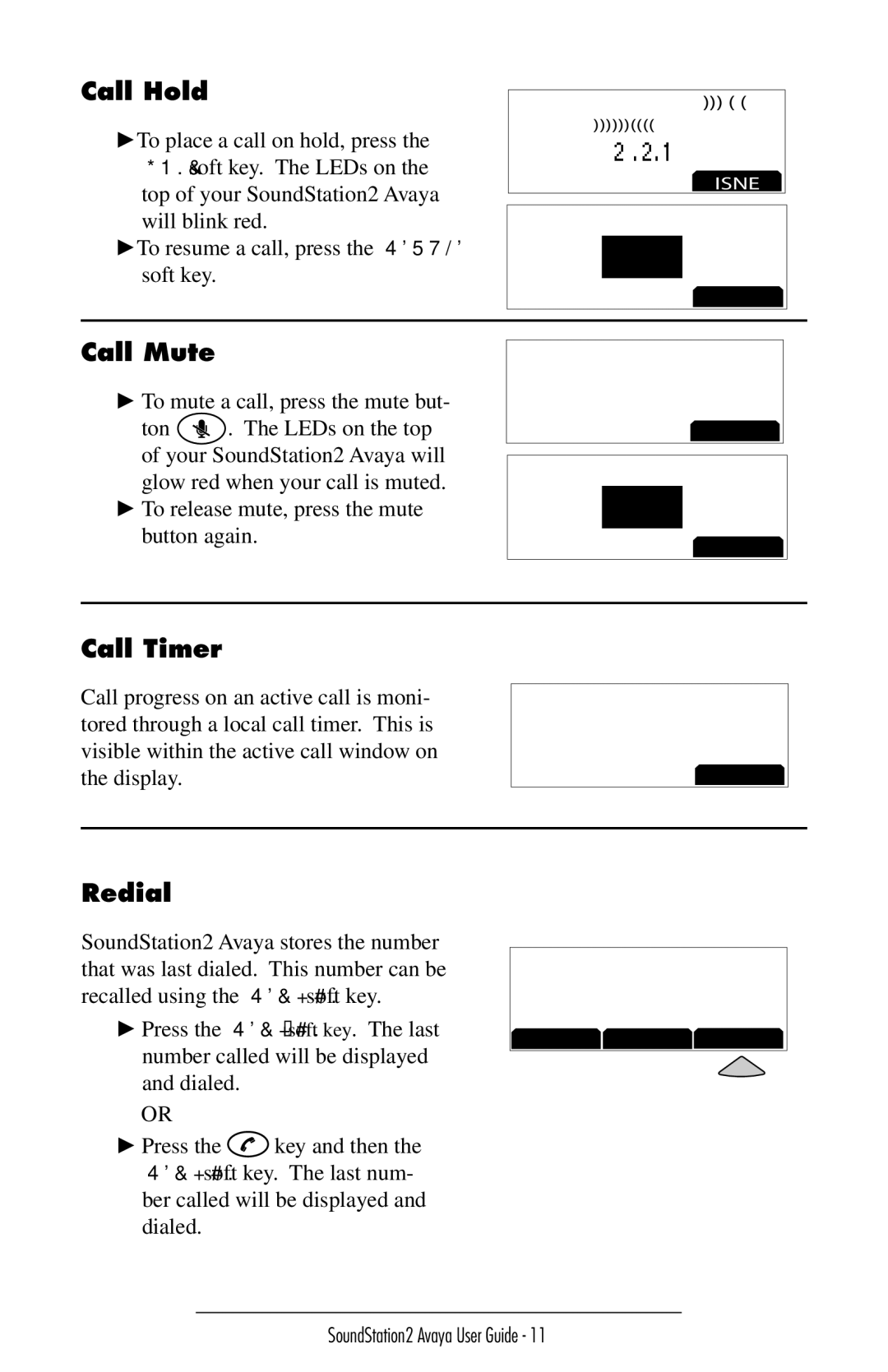
►To place a call on hold, press the HOLD soft key. The LEDs on the top of your SoundStation2 Avaya will blink red.
►To resume a call, press the RESUME soft key.
5551212
15555552222
00:01:15
HOLD
5551212
HOLD
RESUME
Call Mute
►To mute a call, press the mute but-
ton  . The LEDs on the top of your SoundStation2 Avaya will glow red when your call is muted.
►To release mute, press the mute button again.
5551212
15555552222
00:01:15
HOLD
5551212
MUTE
HOLD
Call Timer
Call progress on an active call is moni- tored through a local call timer. This is visible within the active call window on the display.
5551212
15555552222
00:01:15
HOLD
Redial
SoundStation2 Avaya stores the number that was last dialed. This number can be recalled using the REDIAL soft key.
►Press the REDIAL soft key. The last number called will be displayed and dialed.
OR
5551212
READY
SP DIAL PH BOOK REDIAL
►Press the  key and then the REDIAL soft key. The last num- ber called will be displayed and dialed.
SoundStation2 Avaya User Guide - 11