Savin
101
Directional Magnification %
102
To specify a ratio with the n and o keys
103
To enter the ratio with the number keys
104
Directional Size Magnification inch
Press the D. Size Mag.inch key
105
106
107
Duplex/Combine
108
109
Original Direction and Completed Copies
Originals and Copy Direction
110
Specifying Orientation of Bound Originals
111
Duplex
Sided → 2 Sided
Sided → 2 Sided
Reference
112
113
114
Combine
116
Portrait K originals
117
Setting originals Originals set in the document feeder
Sided 2 Pages → Combine 1 Side
118
119
Sided 4 Pages → Combine 1 Side
120
Sided 8 Pages → Combine 1 Side
121
122
Sided 4 Pages → Combine 2 Side
123
Sided 8 Pages → Combine 2 Side
124
125
Sided 16 Pages → Combine 2 Side
126
127
128
129
130
131
132
133
134
135
136
Series/Book
138
Series Copies
Metric version
Inch version
139
Sided→1 Sided
140
Copying Book Originals
141
Book→2 Sided
142
143
Press the Multi→2 Sided key
144
145
Portrait
Landscape
146
How to fold copies to make a booklet
147
148
149
How to fold and unfold copies to make a magazine
150
Front Cover
Cover/Slip Sheet
152
Copy Blank
153
154
Front/Back Covers
Copy
155
156
Designate
Press the Designate/Chapter key
157
158
Chapters
159
160
161
162
When using OHP transparencies set on the bypass tray
Slip Sheets
163
164
165
Double Copies
166
167
Image Repeat
Original A5K/Copy paper A4K or Original A5L/Copy paper A4L
Original A5K/Copy paper A4L or Original A5L/Copy paper A4K
168
To repeat the whole image of the original
169
To repeat the image of the selected area
170
Margin Adjustment
171
172
Erase
Center
Center/Border
173
Border Erase
174
Selecting Same Width
175
Center Erase
Selecting 4 Sides
176
177
Center/Border Erase
178
179
Centering
180
Background Numbering
Stamp
Press the Background Numbering key
182
183
Preset Stamp
184
185
To change the stamp position, size or density
186
User Stamp
187
188
189
To change the stamp position
Program/Delete User Stamp
190
191
To program the User Stamp
192
193
To delete the User Stamp
194
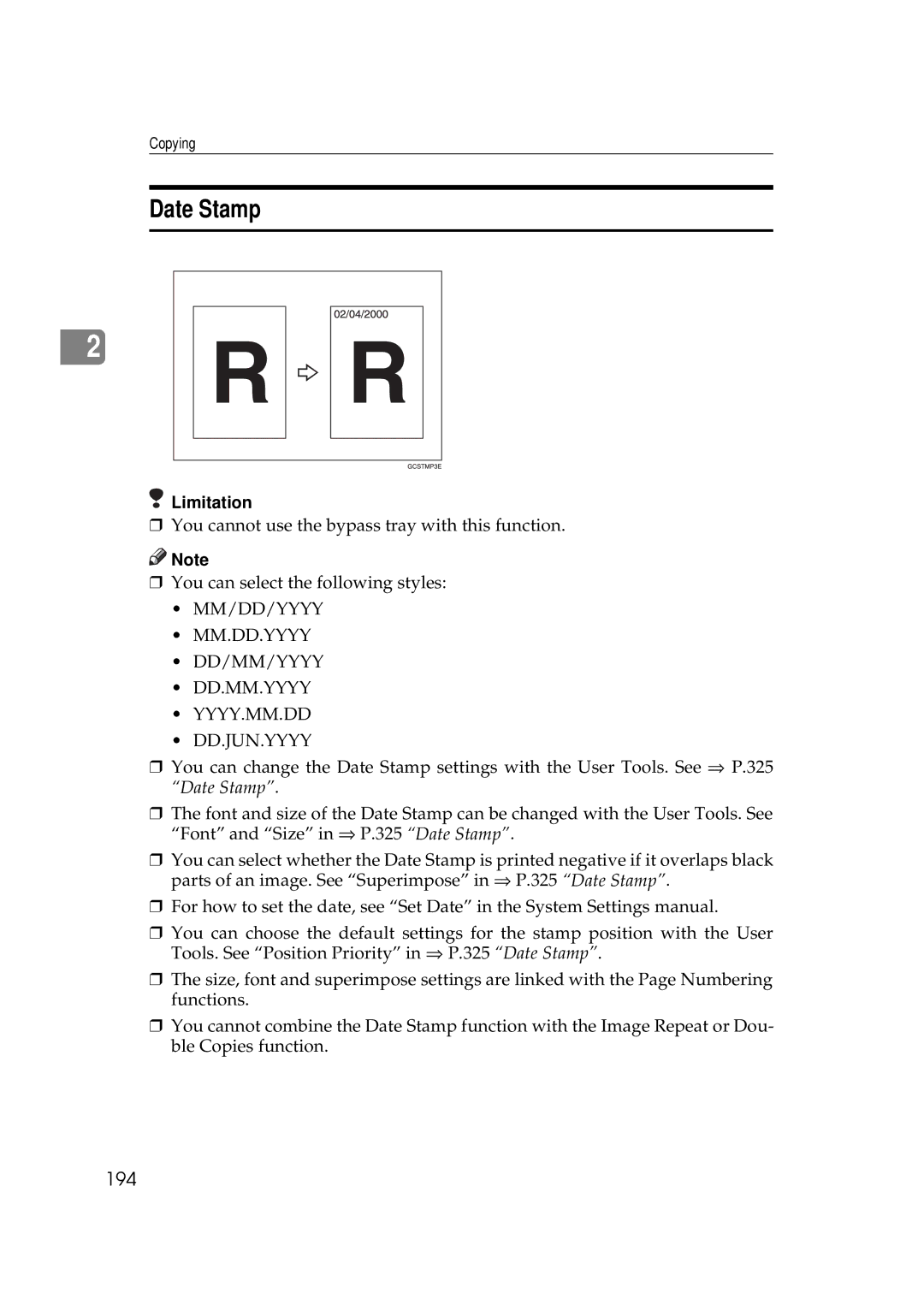
Date Stamp
195
196
To change the style of date
197
198
Numbering
199
200
Numbering per original
Numbering per copy
Press the Page Numbering key
201
202
If you selected P1,P2…, -1-,-2-…, P.1, P.2…, 1, 2…
203
If you selected 1/5,2/5…
204
If you selected 1-1, 1-2,…
205
206
Combination Chart
207
Combination Chart
208


 Note
Note