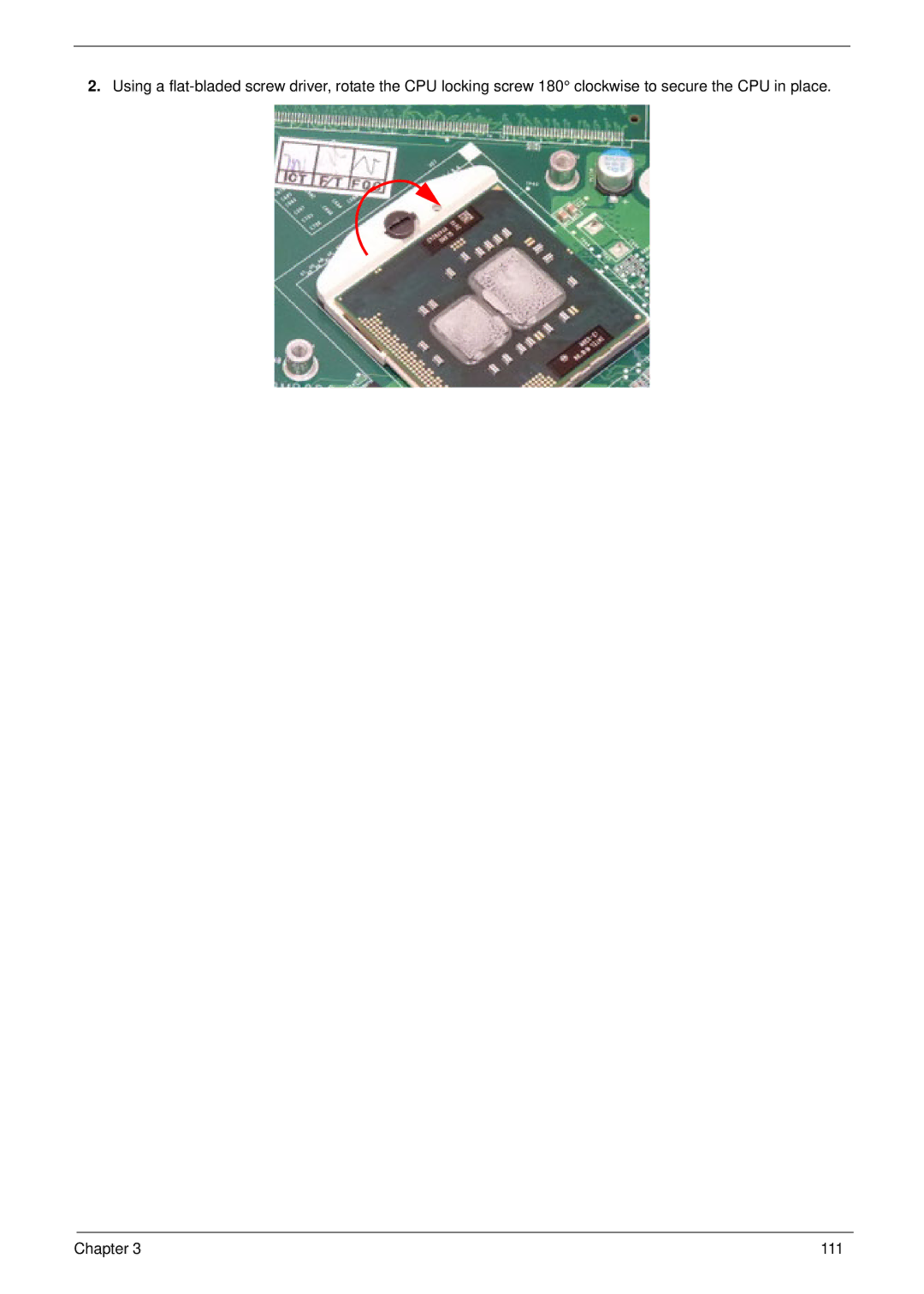
2.Using a flat-bladed screw driver, rotate the CPU locking screw 180° clockwise to secure the CPU in place.
Chapter 3
111