Option | Description | |
|
| |
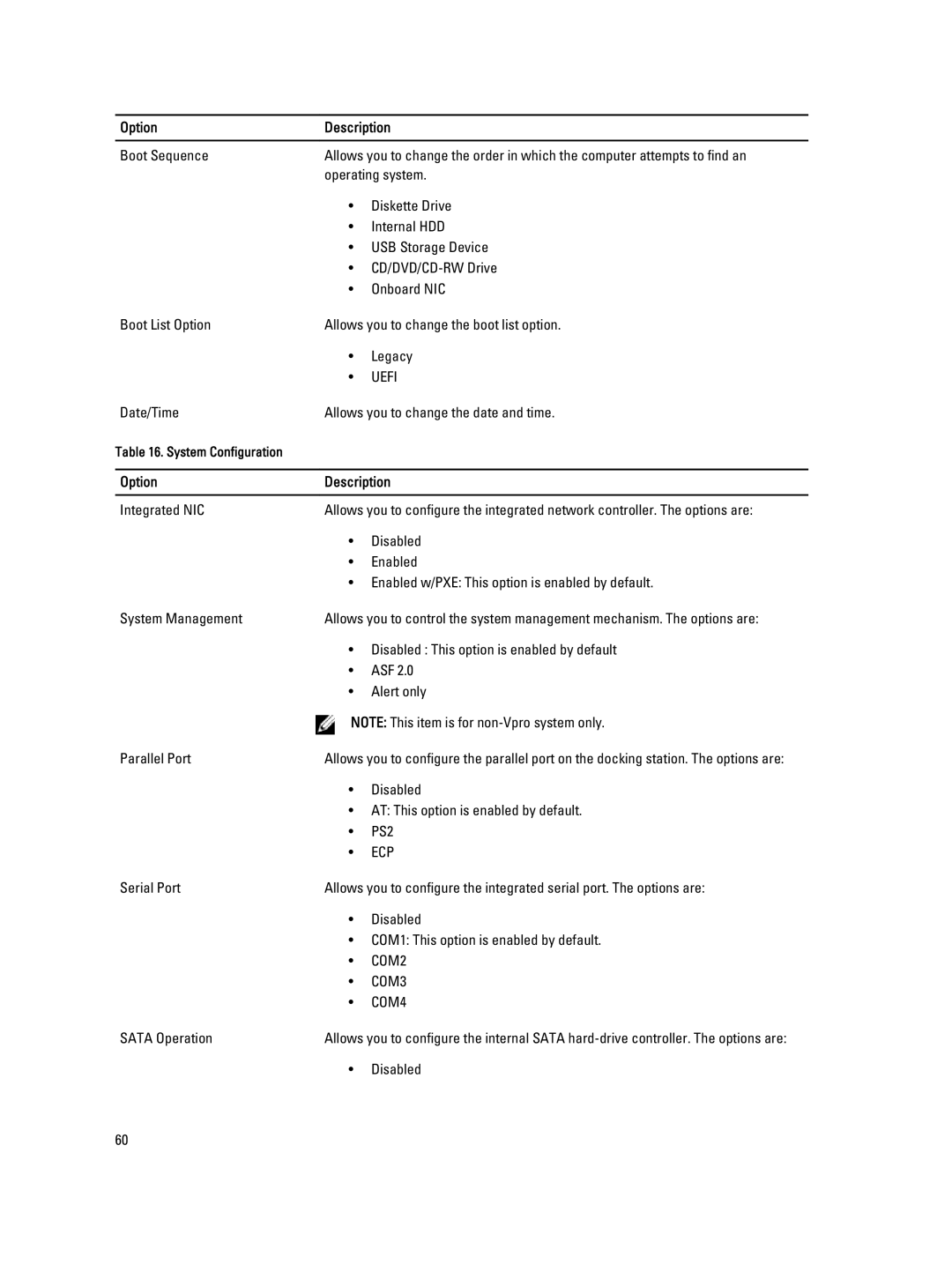
Boot Sequence | Allows you to change the order in which the computer attempts to find an | |
| operating system. | |
| • | Diskette Drive |
| • | Internal HDD |
| • | USB Storage Device |
| • | |
| • | Onboard NIC |
Boot List Option | Allows you to change the boot list option. | |
| • | Legacy |
| • | UEFI |
Date/Time | Allows you to change the date and time. | |
Table 16. System Configuration |
|
|
|
| |
Option | Description | |
|
| |
Integrated NIC | Allows you to configure the integrated network controller. The options are: | |
| • | Disabled |
| • | Enabled |
| • Enabled w/PXE: This option is enabled by default. | |
System Management | Allows you to control the system management mechanism. The options are: | |
| • Disabled : This option is enabled by default | |
| • | ASF 2.0 |
| • | Alert only |
NOTE: This item is for
Parallel Port | Allows you to configure the parallel port on the docking station. The options are: |
•Disabled
•AT: This option is enabled by default.
•PS2
•ECP
Serial Port | Allows you to configure the integrated serial port. The options are: |
•Disabled
•COM1: This option is enabled by default.
•COM2
•COM3
•COM4
SATA Operation | Allows you to configure the internal SATA |
•Disabled
60