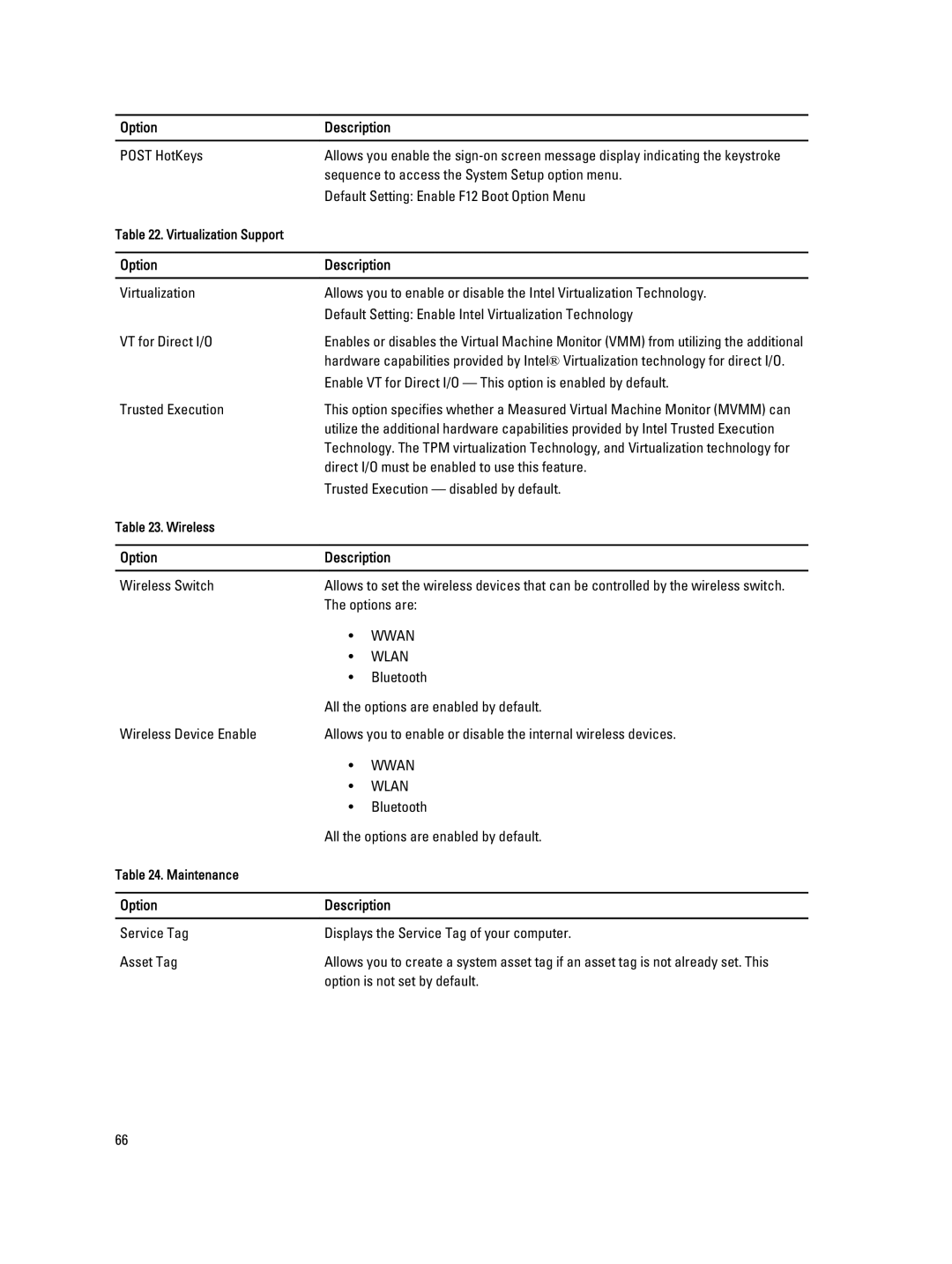
Option | Description | |
|
| |
POST HotKeys | Allows you enable the | |
| sequence to access the System Setup option menu. | |
| Default Setting: Enable F12 Boot Option Menu | |
Table 22. Virtualization Support |
|
|
|
| |
Option | Description | |
|
| |
Virtualization | Allows you to enable or disable the Intel Virtualization Technology. | |
| Default Setting: Enable Intel Virtualization Technology | |
VT for Direct I/O | Enables or disables the Virtual Machine Monitor (VMM) from utilizing the additional | |
| hardware capabilities provided by Intel® Virtualization technology for direct I/O. | |
| Enable VT for Direct I/O — This option is enabled by default. | |
Trusted Execution | This option specifies whether a Measured Virtual Machine Monitor (MVMM) can | |
| utilize the additional hardware capabilities provided by Intel Trusted Execution | |
| Technology. The TPM virtualization Technology, and Virtualization technology for | |
| direct I/O must be enabled to use this feature. | |
| Trusted Execution — disabled by default. | |
Table 23. Wireless |
|
|
|
| |
Option | Description | |
|
| |
Wireless Switch | Allows to set the wireless devices that can be controlled by the wireless switch. | |
| The options are: | |
| • | WWAN |
| • | WLAN |
| • | Bluetooth |
| All the options are enabled by default. | |
Wireless Device Enable | Allows you to enable or disable the internal wireless devices. | |
| • | WWAN |
| • | WLAN |
| • | Bluetooth |
| All the options are enabled by default. | |
Table 24. Maintenance |
|
|
|
| |
Option | Description | |
|
| |
Service Tag | Displays the Service Tag of your computer. | |
Asset Tag | Allows you to create a system asset tag if an asset tag is not already set. This | |
| option is not set by default. | |
66