If the computer is connected to an electrical outlet, the  light operates as follows:
–Solid green: The battery is charging.
–Flashing green: The battery is almost fully charged.
If the computer is running on a battery, the  light operates as follows:
–Off: The battery is adequately charged (or the computer is turned off).
–Flashing orange: The battery charge is low.
–Solid orange: The battery charge is critically low.
KEYBOARD — The keyboard includes a numeric keypad as well as the Windows logo key. For information on supported keyboard shortcuts, see page 43.
DISPLAY LATCH — Keeps the display closed.
SPEAKERS — To adjust the volume of the integrated speakers, press the volume control buttons, mute button, or
TOUCH PAD BUTTONS — Provide the functionality of a mouse. For more information, see page 43.
TOUCH PAD — Provides the functionality of a mouse. For more information, see page 43.
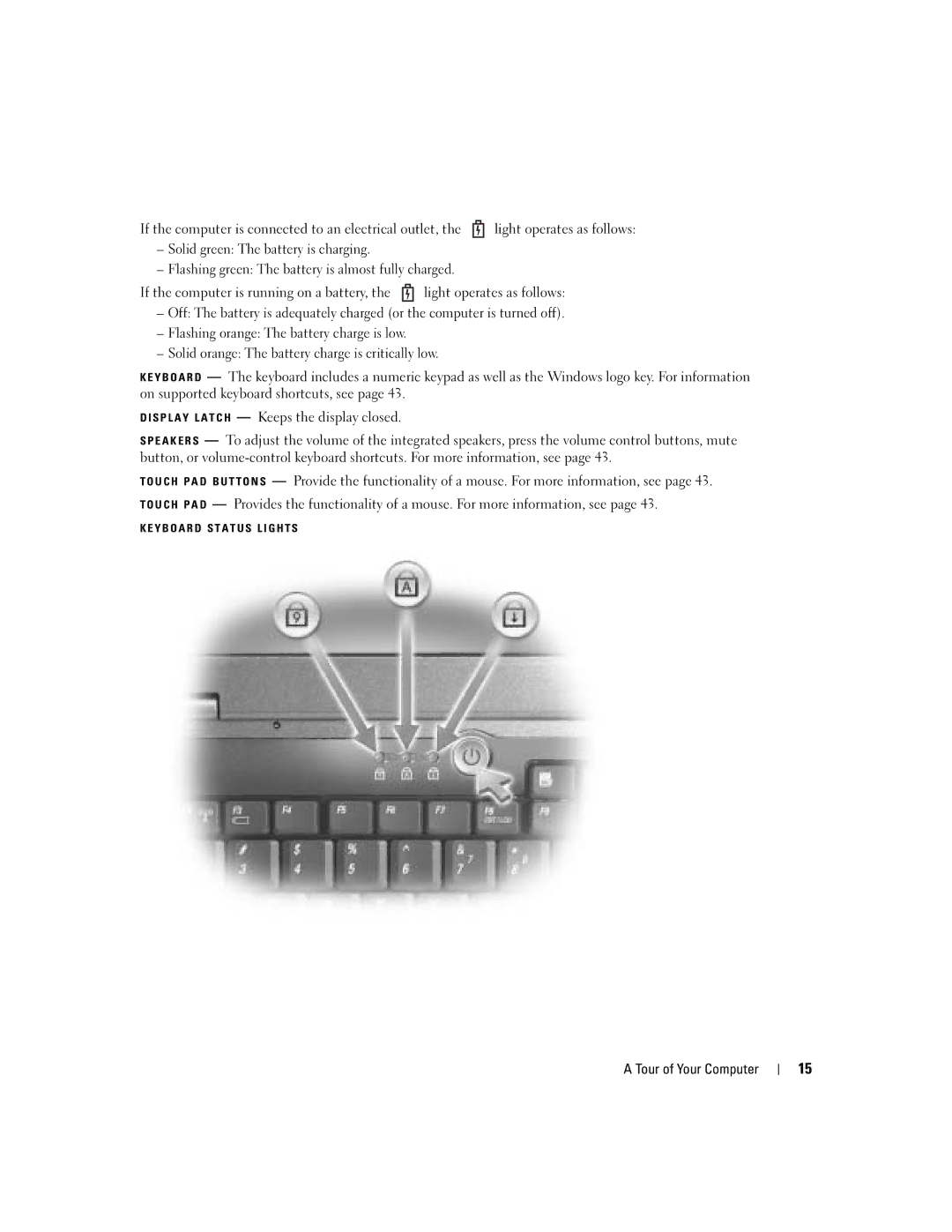
KEYBOARD STATUS LIGHTS
A Tour of Your Computer |
| 15 |
|