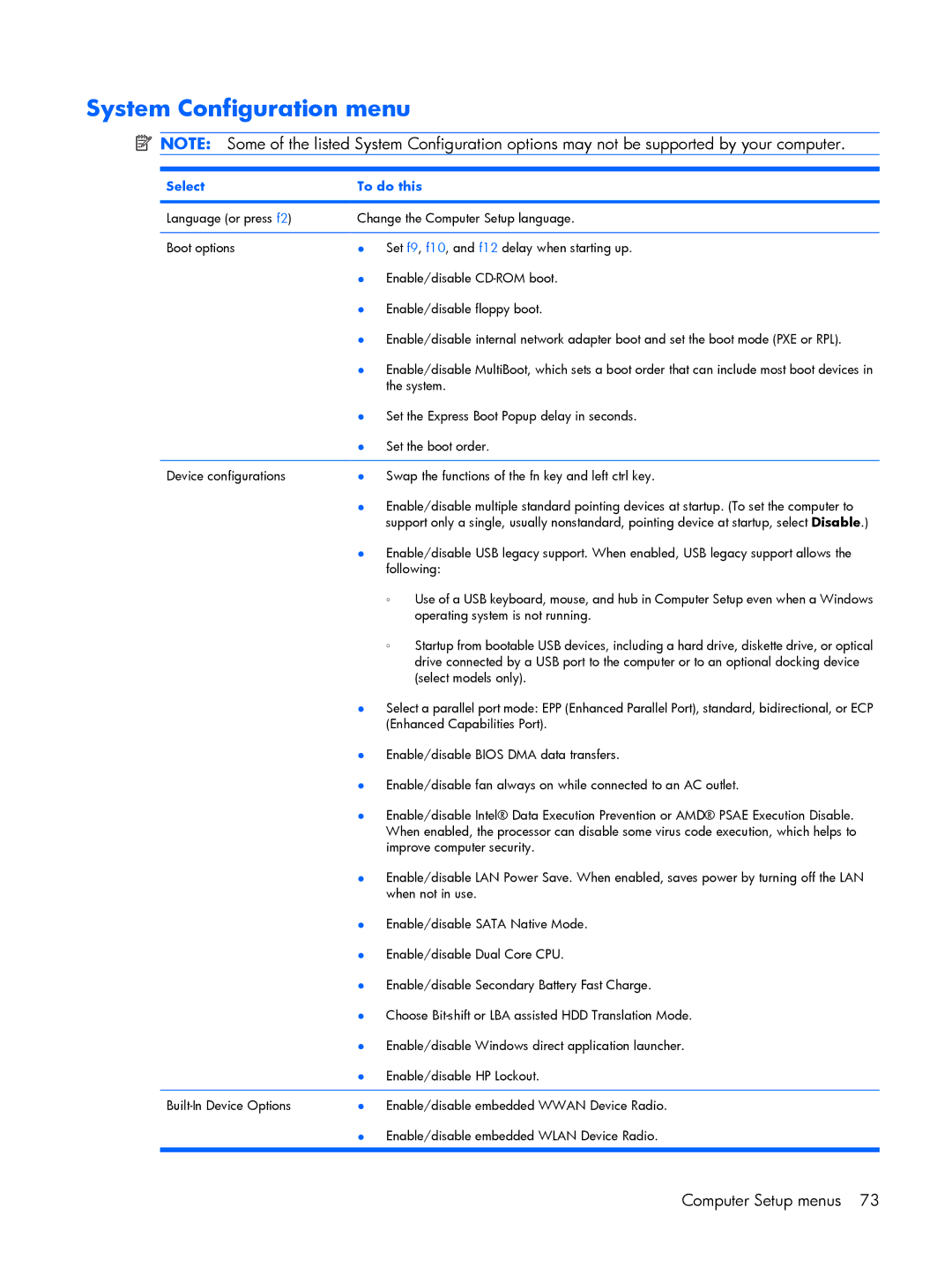
System Configuration menu
 NOTE: Some of the listed System Configuration options may not be supported by your computer.
Select | To do this | ||
|
| ||
Language (or press f2) | Change the Computer Setup language. | ||
|
| ||
Boot options | ● Set f9, f10, and f12 delay when starting up. | ||
| ● Enable/disable | ||
| ● | Enable/disable floppy boot. | |
| ● Enable/disable internal network adapter boot and set the boot mode (PXE or RPL). | ||
| ● Enable/disable MultiBoot, which sets a boot order that can include most boot devices in | ||
|
| the system. | |
| ● Set the Express Boot Popup delay in seconds. | ||
| ● Set the boot order. | ||
|
| ||
Device configurations | ● Swap the functions of the fn key and left ctrl key. | ||
| ● Enable/disable multiple standard pointing devices at startup. (To set the computer to | ||
|
| support only a single, usually nonstandard, pointing device at startup, select Disable.) | |
| ● Enable/disable USB legacy support. When enabled, USB legacy support allows the | ||
|
| following: | |
|
| ◦ | Use of a USB keyboard, mouse, and hub in Computer Setup even when a Windows |
|
|
| operating system is not running. |
|
| ◦ | Startup from bootable USB devices, including a hard drive, diskette drive, or optical |
|
|
| drive connected by a USB port to the computer or to an optional docking device |
|
|
| (select models only). |
| ● Select a parallel port mode: EPP (Enhanced Parallel Port), standard, bidirectional, or ECP | ||
|
| (Enhanced Capabilities Port). | |
| ● Enable/disable BIOS DMA data transfers. | ||
| ● Enable/disable fan always on while connected to an AC outlet. | ||
| ● Enable/disable Intel® Data Execution Prevention or AMD® PSAE Execution Disable. | ||
|
| When enabled, the processor can disable some virus code execution, which helps to | |
|
| improve computer security. | |
| ● Enable/disable LAN Power Save. When enabled, saves power by turning off the LAN | ||
|
| when not in use. | |
| ● Enable/disable SATA Native Mode. | ||
| ● Enable/disable Dual Core CPU. | ||
| ● Enable/disable Secondary Battery Fast Charge. | ||
| ● Choose | ||
| ● Enable/disable Windows direct application launcher. | ||
| ● | Enable/disable HP Lockout. | |
|
| ||
● Enable/disable embedded WWAN Device Radio. | |||
| ● Enable/disable embedded WLAN Device Radio. | ||
|
|
|
|
Computer Setup menus 73