Using the BIOS Setup Program
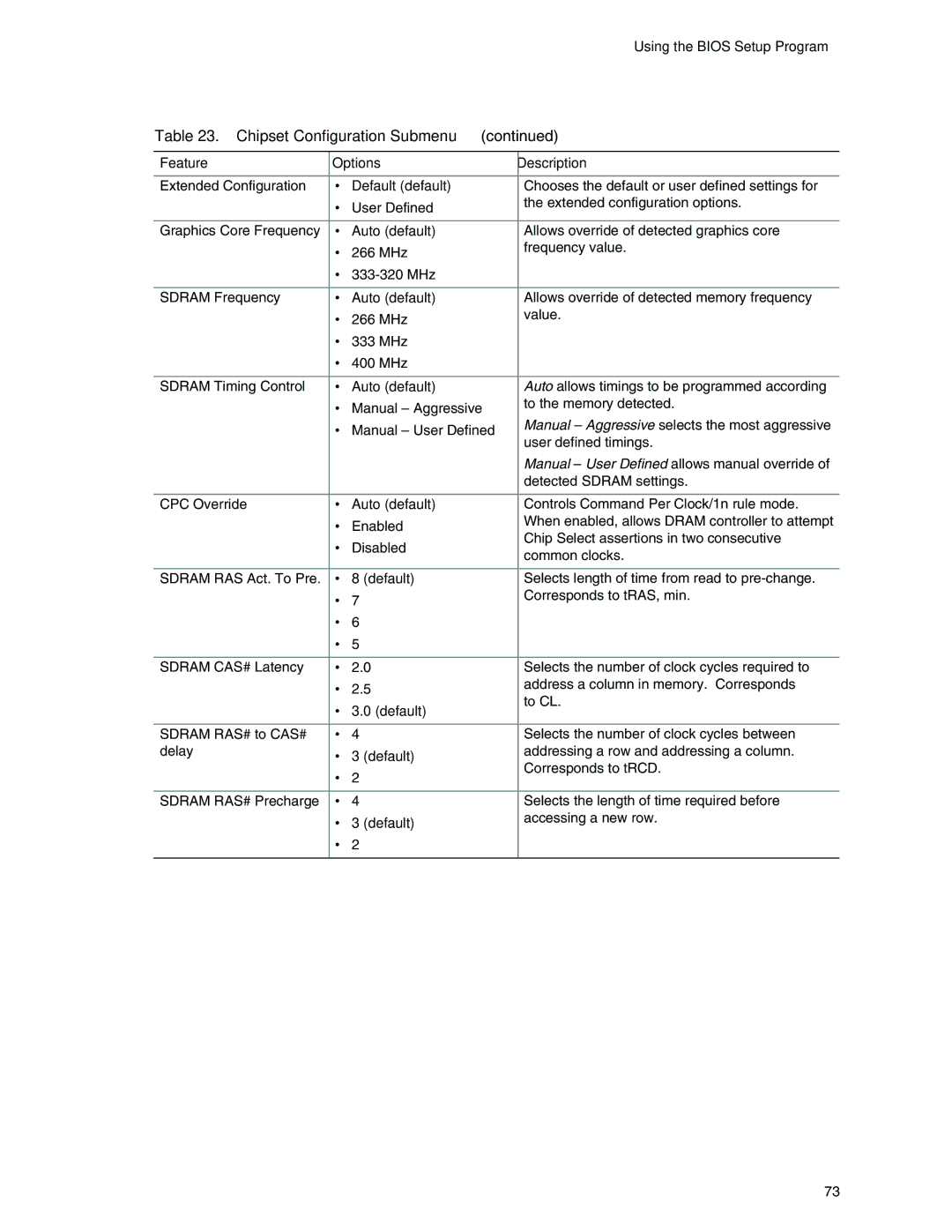
Table 23. Chipset Configuration Submenu (continued)
Feature | Options | Description | |
|
|
|
|
Extended Configuration | • | Default (default) | Chooses the default or user defined settings for |
| • | User Defined | the extended configuration options. |
|
|
|
|
Graphics Core Frequency | • | Auto (default) | Allows override of detected graphics core |
| • | 266 MHz | frequency value. |
| • |
| |
|
|
|
|
SDRAM Frequency | • | Auto (default) | Allows override of detected memory frequency |
| • | 266 MHz | value. |
| • | 333 MHz |
|
| • | 400 MHz |
|
|
|
|
|
SDRAM Timing Control | • | Auto (default) | Auto allows timings to be programmed according |
| • | Manual – Aggressive | to the memory detected. |
| • | Manual – User Defined | Manual – Aggressive selects the most aggressive |
|
|
| user defined timings. |
|
|
| Manual – User Defined allows manual override of |
|
|
| detected SDRAM settings. |
|
|
|
|
CPC Override | • | Auto (default) | Controls Command Per Clock/1n rule mode. |
| • | Enabled | When enabled, allows DRAM controller to attempt |
| • | Disabled | Chip Select assertions in two consecutive |
| common clocks. | ||
|
|
| |
|
|
|
|
SDRAM RAS Act. To Pre. | • | 8 (default) | Selects length of time from read to |
| • | 7 | Corresponds to tRAS, min. |
| • | 6 |
|
| • | 5 |
|
|
|
|
|
SDRAM CAS# Latency | • | 2.0 | Selects the number of clock cycles required to |
| • | 2.5 | address a column in memory. Corresponds |
| • | 3.0 (default) | to CL. |
|
| ||
|
|
|
|
SDRAM RAS# to CAS# | • | 4 | Selects the number of clock cycles between |
delay | • | 3 (default) | addressing a row and addressing a column. |
| • | 2 | Corresponds to tRCD. |
|
| ||
|
|
|
|
SDRAM RAS# Precharge | • | 4 | Selects the length of time required before |
| • | 3 (default) | accessing a new row. |
| • | 2 |
|
|
|
|
|
73