Nokia 9500 Communicator User Guide
Declaration of Conformity
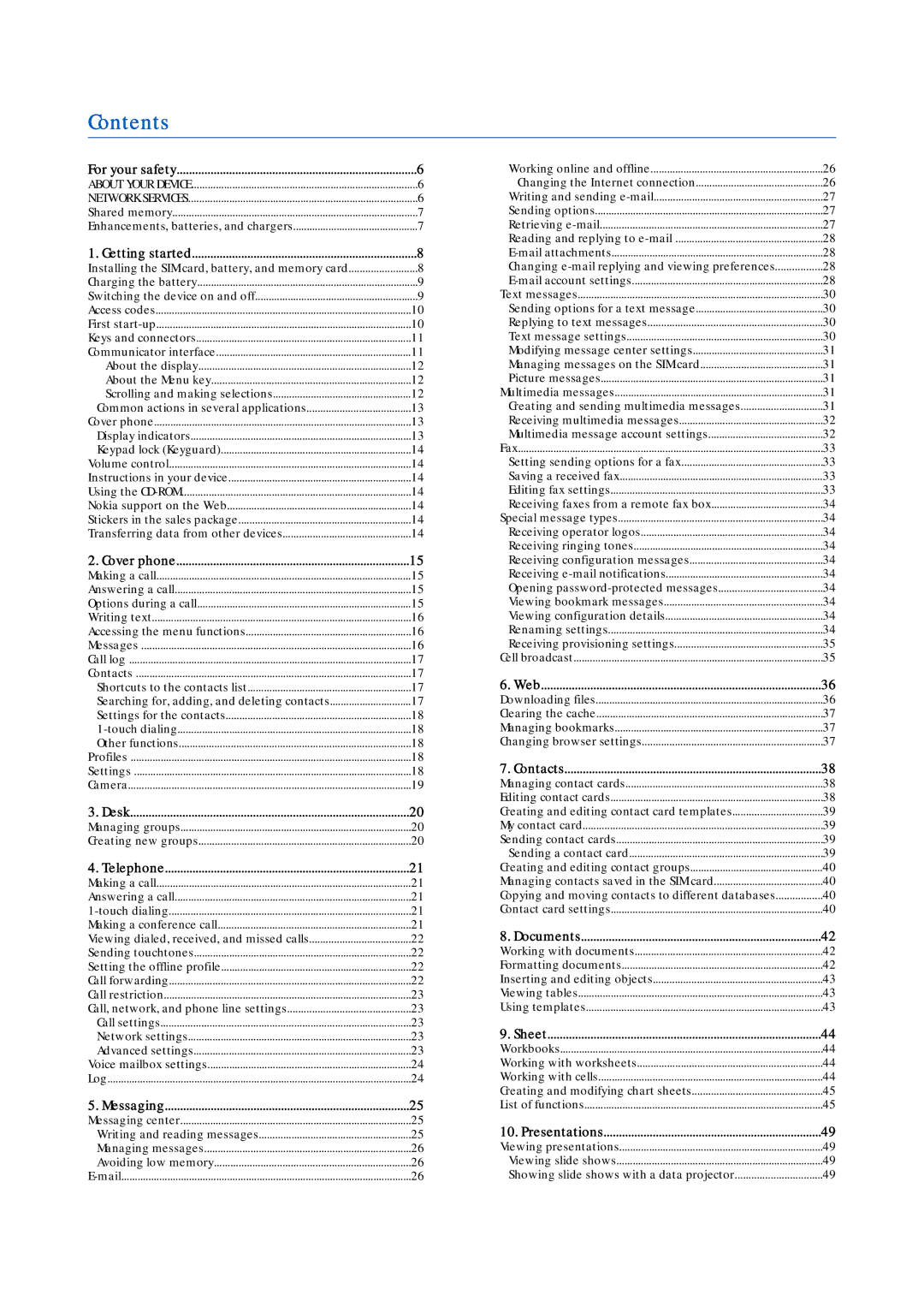
Contents
Creating a basic Internet access point for a wireless LAN
104
100
101
103
Switch on Safely
For your safety
Enhancements, batteries, and chargers
Shared memory
Getting started
Installing the SIM card, battery, and memory card
Switching the device on and off
Charging the battery
First start-up
Access codes
Communicator keyboard
Keys and connectors
Keys and connectors
Communicator interface
About the Menu key
Desk main view
Multipage dialog
About the display
Display indicators
Cover phone
Common actions in several applications
Nokia support on the Web Stickers in the sales package
Volume control
Using the CD-ROM
Instructions in your device
Answering a call
Cover phone display, standby mode
Cover phone
Making a call
Messages
Accessing the menu functions
Writing text
Messages
Searching for, adding, and deleting contacts
Call log
Contacts
Shortcuts to the contacts list
Touch dialing
Settings
Settings for the contacts
Profiles
Camera
SettingsNo generated text before found for #comma p.64
Desk
Managing groups
Creating new groups
Making a conference call
Press Menu, and select Settings 1-touch dials
Telephone
Touch dialing
Call forwarding
Setting the offline profile
Viewing dialed, received, and missed calls
Sending touchtones
Advanced settings
Call, network, and phone line settings
Call settings
Network settings
Voice mailbox settings
Press Menu, and select Settings Voice mailboxes
Log
Folders in the Messaging main view
Messaging
Messaging center
Writing and reading messages
Working online and offline
Mail
Managing messages
Avoiding low memory
Writing and sending e-mail
Sending options
Retrieving e-mail
Changing e-mail replying and viewing preferences
Mail account settings
Reading and replying to e-mail
Mail attachments
S s a g i n g
Replying to text messages
Text message settings
Text messages
Sending options for a text message
Picture messages
Modifying message center settings
Multimedia messages
Managing messages on the SIM card
Receiving multimedia messages
Multimedia message account settings
Saving a received fax
Setting sending options for a fax
Editing fax settings
Fax
Special message types
Receiving provisioning settings
Cell broadcast
Go to Desk Tools Cell broadcast
Downloading files
Web
Changing browser settings
Clearing the cache
Managing bookmarks
Contacts
Managing contact cards
Editing contact cards
Sending a contact card
Creating and editing contact card templates
My contact card
Sending contact cards
Copying and moving contacts to different databases
Contact card settings
Creating and editing contact groups
Managing contacts saved in the SIM card
N t a c t s
Documents
Working with documents
Formatting documents
Using templates
Inserting and editing objects
Viewing tables
Working with cells
Sheet
Workbooks
Working with worksheets
List of functions
Creating and modifying chart sheets
Lookup
Rand
E e t
Viewing slide shows
Presentations
Viewing presentations
Creating presentations
Slide master view
Inserting tables
Working with different views
Outline view
Calendar, Month view
Calendar
Creating calendar entries
Calendar icons
Month view
Calendar settings
Calendar views
Managing calendar entries
Calendar files
File manager
Managing files and folders
Go to Desk Office File manager
Memory card security
Taking a picture
Camera settings
Press Options, and select Change mode Video
Camera and Images
Managing image files
Images
Viewing images
Editing images
M e r a a n d I m a g e s
Date and time
Regional settings
Control panel
General
Data management
Camera folders
Backup
Modifying installation settings
Setting Java application security settings
Messaging
Profile settings
Data call and fax call diverting network service
Telephone
Go to Desk Tools Control panel Connections
Service message
Wireless LAN
Connections
Device security
Cable setup
RealPlayer settings
Security
Managing certificates
Defining PIN code settings
Changing the restriction password
Certificate manager
Extras
Internet setup
Configuring advanced Internet access point settings
Configuring advanced Internet access point settings
Setting up an Internet access point for a wireless LAN
WPA
Modifying the EAP-SIM settings
Modifying the EAP-TLS settings
Modifying the EAP-PEAP settings
Configuring Internet connection settings
Selecting an Internet access point
Modifying the EAP-LEAP settings
Playing media clips
Adjusting media volume
Media applications
RealPlayer
Voice recorder
Music player
Recording a phone call or voice memo
Playing a voice recording
Sending a voice recording
Making calculations
Using the scientific calculator
Setting the number format in Calculator
Calculator
Clock
Using world clock
Using Alarm clock
Alarms and reminders
Creating and editing city entries
Creating and editing country entries
Data mover
Backup
Go to Desk Tools Backup
Data and software management
Go to Desk Tools Sync
Data transfer
Sync
Go to Desk Tools Data transfer
Installing applications and software
Installing Symbian software
Nokia PC Suite
Java PP
Installing Java applications
Java
Java Midp
Cable connection
Wireless LAN
Setting up an ad hoc network
Connectivity
Receiving data with Bluetooth
Bluetooth
Bluetooth settings
Sending data with Bluetooth
Modem
Ending a Bluetooth connection
Checking the status of the Bluetooth connection
Infrared
Printing
Setting printing options
Defining page setup
Problems with printing
Go to Desk Tools Device manager
Remote configuration network service
Managing mobile printing settings
Creating a new configuration server profile
Wireless local area network wireless LAN
Packet data general packet radio service, Gprs
Data connections
GSM data calls
Connection manager
Changing the front cover and key mat
Personalizing your device
R s o n a l i z i n g y o u r d e v i c e
General shortcuts
Shortcuts
Application-specific shortcuts
Documents
Calendar
Sheet
Presentations
File manager
Web
Calculator
RealPlayer
Images
Voice recorder
Music player
Data transmission
Battery
Nokia original enhancements
Technical information
Boom Headset HDB-4
Battery information
Care and Maintenance
Additional safety information
Certification Information SAR
Technical information
Characteristic Value
Nokia One-Year Limited Warranty
K i a O n e Y e a r L i m i t e d W a r r a n t y
106
Message from the FDA
Appendices
Appendix a Message from the Ctia
Appendix B Message from the FDA
108
Index
Locking the keypad Locking the system Logs
Internet access points
Internet
Lock code 10
Remote synchronization
Radio signal
Remote configuration
Remote fax boxes
Writing text Year schedule view in Calendar
Weekly time schedule view in Calendar 53 WEP keys
Wlan 63
Worksheets