2Press  or
or  repeatedly to select the item to be adjusted:
•[BAL] balance range: 10Lto 10R. (L = left speaker, R = right speaker)
•[FAD]fader range: 10R to 10F. (R = rear speaker, F = front speaker)
•[SUB] subwoofer : ON, OFF
•[SUB VOL] subwoofer volume: 0 to 20
3Press  or
or 
 to change value, then press
  .
.
• You can also turn  to select a value.
4Press  to exit.
Select preset equalizer
You can select preset equalizer:
•[User]
•[Techno]
•[Rock]
•[Classic]
•[Jazz]
•[Optimal]
•[Flat]
•[Pop]
 Note
Note
•Only when you selected the [USER] equalizer, the Bass/Middle/Treble sound value adjusted can be retained.
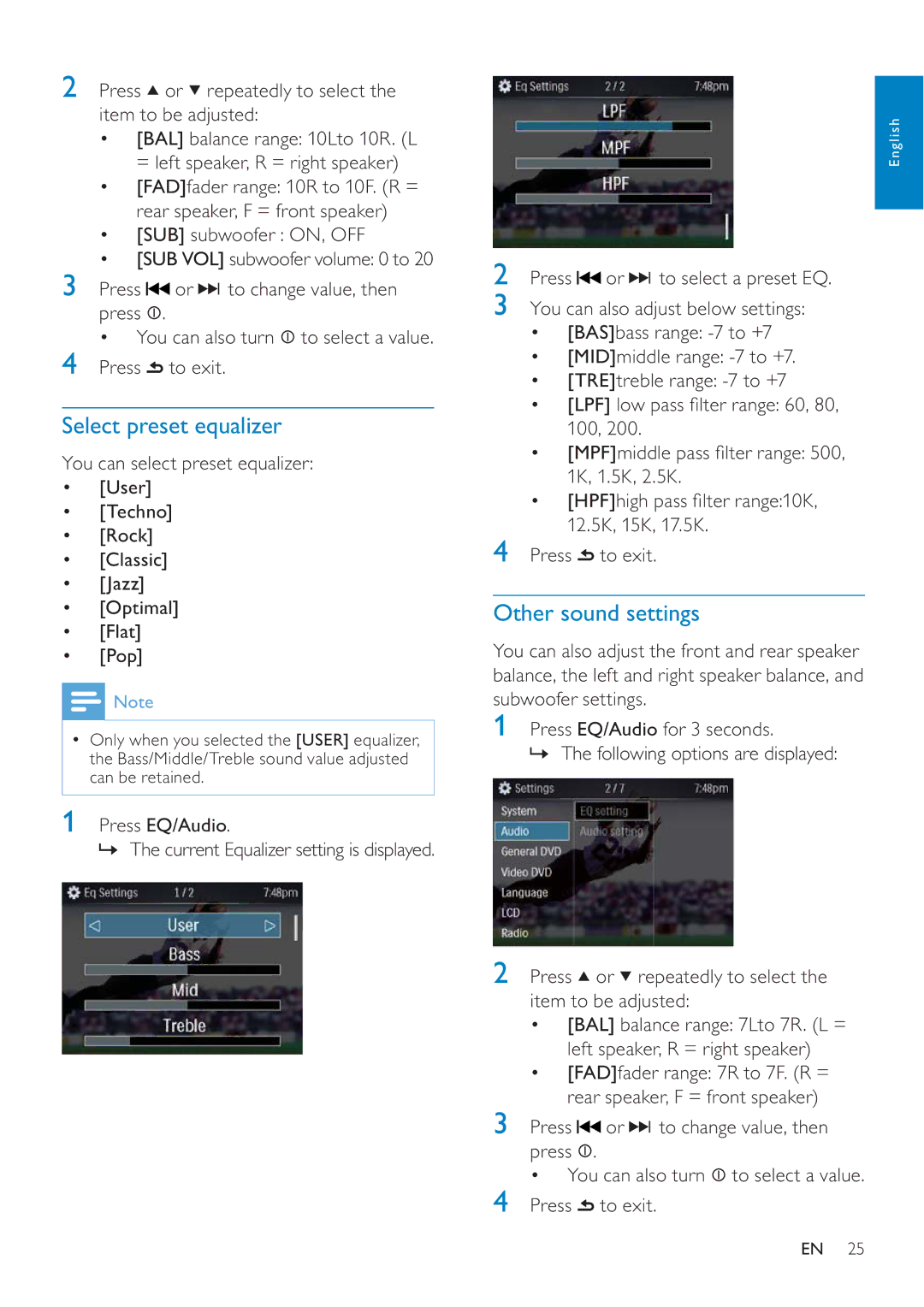
1 Press EQ/Audio.
» The current Equalizer setting is displayed.
English
2 Press  or
or 
 to select a preset EQ.
3You can also adjust below settings:
•[BAS]bass range:
•[MID]middle range:
•[TRE]treble range:
•[LPF] low pass fi lter range: 60, 80, 100, 200.
•[MPF]middle pass fi lter range: 500, 1K, 1.5K, 2.5K.
•[HPF]high pass fi lter range:10K, 12.5K, 15K, 17.5K.
4 Press  to exit.
Other sound settings
You can also adjust the front and rear speaker balance, the left and right speaker balance, and subwoofer settings.
1Press EQ/Audio for 3 seconds.
» The following options are displayed:
2 Press  or
or  repeatedly to select the item to be adjusted:
•[BAL] balance range: 7Lto 7R. (L = left speaker, R = right speaker)
•[FAD]fader range: 7R to 7F. (R = rear speaker, F = front speaker)
3 Press  or
or 
 to change value, then press
  .
.
• You can also turn  to select a value.
4 Press  to exit.
EN 25