Adjusting Picture Settings
CONTROL
BUTTONS
.
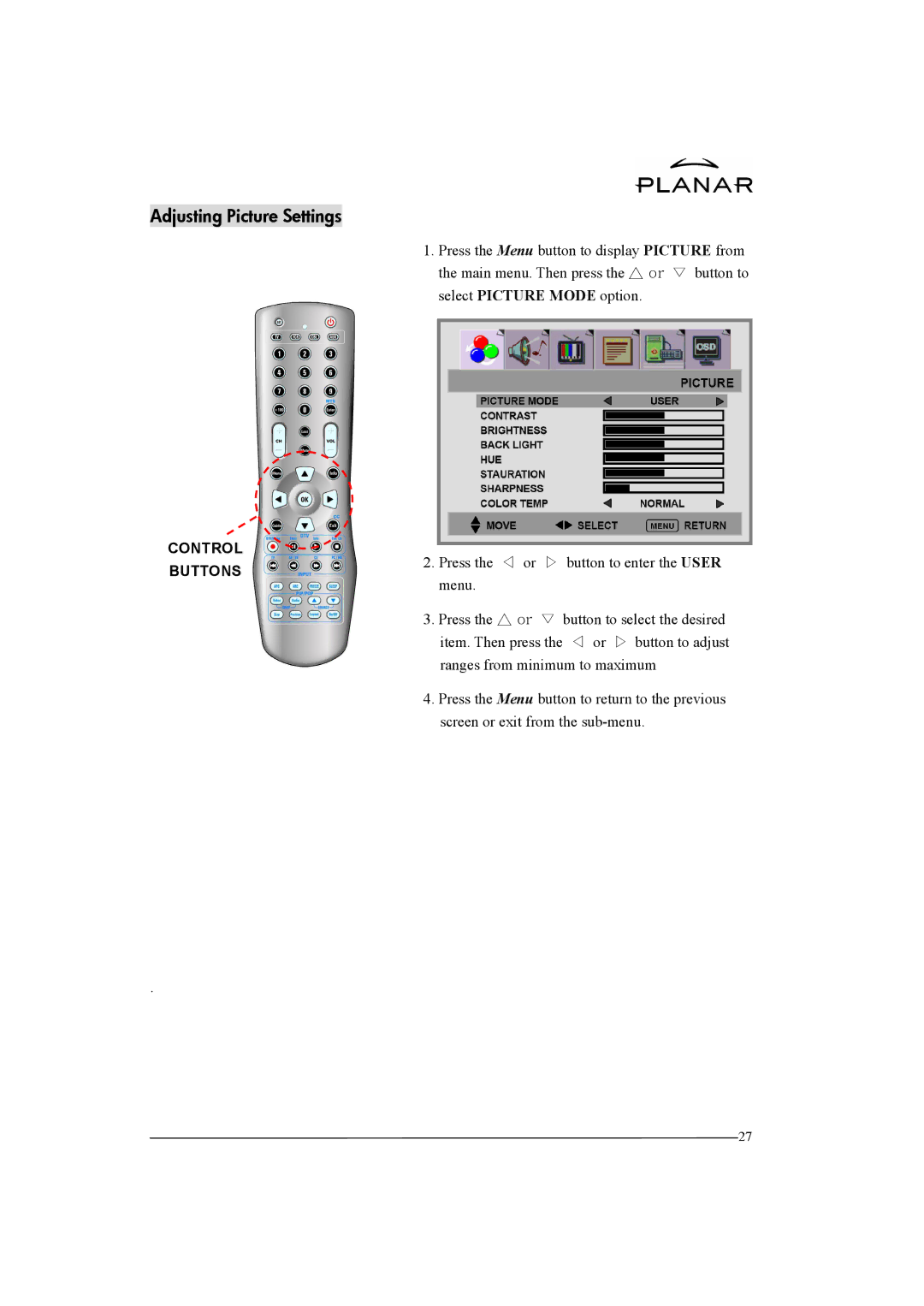
1.Press the Menu button to display PICTURE from the main menu. Then press the △ or ▽ button to select PICTURE MODE option.
2.Press the ◁ or ▷ button to enter the USER menu.
3.Press the △ or ▽ button to select the desired item. Then press the ◁ or ▷ button to adjust ranges from minimum to maximum
4.Press the Menu button to return to the previous screen or exit from the
27