Monitoring and Configuring the Printer
72
4
About Menu and Mode
There are two modes available with Web Image Monitor: user mode and admin-
istrator mode.
Displayed Items may differ depending on the machines.
❖
About User Mode
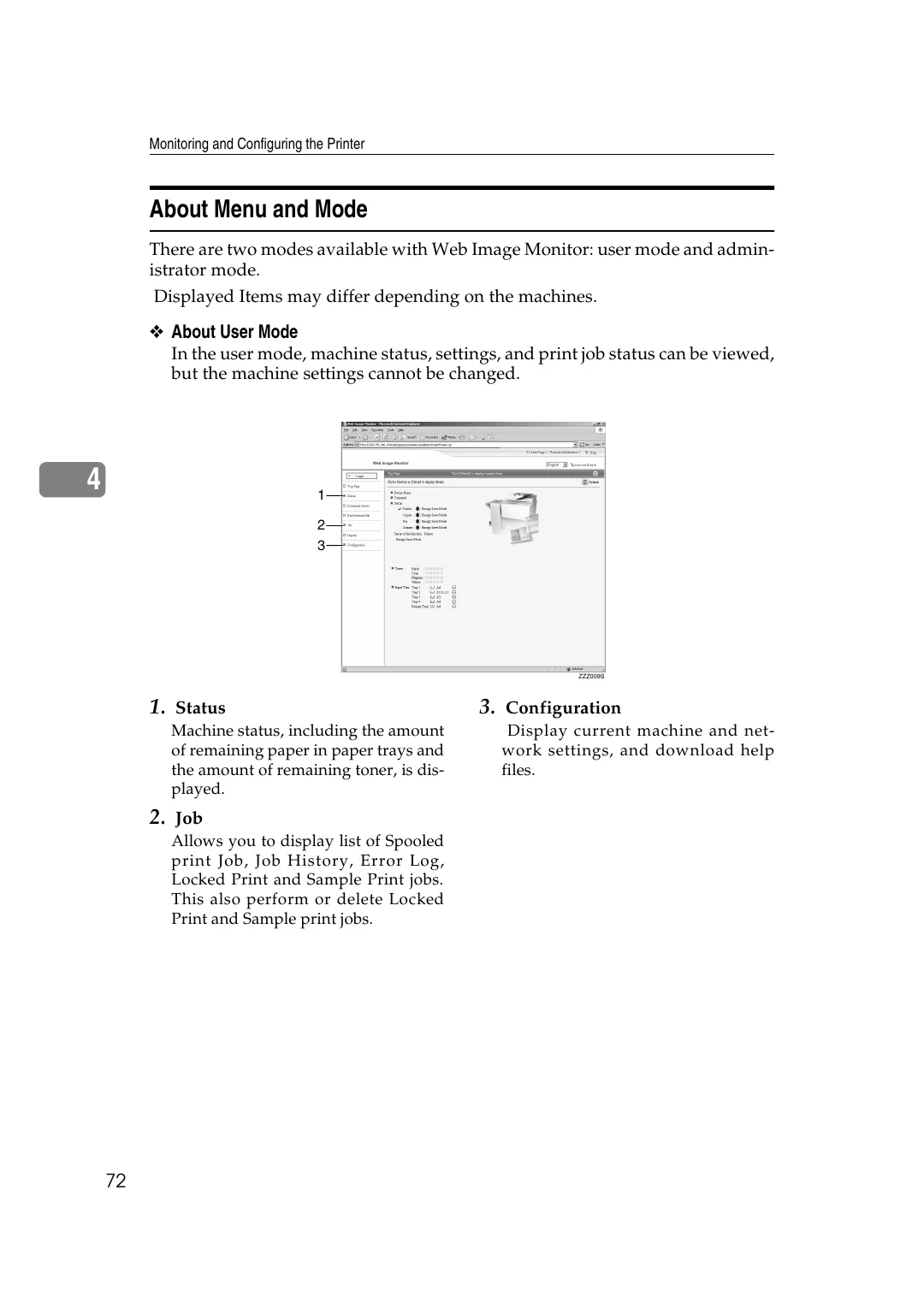
In the user mode, machine status, settings, and print job status can be viewed,
but the machine settings cannot be changed.
1.
Status
Machine status, including the amount
of remaining paper in paper trays and
the amount of remaining toner, is dis-
played.
2.
Job
Allows you to display list of Spooled
print Job, Job History, Error Log,
Locked Print and Sample Print jobs.
This also perform or delete Locked
Print and Sample print jobs.
3.
Configuration
Display current machine and net-
work settings, and download help
files.
1
2
3
ZZZ009S