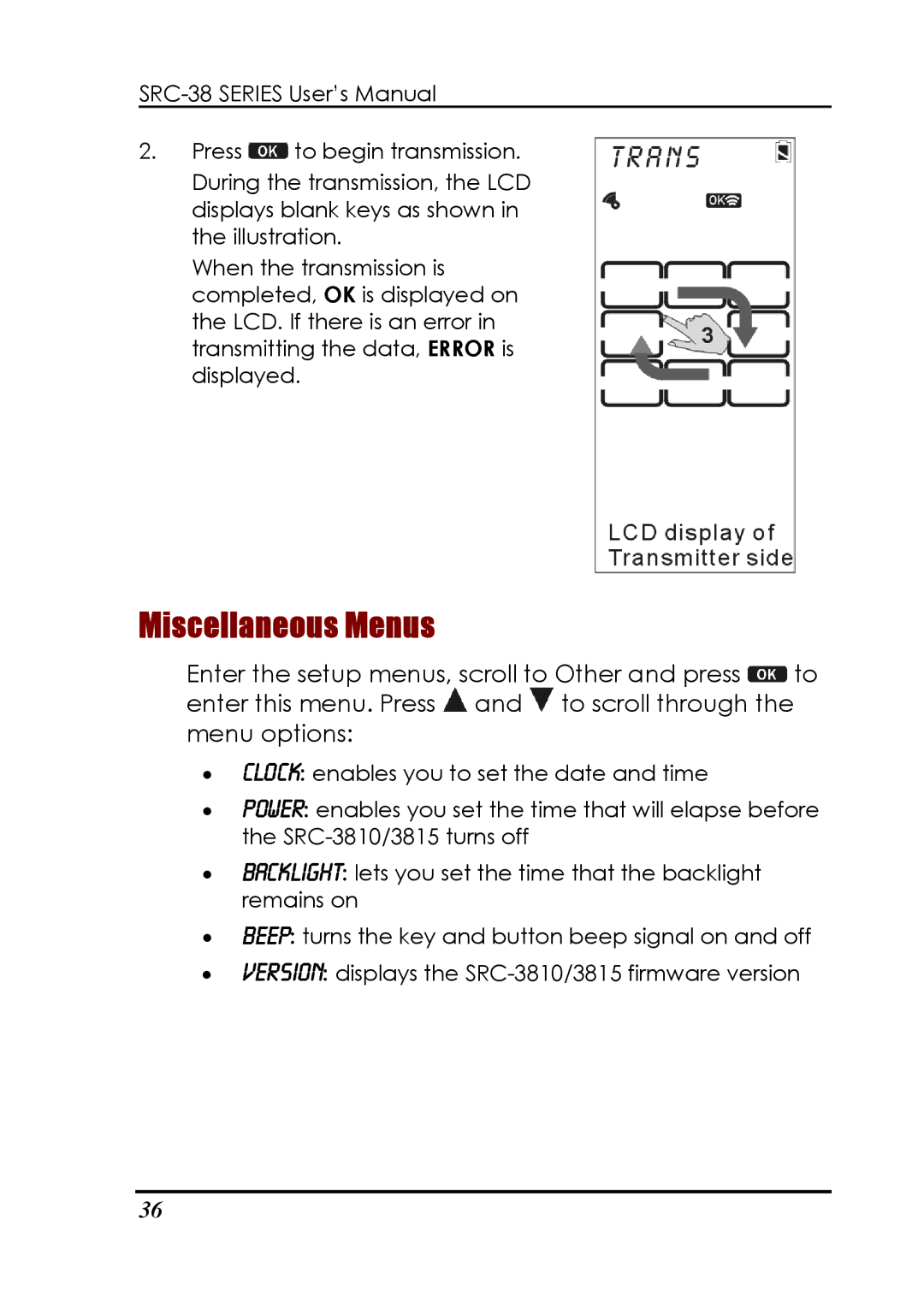
2.Press  to begin transmission.
During the transmission, the LCD displays blank keys as shown in the illustration.
When the transmission is completed, OK is displayed on the LCD. If there is an error in transmitting the data, ERROR is displayed.
Miscellaneous Menus
Enter the setup menus, scroll to Other and press  to enter this menu. Press
  and
and  to scroll through the menu options:
•Clock: enables you to set the date and time
•Power: enables you set the time that will elapse before the
•backlight: lets you set the time that the backlight remains on
•beep: turns the key and button beep signal on and off
•version: displays the
36