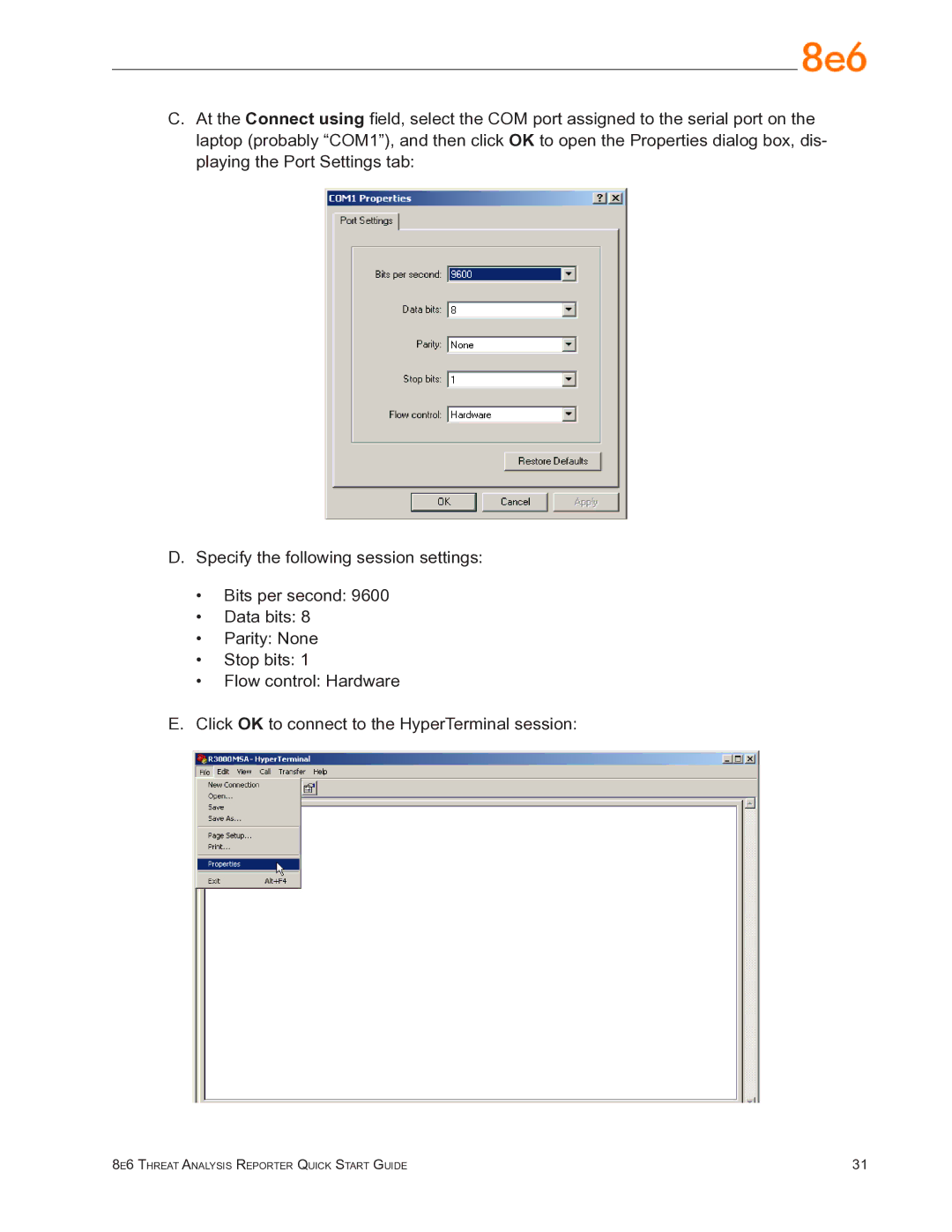
C.At the Connect using field, select the COM port assigned to the serial port on the laptop (probably “COM1”), and then click OK to open the Properties dialog box, dis- playing the Port Settings tab:
D.Specify the following session settings:
•Bits per second: 9600
•Data bits: 8
•Parity: None
•Stop bits: 1
•Flow control: Hardware
E.Click OK to connect to the HyperTerminal session:
8e6 Threat Analysis Reporter Quick Start Guide | 31 |